
AINode.jsAutomation
Email Classifier & Auto-Tagger with AI
Build an AI email classifier with Node.js and GPT-4o that connects to Gmail, reads incoming emails, classifies them by intent and priority, and applies labels automatically.
TT
Emily Ross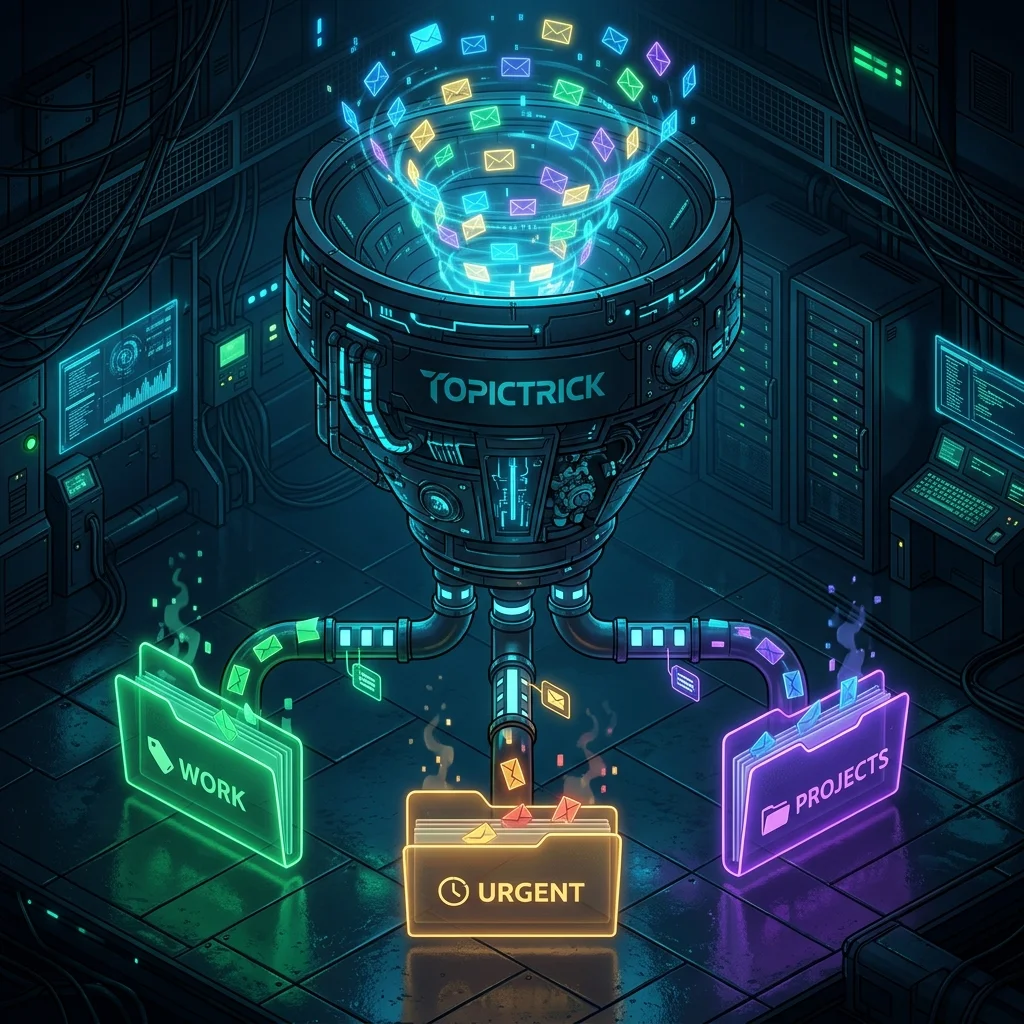
Email Classifier & Auto-Tagger with AI
An unorganised inbox is a productivity killer. This tool reads incoming emails, classifies them by intent and urgency, applies Gmail labels automatically, and can route emails to the right person — all powered by GPT-4o.
This is Tool 14 of the Build 50 AI Automation Tools course.
What You'll Build
POST /classify— classify any email (subject + body) and return intent, priority, and routing- Gmail integration to apply labels automatically via the Gmail API
- Webhook endpoint to process new emails in real time
Setup
bash
mkdir email-classifier && cd email-classifier
npm init -y
npm install express openai dotenv
# For Gmail integration:
npm install googleapis
bash
# .env
OPENAI_API_KEY=sk-your-key-here
PORT=3000
Classifier Service
js
// src/services/classifierService.js
import OpenAI from 'openai';

const openai = new OpenAI({ apiKey: process.env.OPENAI_API_KEY });

const CATEGORIES = [
  'support_request',
  'sales_lead',
  'job_application',
  'newsletter',
  'spam_promotional',
  'meeting_request',
  'invoice_payment',
  'urgent_action',
  'fyi_no_action',
  'general_inquiry',
];

export async function classifyEmail({ subject, body, from = '', customCategories = null }) {
  const categories = customCategories || CATEGORIES;

  const response = await openai.chat.completions.create({
    model: 'gpt-4o-mini',
    messages: [
      {
        role: 'system',
        content: `You are an email triage expert. Classify the email below.
Available categories: ${categories.join(', ')}

Return ONLY a JSON object:
{
  "category": "one of the available categories",
  "confidence": 0.0-1.0,
  "priority": "urgent | high | normal | low",
  "sentiment": "positive | neutral | negative | angry",
  "intent": "1 sentence describing what the sender wants",
  "summary": "2-3 sentence summary of the email content",
  "requiredAction": "string — what the recipient needs to do, or 'no action required'",
  "deadline": "string or null — any deadline mentioned",
  "routeTo": "suggested team or role to handle this (e.g. 'sales', 'support', 'engineering', 'hr', 'finance')",
  "tags": ["up to 5 relevant topic tags"]
}`,
      },
      {
        role: 'user',
        content: `From: ${from}\nSubject: ${subject}\n\n${body}`,
      },
    ],
    temperature: 0.1,
    response_format: { type: 'json_object' },
  });

  return JSON.parse(response.choices[0].message.content);
}

export async function classifyBatch(emails) {
  return Promise.all(emails.map(email => classifyEmail(email).catch(err => ({
    error: err.message,
    subject: email.subject,
  }))));
}
Server
js
// src/server.js
import 'dotenv/config';
import express from 'express';
import { classifyEmail, classifyBatch } from './services/classifierService.js';

const app = express();
app.use(express.json());

app.post('/classify', async (req, res, next) => {
  try {
    const { subject, body, from, customCategories } = req.body;
    if (!subject || !body) return res.status(400).json({ error: 'subject and body required' });
    const result = await classifyEmail({ subject, body, from, customCategories });
    res.json({ success: true, ...result });
  } catch (err) { next(err); }
});

app.post('/classify/batch', async (req, res, next) => {
  try {
    const { emails } = req.body;
    if (!emails?.length) return res.status(400).json({ error: 'emails array required' });
    const results = await classifyBatch(emails);
    res.json({ success: true, count: results.length, results });
  } catch (err) { next(err); }
});

app.get('/health', (_req, res) => res.json({ status: 'ok' }));
app.use((err, _req, res, _next) => res.status(500).json({ error: err.message }));
app.listen(process.env.PORT ?? 3000, () => console.log('Email Classifier running'));
Gmail Integration
js
// src/services/gmailService.js
import { google } from 'googleapis';

const LABEL_MAP = {
  urgent_action: 'URGENT',
  sales_lead: 'SALES-LEAD',
  support_request: 'SUPPORT',
  job_application: 'RECRUITMENT',
  invoice_payment: 'FINANCE',
};

export async function getUnreadEmails(auth, maxResults = 20) {
  const gmail = google.gmail({ version: 'v1', auth });
  const { data } = await gmail.users.messages.list({
    userId: 'me',
    q: 'is:unread',
    maxResults,
  });

  if (!data.messages) return [];

  return Promise.all(data.messages.map(async ({ id }) => {
    const { data: msg } = await gmail.users.messages.get({ userId: 'me', id });
    const headers = Object.fromEntries(msg.payload.headers.map(h => [h.name, h.value]));
    const bodyPart = msg.payload.parts?.find(p => p.mimeType === 'text/plain');
    const body = bodyPart?.body?.data
      ? Buffer.from(bodyPart.body.data, 'base64').toString()
      : msg.snippet;

    return { id, from: headers.From, subject: headers.Subject, body };
  }));
}

export async function applyLabel(auth, messageId, labelName) {
  const gmail = google.gmail({ version: 'v1', auth });

  // Create label if it doesn't exist
  const { data: labels } = await gmail.users.labels.list({ userId: 'me' });
  let label = labels.labels.find(l => l.name === labelName);

  if (!label) {
    const { data: newLabel } = await gmail.users.labels.create({
      userId: 'me',
      requestBody: { name: labelName, labelListVisibility: 'labelShow' },
    });
    label = newLabel;
  }

  await gmail.users.messages.modify({
    userId: 'me',
    id: messageId,
    requestBody: { addLabelIds: [label.id] },
  });
}

export async function processInbox(auth) {
  const { classifyEmail } = await import('./classifierService.js');
  const emails = await getUnreadEmails(auth);
  const results = [];

  for (const email of emails) {
    const classification = await classifyEmail(email);
    const labelName = LABEL_MAP[classification.category];
    if (labelName) await applyLabel(auth, email.id, labelName);
    results.push({ emailId: email.id, subject: email.subject, ...classification });
  }

  return results;
}
Testing
bash
curl -X POST http://localhost:3000/classify \
  -H "Content-Type: application/json" \
  -d '{
    "from": "john@bigcorp.com",
    "subject": "Urgent: Production down - need help NOW",
    "body": "Hi, our entire production environment is down. We are losing $10k per hour. We need your engineering team on this call immediately. Please call me at 555-1234."
  }'
Response:
json
{
  "category": "urgent_action",
  "confidence": 0.98,
  "priority": "urgent",
  "sentiment": "negative",
  "intent": "The sender needs immediate technical support for a production outage causing significant revenue loss",
  "summary": "Customer reports complete production outage. Financial impact is approximately $10k/hour. Requesting immediate phone call with engineering team.",
  "requiredAction": "Call customer immediately at 555-1234 and escalate to on-call engineering team",
  "deadline": "Immediate",
  "routeTo": "engineering",
  "tags": ["production-outage", "urgent", "revenue-impact", "escalation", "support"]
}
Build 50 AI Automation Tools — Tool 14 of 50
Email classification is live. Continue to Tool 15 to build an AI Slack bot powered by GPT-4o.
Summary
- gpt-4o-mini is ideal for classification — cheap, fast, and highly accurate for structured output
- Custom categories make the classifier adaptable to any business's email taxonomy
- Confidence score lets you set a threshold — only auto-apply labels above 0.9 confidence
- Gmail API integration applies labels automatically, turning your inbox into a sorted triage system
- Extend with a webhook to create tickets in your help desk when
support_requestemails arrive
Continue to Tool 15: Slack Bot with GPT-4o →
Post Navigation (Previous/Next)