
AINode.jsAutomation
Invoice Data Extractor with GPT-4 Vision
Build an AI invoice processor using Node.js and GPT-4o Vision that extracts vendor name, invoice number, date, totals, and line items from any PDF or image invoice automatically.
TT
Emily Ross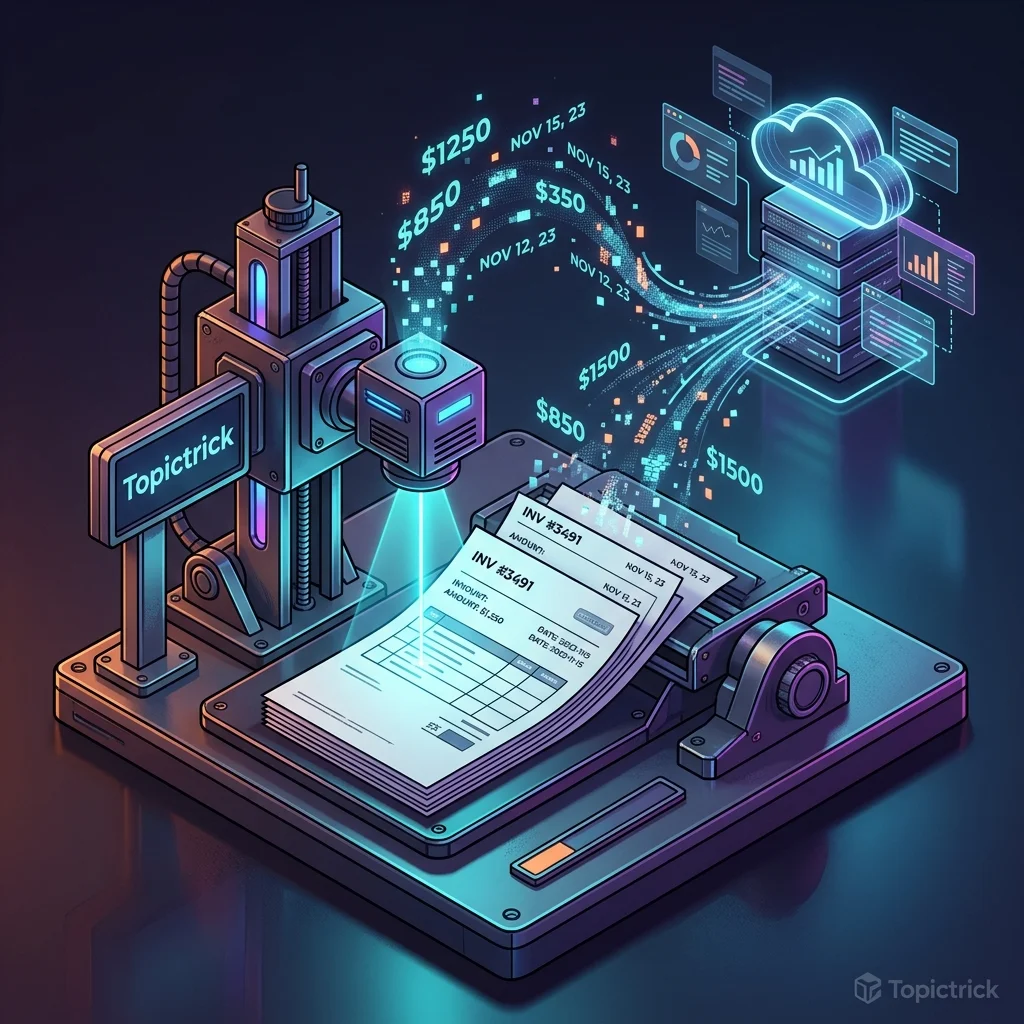
Invoice Data Extractor with GPT-4 Vision
Manual invoice data entry is one of the most common automation targets in business. This tool uploads invoice PDFs or images and extracts every field — vendor, invoice number, date, due date, line items, subtotal, tax, and total — using GPT-4o's vision capabilities.
This is Tool 4 of the Build 50 AI Automation Tools course.
What You'll Build
POST /extract— accepts invoice PDF or image, returns structured JSON- Handles both text-based PDFs (via pdf-parse) and image/scanned invoices (via GPT-4o Vision)
- Falls back to vision API automatically for image-based documents
Setup
bash
mkdir invoice-extractor && cd invoice-extractor
npm init -y
npm install express multer pdf-parse openai pdf2pic dotenv
# pdf2pic converts PDF pages to images for vision API
bash
# .env
OPENAI_API_KEY=sk-your-key-here
PORT=3000
Invoice Extraction Service
js
// src/services/invoiceService.js
import pdfParse from 'pdf-parse';
import OpenAI from 'openai';
import { fromBuffer } from 'pdf2pic';
import { readFile } from 'fs/promises';

const openai = new OpenAI({ apiKey: process.env.OPENAI_API_KEY });

const INVOICE_SCHEMA = `{
  "vendor": {
    "name": "string",
    "address": "string or null",
    "email": "string or null",
    "phone": "string or null"
  },
  "invoiceNumber": "string or null",
  "invoiceDate": "string (YYYY-MM-DD format)",
  "dueDate": "string (YYYY-MM-DD format) or null",
  "purchaseOrder": "string or null",
  "billTo": {
    "name": "string or null",
    "address": "string or null"
  },
  "lineItems": [
    {
      "description": "string",
      "quantity": "number or null",
      "unitPrice": "number or null",
      "total": "number"
    }
  ],
  "subtotal": "number or null",
  "taxAmount": "number or null",
  "taxRate": "string or null (e.g. '10%')",
  "discount": "number or null",
  "totalAmount": "number",
  "currency": "string (e.g. USD, EUR, GBP)",
  "paymentTerms": "string or null",
  "notes": "string or null"
}`;

async function extractWithText(text) {
  const response = await openai.chat.completions.create({
    model: 'gpt-4o',
    messages: [
      {
        role: 'system',
        content: `You are an accounts payable data extraction system.
Extract all invoice data from the text below.
Return ONLY a JSON object matching this schema — no markdown:
${INVOICE_SCHEMA}`,
      },
      { role: 'user', content: text },
    ],
    temperature: 0,
    response_format: { type: 'json_object' },
  });
  return JSON.parse(response.choices[0].message.content);
}

async function extractWithVision(imageBase64Array) {
  const imageContent = imageBase64Array.map(base64 => ({
    type: 'image_url',
    image_url: { url: `data:image/png;base64,${base64}`, detail: 'high' },
  }));

  const response = await openai.chat.completions.create({
    model: 'gpt-4o',
    messages: [
      {
        role: 'system',
        content: `You are an accounts payable data extraction system.
Extract all invoice data from the invoice image(s) below.
Return ONLY a JSON object matching this schema — no markdown:
${INVOICE_SCHEMA}`,
      },
      {
        role: 'user',
        content: [
          { type: 'text', text: 'Extract all data from this invoice:' },
          ...imageContent,
        ],
      },
    ],
    temperature: 0,
    response_format: { type: 'json_object' },
  });
  return JSON.parse(response.choices[0].message.content);
}

export async function extractInvoiceData(buffer, mimetype) {
  // For image files — use vision directly
  if (mimetype.startsWith('image/')) {
    const base64 = buffer.toString('base64');
    return await extractWithVision([base64]);
  }

  // For PDFs — try text extraction first
  try {
    const { text } = await pdfParse(buffer);
    if (text && text.trim().length > 100) {
      return await extractWithText(text);
    }
  } catch (_) { /* fall through to vision */ }

  // PDF has no embedded text — convert to images and use vision
  const convert = fromBuffer(buffer, {
    density: 200,
    format: 'png',
    width: 2000,
    height: 2600,
  });

  const pages = await convert.bulk(-1, { responseType: 'base64' });
  const images = pages.map(p => p.base64).slice(0, 10); // max 10 pages

  return await extractWithVision(images);
}
API Route
js
// src/routes/extract.js
import { Router } from 'express';
import multer from 'multer';
import { extractInvoiceData } from '../services/invoiceService.js';

const router = Router();
const upload = multer({
  storage: multer.memoryStorage(),
  limits: { fileSize: 20 * 1024 * 1024 },
  fileFilter: (_req, file, cb) => {
    const allowed = ['application/pdf', 'image/jpeg', 'image/png', 'image/webp'];
    allowed.includes(file.mimetype) ? cb(null, true) : cb(new Error('PDF or image only'));
  },
});

router.post('/', upload.single('invoice'), async (req, res, next) => {
  try {
    if (!req.file) return res.status(400).json({ error: 'No invoice file uploaded' });
    const data = await extractInvoiceData(req.file.buffer, req.file.mimetype);
    res.json({ success: true, filename: req.file.originalname, invoice: data });
  } catch (err) { next(err); }
});

export default router;
Server
js
// src/server.js
import 'dotenv/config';
import express from 'express';
import extractRouter from './routes/extract.js';

const app = express();
app.use(express.json());
app.use('/extract', extractRouter);
app.use((err, _req, res, _next) => res.status(500).json({ error: err.message }));
app.listen(process.env.PORT ?? 3000, () => console.log('Invoice Extractor running'));
Testing
bash
# PDF invoice
curl -X POST http://localhost:3000/extract \
  -F "invoice=@vendor-invoice.pdf"

# Image invoice
curl -X POST http://localhost:3000/extract \
  -F "invoice=@scanned-invoice.jpg"
Sample response:
json
{
  "invoice": {
    "vendor": { "name": "Acme Supplies Ltd", "email": "billing@acme.com" },
    "invoiceNumber": "INV-2025-0847",
    "invoiceDate": "2025-11-15",
    "dueDate": "2025-12-15",
    "lineItems": [
      { "description": "Cloud Storage (100GB)", "quantity": 1, "unitPrice": 29.99, "total": 29.99 },
      { "description": "Support Plan - Pro", "quantity": 1, "unitPrice": 99.00, "total": 99.00 }
    ],
    "subtotal": 128.99,
    "taxAmount": 12.90,
    "taxRate": "10%",
    "totalAmount": 141.89,
    "currency": "USD",
    "paymentTerms": "Net 30"
  }
}
Export to CSV / Accounting Software
js
import { createWriteStream } from 'fs';

export function exportToCSV(invoices, outputPath) {
  const headers = 'Vendor,Invoice#,Date,Due Date,Total,Currency\n';
  const rows = invoices.map(inv =>
    `"${inv.vendor.name}","${inv.invoiceNumber}","${inv.invoiceDate}","${inv.dueDate}","${inv.totalAmount}","${inv.currency}"`
  ).join('\n');
  require('fs').writeFileSync(outputPath, headers + rows);
}
Build 50 AI Automation Tools — Tool 4 of 50
Invoice extraction is complete. Continue to Tool 5 to build an AI document comparison tool.
Summary
- Smart fallback tries text extraction first, falls back to vision for scanned PDFs
- pdf2pic converts PDF pages to base64 images for the vision API
- Multi-page support sends up to 10 page images in a single API call
- The INVOICE_SCHEMA ensures consistent field names across all invoice formats
- Extend by writing extracted data directly to QuickBooks, Xero, or a database
Continue to Tool 5: Document Comparison Tool →
Post Navigation (Previous/Next)