
Meeting Notes to Action Items Converter
Build an AI tool with Node.js and GPT-4o that converts raw meeting notes or transcripts into structured action items, decisions, and follow-ups — ready to paste into your project management tool.
Meeting Notes to Action Items Converter
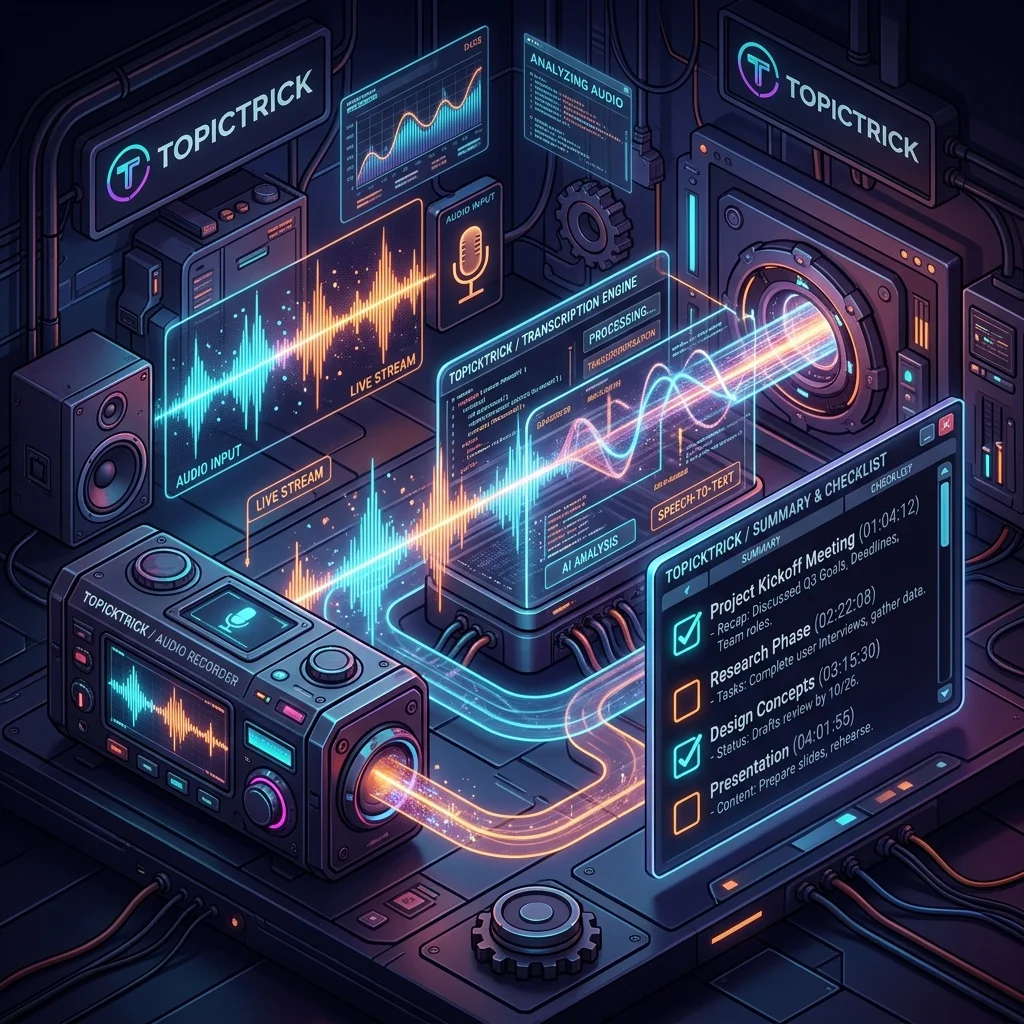
Every meeting ends with someone saying "I'll send out the notes." This tool does it automatically — paste raw meeting notes or a transcript and get back structured action items with owners, deadlines, and priorities, plus a meeting summary and list of decisions made.
This is Tool 6 of the Build 50 AI Automation Tools course.
What You'll Build
POST /process— accepts meeting notes text, returns structured action items and summary- Extracts who is responsible, what they need to do, and by when
- Identifies decisions made and open questions
Setup
mkdir meeting-processor && cd meeting-processor
npm init -y
npm install express openai dotenv# .env
OPENAI_API_KEY=sk-your-key-here
PORT=3000Meeting Processing Service
// src/services/meetingService.js
import OpenAI from 'openai';

const openai = new OpenAI({ apiKey: process.env.OPENAI_API_KEY });

const OUTPUT_SCHEMA = `{
  "meetingTitle": "string (inferred from context)",
  "date": "string (YYYY-MM-DD) or null",
  "attendees": ["string"],
  "summary": "3-4 sentence plain-English summary of the meeting",
  "decisions": [
    {
      "decision": "string — what was decided",
      "context": "string — brief reason or context"
    }
  ],
  "actionItems": [
    {
      "task": "string — specific, actionable task",
      "owner": "string — person responsible (name or 'Team')",
      "deadline": "string — due date or timeframe (e.g. 'Friday', 'EOW', 'YYYY-MM-DD') or null",
      "priority": "high | medium | low",
      "notes": "string or null"
    }
  ],
  "openQuestions": [
    {
      "question": "string — unresolved question",
      "assignedTo": "string or null"
    }
  ],
  "nextMeeting": "string or null (date/time if mentioned)"
}`;

export async function processMeetingNotes(notes) {
  const response = await openai.chat.completions.create({
    model: 'gpt-4o',
    messages: [
      {
        role: 'system',
        content: `You are an expert meeting facilitator and project manager.
Extract structured information from the meeting notes below.
Return ONLY a JSON object matching this schema — no markdown:
${OUTPUT_SCHEMA}

Rules:
- Action items must be specific and actionable (not vague like "discuss further")
- Infer deadlines from context ("by Friday", "end of sprint", "ASAP")
- If no owner is specified for an action, set owner to "TBD"
- Priority: high = blocking/urgent, medium = important, low = nice-to-have`,
      },
      { role: 'user', content: notes },
    ],
    temperature: 0.2,
    response_format: { type: 'json_object' },
  });

  return JSON.parse(response.choices[0].message.content);
}
API Route + Server
// src/server.js
import 'dotenv/config';
import express from 'express';
import { processMeetingNotes } from './services/meetingService.js';

const app = express();
app.use(express.json({ limit: '1mb' }));

app.post('/process', async (req, res, next) => {
  try {
    const { notes } = req.body;
    if (!notes?.trim()) return res.status(400).json({ error: 'Meeting notes text required in body.notes' });
    const result = await processMeetingNotes(notes);
    res.json({ success: true, ...result });
  } catch (err) { next(err); }
});

// Also accept plain text via form
app.post('/process/text', express.text({ limit: '1mb' }), async (req, res, next) => {
  try {
    if (!req.body?.trim()) return res.status(400).json({ error: 'Meeting notes text required' });
    const result = await processMeetingNotes(req.body);
    res.json({ success: true, ...result });
  } catch (err) { next(err); }
});

app.get('/health', (_req, res) => res.json({ status: 'ok' }));
app.use((err, _req, res, _next) => res.status(500).json({ error: err.message }));
app.listen(process.env.PORT ?? 3000, () => console.log('Meeting Processor running'));
Testing
curl -X POST http://localhost:3000/process \
  -H "Content-Type: application/json" \
  -d '{
    "notes": "Q4 planning meeting - Nov 14th. Attendees: Sarah (PM), Tom (Eng), Lisa (Design)\n\nWe agreed to push the mobile launch to Jan 15. Tom will set up the new CI pipeline by Friday. Sarah needs to update the roadmap doc and share with stakeholders by EOW. Lisa to send final mockups to Tom by Wednesday. We still need to decide on the analytics vendor - Sarah will schedule a call with Mixpanel and Amplitude next week. Open question: do we need a dedicated QA resource for the mobile release? Tom thinks yes but needs sign-off from budget."
  }'
Sample response:
{
  "meetingTitle": "Q4 Planning Meeting",
  "date": "2025-11-14",
  "attendees": ["Sarah", "Tom", "Lisa"],
  "summary": "The team agreed to delay mobile launch to January 15th. Key tasks were assigned around CI pipeline setup, roadmap documentation, and design handoff. Analytics vendor selection is still open and a vendor evaluation call is planned for next week.",
  "decisions": [
    { "decision": "Mobile launch delayed to January 15th", "context": "Gives team time to complete CI pipeline and design review" }
  ],
  "actionItems": [
    { "task": "Set up new CI pipeline", "owner": "Tom", "deadline": "Friday", "priority": "high" },
    { "task": "Update roadmap doc and share with stakeholders", "owner": "Sarah", "deadline": "EOW", "priority": "high" },
    { "task": "Send final mockups to Tom", "owner": "Lisa", "deadline": "Wednesday", "priority": "medium" },
    { "task": "Schedule vendor evaluation call with Mixpanel and Amplitude", "owner": "Sarah", "deadline": "Next week", "priority": "medium" },
    { "task": "Get budget sign-off for dedicated QA resource", "owner": "Tom", "deadline": null, "priority": "medium" }
  ],
  "openQuestions": [
    { "question": "Do we need a dedicated QA resource for mobile release?", "assignedTo": "Tom" },
    { "question": "Which analytics vendor to select: Mixpanel or Amplitude?", "assignedTo": "Sarah" }
  ]
}
Auto-Create Tasks in Asana
import fetch from 'node-fetch';

export async function createAsanaTasks(actionItems, projectId, asanaToken) {
  for (const item of actionItems) {
    await fetch('https://app.asana.com/api/1.0/tasks', {
      method: 'POST',
      headers: {
        'Authorization': `Bearer ${asanaToken}`,
        'Content-Type': 'application/json',
      },
      body: JSON.stringify({
        data: {
          name: item.task,
          projects: [projectId],
          due_on: item.deadline || null,
          notes: `Owner: ${item.owner}\nPriority: ${item.priority}`,
        },
      }),
    });
  }
}
Slack Integration
Post the summary directly to a Slack channel after processing:
import { WebClient } from '@slack/web-api';

export async function postToSlack(result, channelId, slackToken) {
  const slack = new WebClient(slackToken);
  const actionList = result.actionItems
    .map(a => `• *${a.task}* — ${a.owner} (${a.deadline || 'no deadline'}) [${a.priority}]`)
    .join('\n');

  await slack.chat.postMessage({
    channel: channelId,
    text: `*Meeting Summary: ${result.meetingTitle}*\n\n${result.summary}\n\n*Action Items:*\n${actionList}`,
  });
}
Build 50 AI Automation Tools — Tool 6 of 50
Meeting automation is live. Phase 1 complete. Continue to Phase 2 with Tool 7: AI Web Scraper with Smart Content Parsing.
Summary
- GPT-4o extracts action items from any meeting format — typed notes, Zoom transcripts, bullet points
- The structured schema ensures consistent output ready for downstream integrations
- Owner and deadline inference works from informal language like "sarah will do this by friday"
- Extend with Asana/Linear/Jira API calls to auto-create tasks from the extracted action items
- Add a Slack webhook to post the summary to your team channel automatically after every meeting
Continue to Tool 7: AI Web Scraper with Smart Parsing →