
GitHub Releases: Automated Versioning
Master the rollout. Learn how to use GitHub Actions to automate semantic versioning, generate changelogs, and publish assets.
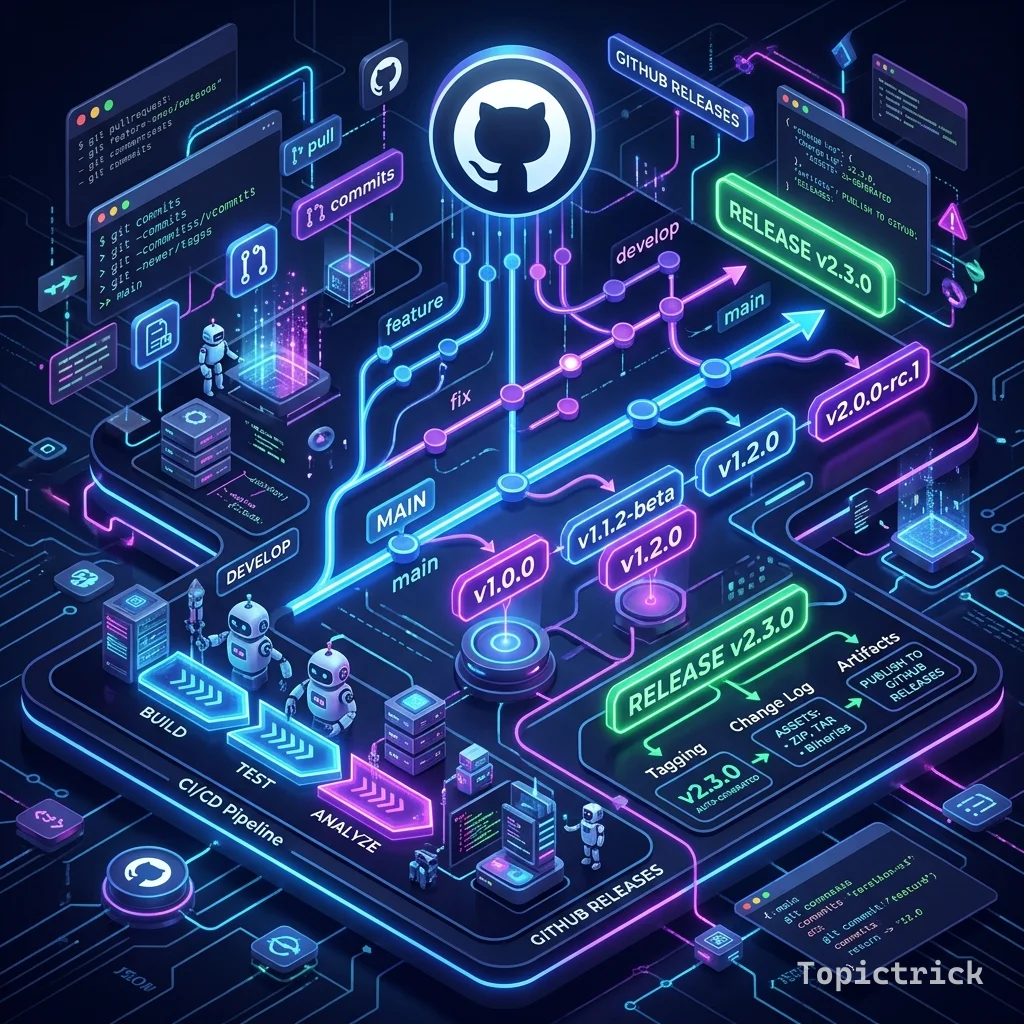
GitHub Releases: Automated Versioning
"Code is a draft. A Release is a milestone. Automation is the bridge between them."
In your junior years, you might manually create a "Release" on GitHub, type the name "v1.0.1", and copy-paste your commit messages into a text box.
- The Problem: You might forget a bug fix. You might use the wrong version number.
- The Result: Users get confused.
Automated Versioning solves this by using your Commit Messages to decide the next version number and generate the "Release Notes" for you. This 1,500+ word guide explores the "Continuous Release" pipeline of 2026.
1. What is Semantic Versioning (SemVer)?
Before you automate, you must understand the "Math" of versions: MAJOR.MINOR.PATCH.
- PATCH (0.0.1): You fixed a bug. It doesn't break anything.
- MINOR (0.1.0): You added a new feature but the old code still works.
- MAJOR (1.0.0): You changed the rules. The old code will break.
2. Conventional Commits: The Secret Ingredient
To automate, your computer must "Read" your brain. We use Conventional Commits:
feat: add new login page-> The computer knows this is a MINOR change.fix: resolve crash on mobile-> This is a PATCH.feat!: remove support for IE11-> The!tells the computer this is a MAJOR change.
3. Tool of the Trade: semantic-release
The goal is to run a script in GitHub Actions that:
- Analyzes the commits since the last release.
- Decides the new version (e.g., v1.1.2).
- Creates a Tag to lock the code.
- Generates a Changelog.
- Uploads the Binary (e.g., your
.exeor.apkfile).
4. The Workflow: One-Click Publishing
jobs:
  release:
    runs-on: ubuntu-latest
    steps:
      - uses: actions/checkout@v4
      - name: Create Release
        uses: softprops/action-gh-release@v2
        with:
          tag_name: ${{ github.ref_name }}
          body_path: CHANGELOG.md
          files: |
            dist/my-app.zip
Architecture Note: Notice the files section. This is where you upload the final "Product" so users can download it without having to compile the source code themselves.
5. Security: Protected Tags
In 2026, we don't allow just "Anyone" to create a release.
- Rule: Only a "Merged PR" to the
mainbranch can trigger a release. - Rule: A "Senior Maintainer" must approve the Release Draft before it is published to the public. This protects your users from a "Hack" where a bad developer tries to publish a malicious version of your code.
Summary: The Release Checklist
- Commit Format: Teach your team to use
feat:andfix:. - Tagging: Always use
vX.Y.Zformat for consistency. - Changelog: Use an automated tool to aggregate commit messages; don't write them by hand.
- Artifacts: Upload the compiled binaries, not just the code.
- Approvals: Use GitHub "Environments" to require a human signature before the release goes live.
Releases are the "Output" of your hard work. By mastering the automation of versioning and the discipline of conventional commits, you gain the ability to maintain massive open-source projects or enterprise software with zero manual friction. You graduate from "Pushing code" to "Shipping Products."
Part of the GitHub Mastery Course - engineering the rollout.