
Build an Automated Meeting Notes Summariser with Claude
Build a meeting notes summariser that converts raw transcripts into structured summaries with action items, decisions, and owner assignments. Python.
What Does This Meeting Notes Summariser Do?
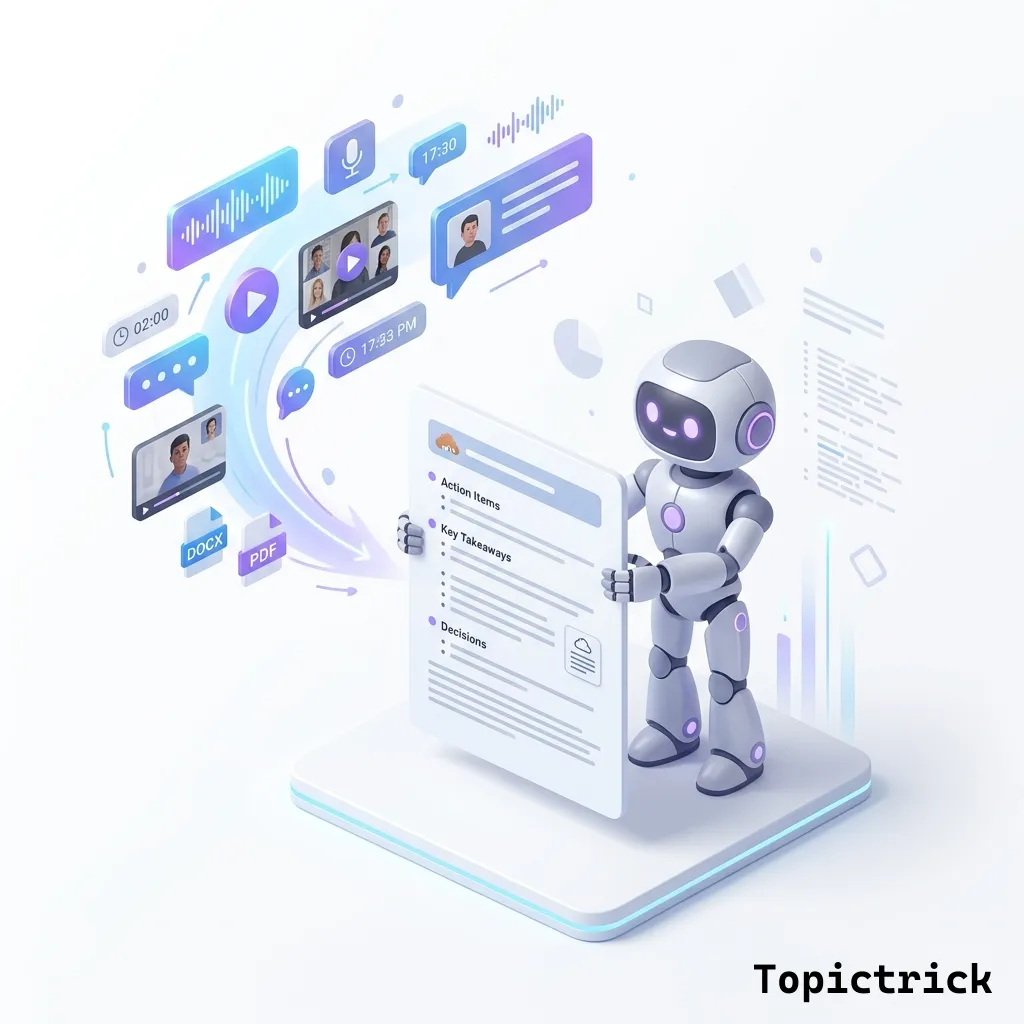
This project builds a meeting notes summariser that accepts a raw text transcript and outputs a structured JSON summary containing: a one-paragraph executive summary, categorised key discussion points, all decisions made, and a list of action items - each with a task description, owner name, deadline, and priority. The same structured output is also formatted as readable Markdown. Every meeting gets consistent, complete documentation automatically.
Every company runs meetings. Most meetings produce some kind of notes, but those notes are rarely consistent - some are detailed while others are sparse, some capture action items while others do not, and finding agreed decisions from three weeks ago can take longer than it should. An automated meeting notes summariser solves all of these problems at once.
This project builds a system that takes a meeting transcript - from a Zoom, Teams, or Google Meet recording transcription, or from your own notes - and produces a standardised structured summary: the meeting purpose, key discussion points, decisions made, action items with owners and deadlines, and a brief executive summary. Every meeting gets the same quality of documentation automatically.
What We Are Building
The summariser processes a meeting transcript and produces:
- Executive summary: 3-4 sentences describing what the meeting was about and the main outcomes
- Key discussion points: The substantive topics covered, with important context
- Decisions made: Explicit agreements or directions decided in the meeting
- Action items: Specific tasks, each with an owner (where identifiable) and deadline (where stated)
- Open questions: Issues raised but not resolved, requiring follow-up
Prerequisites
- Python 3.9 or later
- pip install anthropic
- For audio transcription: pip install openai-whisper (or use any transcription service that outputs text)
- An Anthropic API key set as ANTHROPIC_API_KEY
Complete Implementation
import anthropic
import json
from pathlib import Path
from datetime import datetime

client = anthropic.Anthropic()


# --- Tool Definitions ---------------------------------------------------------

MEETING_SUMMARY_TOOL = {
    "name": "create_meeting_summary",
    "description": "Create a structured summary of a meeting transcript",
    "input_schema": {
        "type": "object",
        "properties": {
            "meeting_title": {
                "type": "string",
                "description": "A descriptive title for this meeting, e.g. 'Q3 Product Roadmap Planning'"
            },
            "meeting_type": {
                "type": "string",
                "enum": ["planning", "review", "standup", "retrospective", "decision", "information", "other"],
                "description": "The type of meeting"
            },
            "attendees": {
                "type": "array",
                "items": {"type": "string"},
                "description": "Names of people who spoke or were mentioned as present"
            },
            "executive_summary": {
                "type": "string",
                "description": "3-4 sentence overview of the meeting purpose and main outcomes"
            },
            "key_discussion_points": {
                "type": "array",
                "items": {
                    "type": "object",
                    "properties": {
                        "topic": {"type": "string"},
                        "summary": {"type": "string"},
                        "context": {"type": "string"}
                    },
                    "required": ["topic", "summary"]
                },
                "description": "Main topics discussed"
            },
            "decisions": {
                "type": "array",
                "items": {
                    "type": "object",
                    "properties": {
                        "decision": {"type": "string"},
                        "rationale": {"type": "string"},
                        "decided_by": {"type": "string"}
                    },
                    "required": ["decision"]
                },
                "description": "Decisions or agreements made during the meeting"
            },
            "action_items": {
                "type": "array",
                "items": {
                    "type": "object",
                    "properties": {
                        "task": {"type": "string"},
                        "owner": {"type": "string", "description": "Person responsible, or 'TBD' if not identified"},
                        "deadline": {"type": "string", "description": "Deadline if stated, otherwise 'Not specified'"},
                        "priority": {"type": "string", "enum": ["high", "medium", "low"]}
                    },
                    "required": ["task", "owner", "deadline", "priority"]
                },
                "description": "Specific tasks assigned or agreed upon"
            },
            "open_questions": {
                "type": "array",
                "items": {"type": "string"},
                "description": "Questions or issues raised but not resolved"
            },
            "next_meeting": {
                "type": "string",
                "description": "Next meeting date/time if mentioned, or null"
            }
        },
        "required": [
            "meeting_title", "meeting_type", "executive_summary",
            "key_discussion_points", "decisions", "action_items"
        ]
    }
}


# --- Core Functions -----------------------------------------------------------

def summarise_meeting(transcript: str, meeting_context: str = "") -> dict:
    """
    Summarise a meeting transcript using Claude.

    Args:
        transcript: The raw meeting transcript text
        meeting_context: Optional context like meeting title, date, team name

    Returns:
        Structured meeting summary as a dictionary
    """

    context_block = f"\nMEETING CONTEXT:\n{meeting_context}\n" if meeting_context else —
    response = client.messages.create(
        model="claude-sonnet-4-6",
        max_tokens=4096,
        tools=[MEETING_SUMMARY_TOOL],
        tool_choice={"type": "tool", "name": "create_meeting_summary"},
        system="""You are an expert meeting notes processor. Your job is to extract clear,
actionable structured summaries from meeting transcripts.

Be precise about action items - only include concrete tasks that someone explicitly agreed to do.
Be precise about decisions - only include things that were explicitly agreed upon or approved.
Open questions should be things genuinely left unresolved, not rhetorical questions from discussion.
""",
        messages=[
            {
                "role": "user",
                "content": f"""{context_block}
MEETING TRANSCRIPT:
{transcript}

Create a complete structured summary of this meeting."""
            }
        ]
    )

    for block in response.content:
        if block.type == "tool_use":
            return block.input

    raise RuntimeError("Summarisation failed")


def format_markdown(summary: dict, transcript_date: str = None) -> str:
    """Format the structured summary as markdown."""

    date_str = transcript_date or datetime.now().strftime("%Y-%m-%d")

    lines = [
        f"# {summary['meeting_title']}",
        f"**Date:** {date_str}  |  **Type:** {summary['meeting_type'].title()}",
        —     ]

    if summary.get("attendees"):
        lines.append(f"**Attendees:** {', '.join(summary['attendees'])}")
        lines.append("")

    lines += [
        "## Executive Summary",
        summary["executive_summary"],
        —     ]

    if summary.get("key_discussion_points"):
        lines.append("## Key Discussion Points")
        for point in summary["key_discussion_points"]:
            lines.append(f"\n### {point['topic']}")
            lines.append(point["summary"])
            if point.get("context"):
                lines.append(f"*Context: {point['context']}*")
        lines.append("")

    if summary.get("decisions"):
        lines.append("## Decisions Made")
        for d in summary["decisions"]:
            decision_line = f"- **{d['decision']}**"
            if d.get("rationale"):
                decision_line += f" - {d['rationale']}"
            lines.append(decision_line)
        lines.append("")

    if summary.get("action_items"):
        lines.append("## Action Items")
        lines.append("")
        lines.append("| Task | Owner | Deadline | Priority |")
        lines.append("|------|-------|----------|----------|")
        for item in summary["action_items"]:
            lines.append(f"| {item['task']} | {item['owner']} | {item['deadline']} | {item['priority'].title()} |")
        lines.append("")

    if summary.get("open_questions"):
        lines.append("## Open Questions")
        for q in summary["open_questions"]:
            lines.append(f"- {q}")
        lines.append("")

    if summary.get("next_meeting"):
        lines.append(f"**Next Meeting:** {summary['next_meeting']}")

    return "\n".join(lines)


def process_meeting_file(transcript_path: str, output_dir: str = ".") -> dict:
    """
    Process a meeting transcript file and save outputs.
    Returns the structured summary.
    """
    path = Path(transcript_path)
    transcript = path.read_text(encoding="utf-8")

    print(f"Processing: {path.name}")
    print(f"Transcript length: {len(transcript)} characters")

    summary = summarise_meeting(
        transcript=transcript,
        meeting_context=f"File: {path.name}"
    )

    # Save structured JSON
    json_path = Path(output_dir) / f"{path.stem}_summary.json"
    with open(json_path, "w", encoding="utf-8") as f:
        json.dump(summary, f, indent=2)

    # Save markdown
    md_path = Path(output_dir) / f"{path.stem}_summary.md"
    with open(md_path, "w", encoding="utf-8") as f:
        f.write(format_markdown(summary))

    print(f"Summary saved to: {md_path}")
    print(f"JSON saved to: {json_path}")

    return summary


# --- Example Usage ------------------------------------------------------------

SAMPLE_TRANSCRIPT = """
Sarah: Okay, I think everyone is here. Let's get started. Today's agenda is the Q3 marketing budget and the launch timeline for the new product.

Marcus: Before we start, I just wanted to flag that the design team is running about a week behind schedule.

Sarah: Okay, that's important. Let's factor that in when we talk about the launch timeline. So, marketing budget first. We had allocated £45,000 for Q3 digital spend. Given the delay Marcus mentioned, should we hold back some of that spend?

Lisa: I think we should. If we push out the paid social campaign by two weeks, we can save about £8,000 that we could roll into Q4. I'd recommend moving the launch from September 15 to October 1.

Marcus: That works from our side. Two weeks gives us the buffer we need.

Sarah: Agreed. So we're moving the launch to October 1. Lisa, can you update the marketing calendar and brief the agency by end of week?

Lisa: Yes, I'll get that done by Friday.

Sarah: Great. Marcus, what do we need from the product side to get back on track?

Marcus: We need the final copy from the content team by next Tuesday. That's the main blocker.

Sarah: James, you're on content - can you hit Tuesday?

James: Yes, I'll prioritise it. Though I do have a question - do we want the email sequence to follow the same messaging as the landing page, or do we want a different angle?

Sarah: Good question. Let's keep it consistent for now. James, align with Lisa on the messaging this week. One more thing - we still don't have a decision on whether we're doing a webinar as part of the launch. Any thoughts?

Marcus: I'd vote yes but I'm not sure who hosts it.

Lisa: It could be a good channel but I don't want to add scope to an already delayed launch.

Sarah: Let's park the webinar question for now and revisit after the main launch is done. Final question - budget sign-off. Lisa, you need the revised forecast by when?

Lisa: Before end of month - so by June 30.

Sarah: Okay, I'll get finance to approve the revised Q3/Q4 split by then. I think that covers everything. Same team, let's sync again in two weeks - June 28.
"""

if __name__ == "__main__":
    summary = summarise_meeting(
        transcript=SAMPLE_TRANSCRIPT,
        meeting_context="Marketing team Q3 planning meeting, June 2026"
    )

    print(format_markdown(summary, "2026-06-14"))
    print("\n--- JSON ---")
    print(json.dumps(summary, indent=2))
Chunk Long Transcripts for Very Long Meetings
For meetings over 2 hours, the transcript can exceed 50,000 tokens. Process these in two passes: first, split the transcript into 30-minute segments and summarise each segment independently. Then use a second Claude call to merge the segment summaries into a final consolidated summary. This two-pass approach keeps each Claude call well within context limits and produces better coherence than trying to process an extremely long transcript in one shot.
Extending the Project
- Audio integration: Use OpenAI Whisper or AssemblyAI to transcribe audio/video files before summarisation, creating a fully automated pipeline from recording to structured notes
- Slack/Teams integration: Post the action items into a Slack channel automatically after each meeting, with owners tagged and items formatted as checkboxes
- Calendar integration: Extract the next meeting date and create a calendar event automatically using Google Calendar or Microsoft Graph APIs
- CRM integration: For sales meetings, automatically log the key discussion points and next steps into your CRM against the relevant account
Summary
The meeting summariser demonstrates structured extraction at scale. The key design decisions that make it work:
- Tool use with tool_choice guarantees the output schema - every summary has the same structure regardless of meeting type
- Granular sub-schemas for action items (task, owner, deadline, priority) enforce the data quality that makes summaries usable downstream
- Markdown formatting makes summaries immediately readable in email, Slack, Notion, or Confluence
- JSON output enables downstream automation - feed action items into project management tools, ownership assignments into CRM, and decisions into a searchable archive
Next project: Project: Build a Code Review Assistant for GitHub PRs.
For the structured output concepts behind this project, see Claude Structured Outputs and JSON and Claude Tool Use Explained. For handling large audio file transcripts via the Files API, see Claude Files API Tutorial.
External Resources
- OpenAI Whisper API - speech-to-text transcription to convert audio recordings into text before summarisation.
- AssemblyAI documentation - an alternative transcription API with speaker diarisation (identifies who said what) - highly useful for multi-participant meeting notes.
This post is part of the Anthropic AI Tutorial Series. Previous post: Project: Build a Customer Support Chatbot with Claude API.
Part of the Claude AI Masterclass.