
GitHub CI: Building the Pipeline
Master the feedback loop. Learn how to build a bulletproof Continuous Integration (CI) pipeline that automates testing, linting, and security scans.
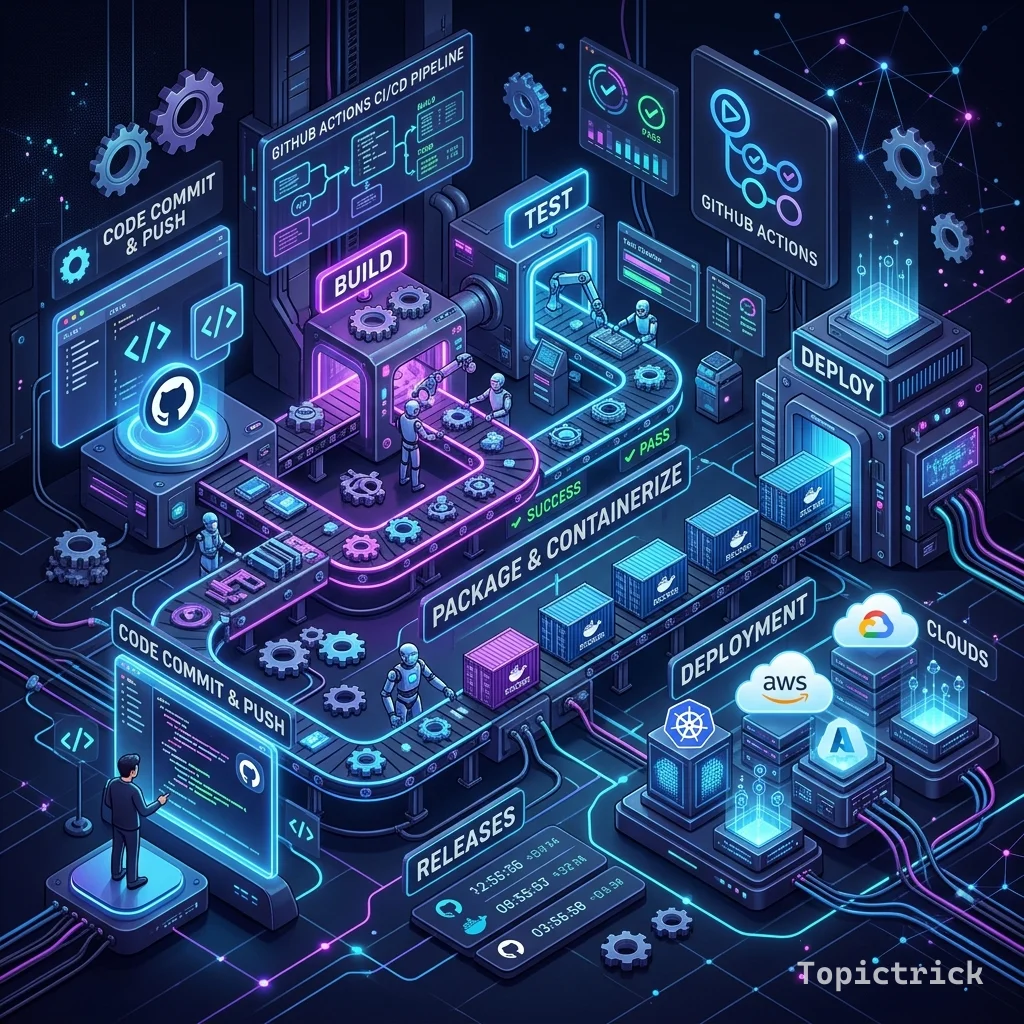
GitHub CI: Building the Pipeline
"A CI pipeline is a 'Liar-Detector.' It doesn't care about your feelings; it only cares about the Code."
The goal of Continuous Integration (CI) is simple: Ensure that every piece of code merged into the "Main" branch is healthy.
- No broken tests.
- No messy formatting.
- No security holes.
In a professional $2026$ workflow, the "Human" doesn't check the code; the Pipeline does. This 1,500+ word guide is your architectural manual for building the "Bulletproof" CI factory.
1. The Strategy: Feedback in 5 Minutes
The #1 rule of CI is Speed.
- If your pipeline takes $1$ hour to run, developers will stop using it. They will "Force Merge" code to save time.
- The Goal: Your CI should give a "Green Checkmark" in under $5$ minutes.
- Use Parallel Jobs (Module 114) and Caching (Module 124) to destroy latency.
2. Stage 1: The "Linter" (Style Check)
Before you run expensive tests, check the formatting.
- name: Lint Code
  run: npm run lint
Why this is Professional: It prevents "Bickering" in PR reviews. You don't have to comment: "Please add a space here." The computer already rejected the code for that reason.
3. Stage 2: Automated Unit Testing
This is the heart of the pipeline.
- name: Run Tests
  run: npm test
The Matrix Trick: Run your tests on Ubuntu, Windows, and macOS simultaneously. Just because it works on your laptop doesn't mean it will work on your customer's Windows machine.
4. Stage 3: Security Surface Analysis
In 2026, CI is your "Protector."
- Secret Scanning: Check if a developer accidentally committed their credit card or AWS key.
- Dependency Scan: Check if your libraries have a known "Hack" (e.g., Log4Shell).
Tool: Use
github/codeql-actionto perform "Static Analysis." It reads your code like a hacker would and finds vulnerabilities automatically.
5. The "Strict" Merge: Branch Protection
A CI pipeline is useless if you can bypass it.
- Requirement: You must go to Repo Settings -> Branch Protection.
- Enable "Require status checks to pass before merging."
- Now, the "Merge" button is physically DISABLED by GitHub until your CI pipeline says "Success." This is how you ensure the
mainbranch is always production-ready.
Summary: The CI Checklist
- Fast Feedback: Aim for under 10 minutes; cache your dependencies.
- Lint First: Kill the build early if the formatting is wrong.
- Cross-Platform: Use Matrix builds to test on all target OSs.
- Security Built-in: Include CodeQL and Secret Scanning in every push.
- Enforced Rules: Use Branch Protection to make the pipeline Mandatory.
CI is the "Foundation of Confidence." By mastering the automated feedback loop and the discipline of branch protection, you gain the ability to lead massive teams where code quality never drops. You graduate from "Guessing if it works" to "Knowing it is Perfect."
Part of the GitHub Mastery Course - engineering the factory.