
C Processes, fork() & exec(): System-Level Multitasking and IPC
Master Unix process management in C. Complete guide to fork(), exec(), waitpid(), Copy-on-Write semantics, zombie process prevention, pipe IPC, shared memory, and how Google Chrome, Nginx, and PostgreSQL use process isolation for reliability.
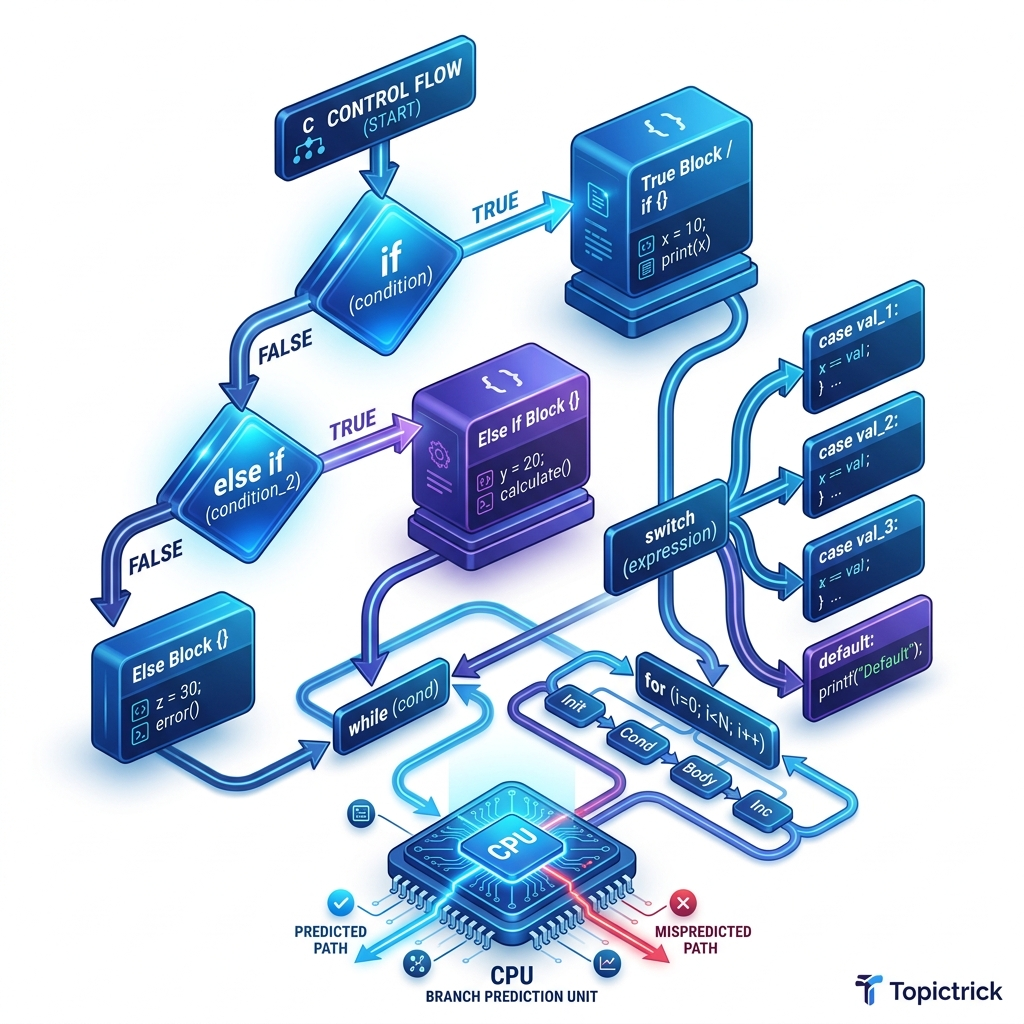
C Processes, fork() & exec(): System-Level Multitasking and IPC
Table of Contents
- Processes vs Threads: The Isolation Trade-off
- fork(): Creating a Child Process
- Copy-on-Write: Why fork() Is Fast
- exec(): Replacing the Process Image
- The fork+exec Pattern: How Shells Work
- waitpid(): Preventing Zombie Processes
- Pipes: Inter-Process Communication
- Shared Memory: High-Speed IPC
- Process Groups and Session Leaders
- Real-World Case Studies
- Frequently Asked Questions
- Key Takeaway
Processes vs Threads: The Isolation Trade-off
| Feature | Thread | Process |
|---|---|---|
| Memory | Shared heap + own stack | Completely separate address space |
| Communication | Direct (shared variables) | IPC needed (pipe, socket, shm) |
| Creation cost | ~µs (stack allocation) | ~ms (address space copy) |
| Fault isolation | One crash kills all threads | One crash doesn't affect others |
| Security | No isolation | Full OS-level isolation |
| Use case | CPU parallelism, I/O overlap | Reliability, multi-user systems |
fork(): Creating a Child Process
fork() duplicates the current process. After the call, both parent and child are running:
#include <stdio.h>
#include <unistd.h>
#include <sys/types.h>
#include <stdlib.h>

int main(void) {
    printf("Before fork: PID = %d\n", getpid());

    pid_t child_pid = fork();

    if (child_pid < 0) {
        perror("fork failed");
        return 1;
    } else if (child_pid == 0) {
        // === CHILD PROCESS ===
        // child_pid == 0 means "I am the child"
        printf("Child:  PID=%d, Parent PID=%d\n", getpid(), getppid());
        printf("Child doing its work...\n");
        exit(0); // Child exits - CRITICAL: use exit(), not return
    } else {
        // === PARENT PROCESS ===
        // child_pid > 0 means "I created a child with this PID"
        printf("Parent: PID=%d, Child PID=%d\n", getpid(), child_pid);
        printf("Parent waiting for child...\n");
    }

    return 0;
}
Critical: After fork(), both parent and child continue executing from the line after the fork() call. The return value of fork() is the only way to determine which process you're in.
Copy-on-Write: Why fork() Is Fast
A naive implementation of fork() would copy the entire parent's address space (potentially gigabytes). Modern kernels use Copy-on-Write (CoW):
- After
fork(), both parent and child share the same physical pages with read-only mappings. - When either process writes to a page, the kernel copies that specific page and gives the writing process its own private copy.
- Pages that are never modified are never copied.
int shared_var = 42; // In parent's BSS segment

int main(void) {
    pid_t child = fork();

    if (child == 0) {
        // Child modifies its copy - CoW triggers, parent's copy unchanged
        shared_var = 999;
        printf("Child: shared_var = %d\n", shared_var); // 999
        exit(0);
    } else {
        wait(NULL); // Wait for child
        // Parent's copy was never written - still original value
        printf("Parent: shared_var = %d\n", shared_var); // 42
    }
    return 0;
}
For a 100MB process, fork() costs only microseconds (just page table copies), not hundreds of milliseconds of actual memory copying.
exec(): Replacing the Process Image
exec() family replaces the current process's code, data, and stack with a new program. The PID remains the same, but everything else is completely new:
#include <unistd.h>
#include <stdio.h>

void exec_examples(void) {
    // execv: path + argv array (null-terminated)
    char *args[] = {"/bin/ls", "-la", "/tmp", NULL};
    execv("/bin/ls", args);

    // execve: path + argv + envp
    char *env[] = {"PATH=/usr/bin", NULL};
    char *args2[] = {"/usr/bin/env", NULL};
    execve("/usr/bin/env", args2, env);

    // execvp: searches PATH (no full path needed)
    char *args3[] = {"ls", "-l", NULL};
    execvp("ls", args3); // Finds 'ls' in PATH

    // execl: variadic (simpler for known argument counts)
    execl("/bin/ls", "ls", "-l", NULL);

    // If exec succeeds, THIS LINE IS NEVER REACHED
    perror("exec failed"); // Only prints on exec failure
}
Key fact: If exec succeeds, it never returns - the current process is completely replaced. If it returns, that means it failed (and errno is set).
The fork+exec Pattern: How Shells Work
Every shell (bash, zsh, fish) uses the fork+exec pattern to run commands:
#include <stdio.h>
#include <unistd.h>
#include <sys/wait.h>
#include <string.h>
#include <stdlib.h>

// Simplified shell: run a single external command
int run_command(char **argv) {
    pid_t child = fork();

    if (child < 0) {
        perror("fork");
        return -1;
    } else if (child == 0) {
        // Child: replace itself with the requested program
        execvp(argv[0], argv);
        // If here, execvp failed
        perror("execvp");
        exit(127); // Conventional: 127 = command not found
    } else {
        // Parent: wait for child to complete
        int status;
        waitpid(child, &status, 0);

        if (WIFEXITED(status)) {
            return WEXITSTATUS(status); // Child's exit code
        }
        return -1; // Killed by signal
    }
}

int main(void) {
    char *ls_cmd[] = {"ls", "-la", "/tmp", NULL};
    int exit_code = run_command(ls_cmd);
    printf("Command exited with: %d\n", exit_code);
    return 0;
}
waitpid(): Preventing Zombie Processes
When a child process exits, it doesn't disappear immediately. It becomes a zombie - its entry remains in the process table until the parent calls wait() or waitpid() to collect its exit status:
#include <sys/wait.h>
#include <unistd.h>
#include <stdio.h>

int main(void) {
    pid_t child = fork();

    if (child == 0) {
        printf("Child (PID %d) working...\n", getpid());
        sleep(1);
        exit(42); // Exit with code 42
    }

    // Wait for this specific child
    int status;
    pid_t done = waitpid(child, &status, 0); // 0 = block until child exits

    if (WIFEXITED(status)) {
        printf("Child %d exited with code %d\n", done, WEXITSTATUS(status)); // 42
    } else if (WIFSIGNALED(status)) {
        printf("Child killed by signal %d\n", WTERMSIG(status));
    }

    return 0;
}
Preventing zombie accumulation in long-running servers:
// Option 1: Signal handler for SIGCHLD
signal(SIGCHLD, SIG_IGN); // Tell OS to auto-reap children (Linux-specific)

// Option 2: SIGCHLD handler with waitpid loop
void sigchld_handler(int sig) {
    int saved_errno = errno;
    while (waitpid(-1, NULL, WNOHANG) > 0); // Reap all available children
    errno = saved_errno;
}
struct sigaction sa = { .sa_handler = sigchld_handler, .sa_flags = SA_RESTART };
sigaction(SIGCHLD, &sa, NULL);
Pipes: Inter-Process Communication
Pipes are unidirectional byte streams connecting two processes. They are the oldest and simplest form of IPC:
#include <stdio.h>
#include <unistd.h>
#include <string.h>
#include <sys/wait.h>

int main(void) {
    int pipefd[2]; // pipefd[0] = read end, pipefd[1] = write end
    pipe(pipefd);

    pid_t child = fork();

    if (child == 0) {
        // Child: read from pipe
        close(pipefd[1]); // Close write end in child

        char buf[256] = {0};
        read(pipefd[0], buf, sizeof(buf) - 1);
        printf("Child received: %s\n", buf);

        close(pipefd[0]);
        exit(0);
    } else {
        // Parent: write to pipe
        close(pipefd[0]); // Close read end in parent

        const char *msg = "Hello from parent!";
        write(pipefd[1], msg, strlen(msg));

        close(pipefd[1]); // Close write end - child will see EOF
        waitpid(child, NULL, 0);
    }

    return 0;
}
This is exactly how shell pipelining works: ls -l | grep ".c" - ls writes to a pipe, grep reads from it.
Shared Memory: High-Speed IPC
For high-throughput IPC (database shared buffers, multimedia pipelines), POSIX shared memory lets two processes share a physical memory page - zero copy:
#include <sys/mman.h>
#include <sys/stat.h>
#include <fcntl.h>
#include <unistd.h>
#include <stdio.h>
#include <string.h>

#define SHM_NAME "/my_shared"
#define SHM_SIZE 4096

// Producer process
void producer(void) {
    int fd = shm_open(SHM_NAME, O_CREAT | O_RDWR, 0600);
    ftruncate(fd, SHM_SIZE);

    char *shm = mmap(NULL, SHM_SIZE, PROT_READ | PROT_WRITE, MAP_SHARED, fd, 0);
    close(fd);

    strcpy(shm, "Hello from producer!");
    munmap(shm, SHM_SIZE);
}

// Consumer process
void consumer(void) {
    int fd = shm_open(SHM_NAME, O_RDONLY, 0);

    char *shm = mmap(NULL, SHM_SIZE, PROT_READ, MAP_SHARED, fd, 0);
    close(fd);

    printf("Consumer received: %s\n", shm);
    munmap(shm, SHM_SIZE);
    shm_unlink(SHM_NAME); // Clean up
}
PostgreSQL's shared_buffers uses shared memory - the database buffer pool is one large shmget segment shared among all backend worker processes.
Real-World Case Studies
| System | Strategy | Why |
|---|---|---|
| Google Chrome | One process per tab | Crash isolation: one bad page doesn't kill browser |
| Nginx | Master + N worker processes | Workers can be killed/restarted without downtime |
| Apache (prefork) | One process per request | Isolation between HTTP clients |
| PostgreSQL | One process per connection | Client crashes don't affect the database engine |
| Bash shell | fork+exec for every command | Clean separation of shell state from command state |
| Android | One Zygote + fork per app | Fast app startup via CoW from pre-loaded runtime |
Frequently Asked Questions
What happens if the parent exits before the child?
The child becomes an orphan. The Linux kernel automatically re-parents it to init (PID 1) or the current subreaper, which will call wait() to clean it up. Orphans don't cause problems - unreaped zombies do.
Can processes share memory safely without explicit shared memory?
No. After fork, parent and child have separate address spaces (with CoW). Writing to shared_var in the child doesn't affect the parent's copy. Use pipes, shared memory (shm_open), sockets, or memory-mapped files for actual sharing.
What is a daemon process?
A daemon is a background process that: detaches from its controlling terminal, creates a new session (setsid()), changes to the root directory (chdir("/")), and redirects stdin/stdout/stderr to /dev/null. System services (sshd, nginx, postgrad) run as daemons.
How does vfork differ from fork?
vfork creates a child that temporarily shares the parent's address space (no CoW) and suspends the parent until the child calls exec or exit. It's ultra-fast but extremely dangerous - the child must not access or modify any variables, as it uses the parent's stack. Use only immediately followed by exec.
Key Takeaway
fork() and exec() are the Foundation of Unix Multitasking. They are the primitive operations from which shells, web servers, and databases are built. Process isolation - the guarantee that one process's crash, bug, or malicious behavior cannot corrupt another - is one of operating systems' most important security properties.
Understanding fork, exec, waitpid, and IPC mechanisms positions you to build multi-process server architectures that are both high-performance and fault-tolerant.
Read next: Signals & Interrupt Handling: Trapping OS Events ->
Part of the C Mastery Course - 30 modules from C basics to expert systems engineering.