
CICS Monitoring and Performance Tuning: Complete Guide for 2026
Master CICS performance monitoring and tuning — CICS statistics, SMF records, CICS PA, transaction response time analysis, DSA tuning, DB2 thread pool sizing, storage shortage diagnosis, ABEND analysis, and CICS Explorer tools for mainframe professionals.
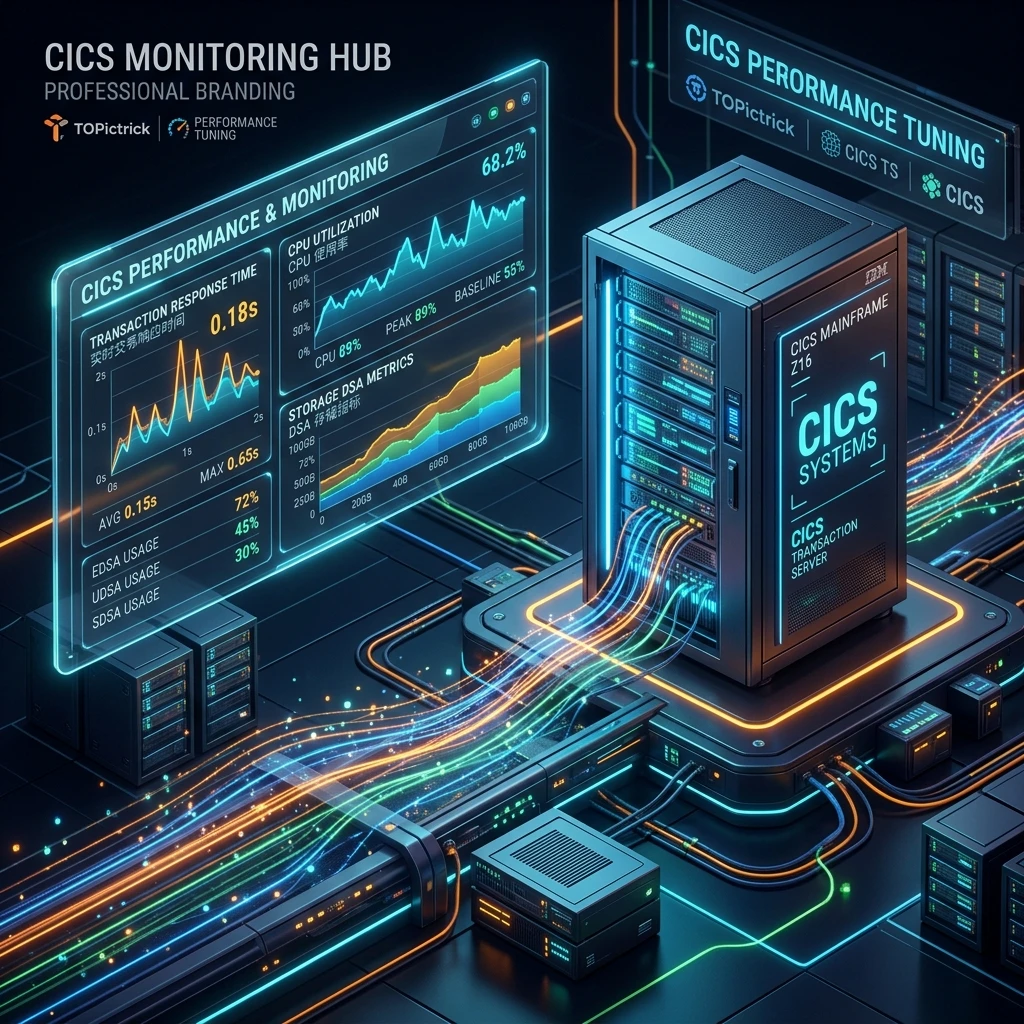
Introduction: Why CICS Performance Monitoring Is Critical
A CICS region serving 5,000 concurrent users must complete transactions in under 2 seconds to maintain acceptable service quality. When response times degrade, the cause could be anywhere: a new DB2 index was dropped, a runaway transaction is locking rows, the DSA is full, or a code change introduced an expensive SQL query. Without monitoring data, diagnosing performance problems is guesswork. With the right data, problems are solved in minutes.
This guide covers the full CICS monitoring toolkit — from real-time task management with CEMT to SMF Type 110 record analysis with CICS PA — and the most common performance problems and their solutions.
CICS Statistics: The Performance Baseline
CICS automatically collects statistics on resource usage at configurable intervals and at shutdown. These statistics are written to SMF (System Management Facilities) records as Type 110 subtype 2 records.
Key statistics categories:
| Category | What It Tells You |
|---|---|
| Task manager statistics | Peak active tasks, task wait counts, MAXTASKS hits |
| Program manager statistics | Program loads, reloads, resident program storage used |
| DSA statistics | Peak storage usage per DSA sub-area |
| File control statistics | Read/write counts, NOTFND count, lock wait count |
| DB2 statistics | Thread allocations, peak active threads, thread waits |
| TS queue statistics | Queue count, peak item count, main vs auxiliary usage |
| TD queue statistics | Write count, ATI triggers fired |
Format raw statistics with the DFHSTUP batch utility:
//DFHSTUP  EXEC PGM=DFHSTUP,REGION=0M
//STEPLIB  DD DSN=CICSTS56.CICS.SDFHLOAD,DISP=SHR
//DFHAUXT  DD DSN=your.SMF.DAILY.G0001V00,DISP=SHR
//DFHPRINT DD SYSOUT=*
//SYSIN    DD *
  DATE 20260421
  TIME 0000,2359
  TYPESTAT
/*
SMF Type 110 Records: Transaction-Level Data
For per-transaction performance data, CICS writes SMF Type 110 Subtype 1 records (performance class data). Each record covers one task and includes:
- Elapsed time: Total time from task start to end
- CPU time: CPU consumption by this task
- Suspend time: Time the task spent waiting (for I/O, locks, DB2 threads)
- DB2 wait time: Time waiting for a DB2 thread to become available
- File I/O counts: Number of READ, WRITE, REWRITE, DELETE operations
- ABEND code: Set if the task ABENDed
- Terminal ID and transaction ID: Who ran what
CICS PA (Performance Analyzer) or IBM Omegamon for CICS DBMS are the standard tools for processing these records into transaction reports, pivot tables, and response time trend charts.
Using raw SMF data with a batch report program:
//CICSPARF EXEC PGM=DFHMNDUP,REGION=0M
//STEPLIB  DD DSN=CICSTS56.CICS.SDFHLOAD,DISP=SHR
//DFHAUXT  DD DSN=your.CICS.SMF.DAILY,DISP=SHR
//SYSPRINT DD SYSOUT=*
//SYSIN    DD *
  OUTDD(PERF,TYPE(110),SUBTYPE(1))
  SELECT TRAN(EMPI,ORDR,INVQ)
/*
Real-Time Monitoring with CEMT
CEMT provides real-time visibility into the running CICS region without any batch processing.
Task Monitoring
*── List all active tasks with elapsed time ──────────────────────
CEMT INQUIRE TASK ALL

*── Find tasks waiting for specific resources ────────────────────
CEMT INQUIRE TASK SUSPENDVALUE(FILE)

*── Drill into a specific task ───────────────────────────────────
CEMT INQUIRE TASK(00143)
Task display shows: task number, transaction ID, terminal ID, program, task state (RUNNING, SUSPENDED, DISPATCHED), elapsed time, and suspend reason.
DSA Storage Monitoring
*── Check DSA utilisation ────────────────────────────────────────
CEMT INQUIRE DSAS

*── Output shows:
*── CDSA  : Current=  2MB  Peak=  4MB  Max= 8MB   (50% peak)
*── UDSA  : Current= 12MB  Peak= 18MB  Max=20MB   (90% peak\!) ←- WARNING
*── ECDSA : Current= 45MB  Peak= 80MB  Max=200MB  (40% peak)
*── EUDSA : Current= 80MB  Peak=120MB  Max=512MB  (23% peak)
If UDSA peak is consistently above 80% of maximum, DSA tuning is needed.
DB2 Thread Monitoring
*── Check DB2 thread pool status ─────────────────────────────────
CEMT INQUIRE DB2ENTRY(EMPIENTR)

*── Shows: CURRENTACTIVE(12) THREADLIMIT(20) THREADWAIT(YES)
*── If CURRENTACTIVE frequently equals THREADLIMIT, increase limit
File Status Monitoring
*── Check all file statuses ──────────────────────────────────────
CEMT INQUIRE FILE ALL

*── Look for DISABLED or CLOSED files that should be open
*── STRINGS value shows current vs maximum concurrent access strings
Common Performance Problems and Solutions
Problem 1: High DB2 Thread Wait Time
Symptom: SMF 110 records show high DBTHR (DB2 thread wait) time. CEMT INQUIRE DB2ENTRY shows CURRENTACTIVE frequently at THREADLIMIT.
Diagnosis:
CEMT INQUIRE DB2ENTRY(EMPIENTR)
*── CURRENTACTIVE: 20 THREADLIMIT: 20 → Always at limit\!Solution: Increase THREADLIMIT in the DB2ENTRY definition:
CEDA ALTER DB2ENTRY(EMPIENTR) GROUP(MYDB2) THREADLIMIT(40)
CEDA INSTALL DB2ENTRY(EMPIENTR) GROUP(MYDB2)
Also investigate the SQL being executed — long-running queries hold threads and reduce effective throughput.
Problem 2: VSAM File Strings Exhaustion
Symptom: File control statistics show high lock wait counts. Transactions are slow on FILE operations.
Solution: Increase the STRINGS parameter on the FILE definition:
CEDA ALTER FILE(EMPFILE) GROUP(MYAPP) STRINGS(10)
CEDA INSTALL FILE(EMPFILE) GROUP(MYAPP)
STRINGS controls how many concurrent VSAM operations can be active simultaneously. Too few strings cause serialisation.
Problem 3: MAXTASKS Reached — Task Queueing
Symptom: CICS statistics show MAXTASKS hits. New tasks are queued rather than started immediately. Response times rise linearly with load.
Diagnosis: Check SIT parameter MAXTASKS. Monitor with statistics — Task manager statistics show peak active tasks and MAXTASKS hit count.
Solution: Increase MAXTASKS in the SIT (requires CICS restart) or reduce the workload. Before increasing MAXTASKS, verify the z/OS region has sufficient virtual storage — more tasks means more storage.
Problem 4: Runaway Task (AICA ABEND)
Symptom: One transaction is consuming excessive CPU, driving up LPAR utilisation. CICS region appears to slow down for all users.
Diagnosis:
CEMT INQUIRE TASK ALL
*── Find tasks with very high elapsed time and RUNNING state
*── Task 00289: EMPI ELAPSED=00:45:23 STATE=RUNNINGSolution:
CEMT SET TASK(00289) FORCEPURGEThen investigate the program code for infinite loops. Check CICS statistics for the AICA ABEND count — repeated AICA on the same transaction indicates a code defect.
Problem 5: Storage Shortage (A20D — EUDSA)
Symptom: A20D ABENDs appearing in CICS job log. Some tasks failing to start.
Diagnosis:
CEMT INQUIRE DSAS
*── EUDSA: Current=490MB Peak=510MB Max=512MB → FULLSolutions:
- Short-term: Increase EUDSA maximum in SIT (EDSASZE parameter), recycle CICS
- Medium-term: Identify which programs have large WORKING-STORAGE — compile with DATA(31) if not already done
- Long-term: Audit for GETMAIN SHARED leaks (programs allocating shared storage without FREEMAIN)
CICS Explorer and IBM Tools
IBM CICS Explorer
CICS Explorer is an Eclipse-based GUI tool for CICS administration and monitoring. Key capabilities:
- Visual CSD management (define, install, alter resources without CEDA syntax)
- Real-time task and resource monitoring dashboards
- Bundle deployment for CICS TS 5.1+ application bundles
- Integration with IBM z/OS Connect EE for API management
IBM CICS Performance Analyzer (CICS PA)
CICS PA processes SMF 110 records and produces formatted reports:
- Transaction summary reports (average response time, CPU, I/O by TRANSID)
- Exception reports (transactions exceeding thresholds)
- Trend analysis (response time over time periods)
- Resource utilisation reports (DSA, threads, files)
IBM Omegamon for CICS
Omegamon provides real-time dashboards, threshold alerting, and historical trending for CICS regions. It is the standard tool in large mainframe shops for continuous CICS monitoring, capacity planning, and SLA compliance reporting.
CICS Monitoring Best Practices Checklist
Track these metrics daily in production:
- Peak EUDSA/UDSA utilisation (alert at 80%)
- Peak DB2 thread utilisation per DB2ENTRY (alert at 80%)
- Average transaction response time by TRANSID (alert on > 2-sigma deviation)
- ABEND count by ABEND code (ASRA, AICA, AEY9 require immediate investigation)
- MAXTASKS hit frequency (alert if non-zero)
- File strings utilisation for high-volume files (alert at 80%)
Key Takeaways
CICS monitoring is a continuous discipline that combines real-time observation (CEMT), statistics collection (SMF 110 records), and trend analysis (CICS PA, Omegamon). The most common performance problems — DB2 thread exhaustion, VSAM string shortage, MAXTASKS queueing, and DSA storage pressure — all have clear diagnostic signatures and straightforward remediation steps. Build a monitoring baseline on day one of a production deployment: know your normal response times, thread utilisation, and storage headroom so that deviations are immediately visible.
For career preparation and interview readiness, complete the CICS journey with CICS Interview Questions. For the full course, visit the CICS Mastery Course.
Frequently Asked Questions
Q: What are the main CICS monitoring and performance tools available on z/OS? Key tools include: CICS Statistics (summary counts of resource usage written to SMF), CICS Monitoring Facility (CMF — detailed per-transaction performance data in SMF Type 110 records), CICS Performance Analyzer (IBM tool to report on CMF data), CICS Explorer (Eclipse-based GUI for real-time monitoring), and RMF/OMEGAMON for broader z/OS resource monitoring. CICS also produces CSMT messages to the operator console for unusual events.
Q: What metrics matter most for CICS transaction performance tuning? The most important metrics are: response time (elapsed time from terminal input to screen output), CPU time per transaction (compute cost), DB2 thread wait time (pool exhaustion), suspend time (waiting for locks or storage), dispatch count (how many times the task was suspended and re-dispatched), and storage usage (dynamic storage allocated per task). High suspend time typically indicates lock contention or DB2 thread pool exhaustion rather than CPU issues.
Q: How does the CICS DSA (Dynamic Storage Area) affect performance?
The CICS DSA is the pool of memory from which CICS allocates storage for task working storage, program code, and BMS maps. If the DSA is undersized, tasks wait for storage to be freed by other tasks — this shows as high suspend time and slow response. Monitor DSA utilisation with CICS Statistics and CEMT INQUIRE DSAS. Size each DSA (CDSA, UDSA, ECDSA, EUDSA) based on peak concurrent task counts multiplied by typical per-task storage requirements.