
Claude Messages API: How Content Blocks Work (2026)
The single stateless endpoint behind every Claude app: roles, multi-turn history, system prompts, and content blocks, plus working code shown. 2026.
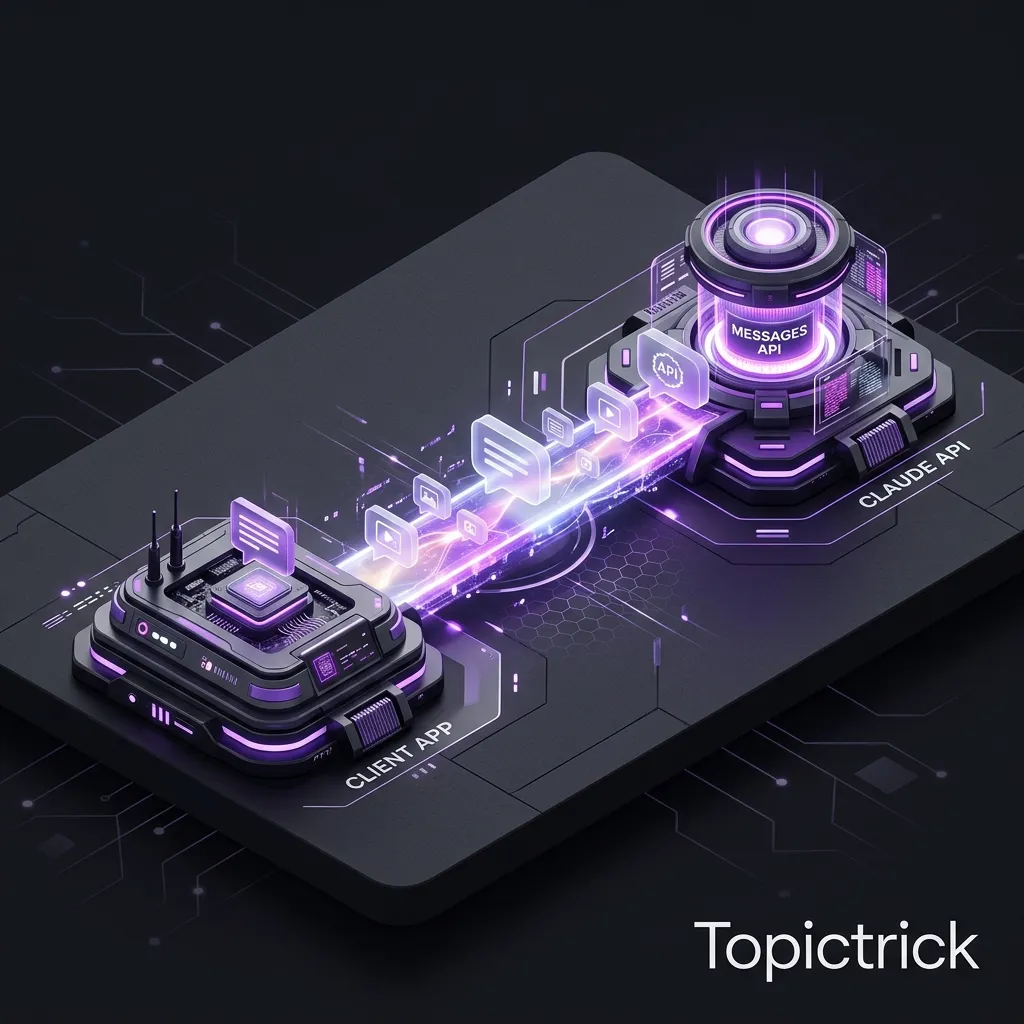
The Messages API is the heart of every Claude integration. Whether you are building a simple question-answering tool, a complex autonomous agent, or a document processing pipeline, every interaction ultimately goes through this single endpoint: POST /v1/messages.
Understanding how this API works at a conceptual level - not just the syntax, but the underlying model - makes every piece of Claude development clearer. You will debug problems faster, write better prompts, and design more effective applications when you truly understand what happens when you send a request.
What is the Claude Messages API?
The Claude Messages API is the single HTTP endpoint (POST /v1/messages) that powers all Claude interactions. It accepts a model name, a messages array with alternating user and assistant turns, an optional system prompt, and parameters like max_tokens and temperature. The API is stateless - every call must include the full conversation history because Anthropic's servers store nothing between requests.
This post covers the Messages API in depth: how roles and turns work, the full anatomy of a request and response, system prompts, content types, and the parameters that shape Claude's behaviour.
The Core Mental Model: A Conversation is a Document
The most important thing to understand about the Messages API is that it is stateless. When you make an API call, Anthropic's servers process exactly what you send and nothing more. There is no session ID, no server-side memory of previous calls.
This means that from Claude's perspective, each API call is a fresh start. You are responsible for passing the entire conversation history in every request. If you want Claude to remember that the user mentioned they are a Python developer three messages ago, that message must still be in the messages array when you make the current call.
Think of it this way: you are not making a phone call to Claude. You are sending a letter that contains a complete written conversation, and Claude reads the whole thing before writing its reply at the bottom.
Stateless Design is Intentional
The stateless design makes the API horizontally scalable, predictable, and auditable. You always know exactly what context Claude has - because you are the one providing it. The trade-off is that you must manage conversation state in your own application, which we cover in detail.
The Messages Array: Roles and Turn Structure
The messages array is where your conversation lives. It must follow strict alternating turn rules that mirror how a real conversation works.
The Two Roles
- user: Represents human input - questions, instructions, provided data, follow-up requests. Every conversation must start with a user turn.
- assistant: Represents Claude's responses. You include previous assistant turns in the history when you want Claude to remember what it previously said.
The Alternating Rule
Messages must strictly alternate between user and assistant. You cannot have two consecutive user messages or two consecutive assistant messages. If you need to combine multiple pieces of user input, concatenate them into a single user message.
Valid conversation structure:
user -> assistant -> user -> assistant -> user -> (Claude generates next assistant turn)Invalid - this will cause an API error:
user -> user -> assistant (two consecutive user turns - not allowed)Prefilling the Assistant Turn
One powerful pattern is to prefill the beginning of Claude's response by providing an incomplete assistant message at the end of the messages array:
messages=[
    {"role": "user", "content": "Format the following as JSON: Name: Alice, Age: 30"},
    {"role": "assistant", "content": "\{"}  # Claude will continue from here
]
This technique is called assistant prefill. It is particularly useful for forcing Claude into a specific output format - if you start the response with {, Claude will continue writing a JSON object.
The System Prompt: Instructions That Precede Everything
The system parameter is a string (or array of content blocks) that you pass separately from the messages array. Claude treats the system prompt as authoritative instructions that apply throughout the entire conversation.
What System Prompts Are For
- Persona and role: "You are a helpful customer service agent for Acme Software. You help users troubleshoot installation issues."
- Behavioural constraints: "Only discuss topics related to our product. Politely decline to discuss competitors."
- Output format requirements: "Always respond in valid JSON. Never include prose outside of JSON."
- Background context: "The current user is a Pro subscriber. Their account was created on 2025-01-15 and they have 3 active projects."
- Tone and language: "Respond in a friendly, non-technical tone suitable for users with no programming background."
System Prompt vs User Message
A common question is whether to put instructions in the system prompt or in the first user message. The general principle is:
- System prompt: Persistent instructions that apply to every turn of the conversation - Claude's role, behaviour rules, output format, background context
- User message: The actual task or question for this specific turn
Mixing instructions and questions into the user message works for simple one-shot calls, but for conversational applications, the system prompt is the right home for anything that should consistently shape Claude's behaviour.
Content Blocks: Beyond Plain Text
The content of both user and assistant messages can be simple strings or structured arrays of content blocks. Content blocks allow you to mix text, images, tool results, and other content types in a single message.
Text Content Block
The most common form - plain text wrapped in a structured block:
{
    "role": "user",
    "content": [
        {
            "type": "text",
            "text": "Describe the image below."
        },
        {
            "type": "image",
            "source": {
                "type": "base64",
                "media_type": "image/jpeg",
                "data": "<base64-encoded-image>"
            }
        }
    ]
}
Why Content Blocks Matter
When you pass a plain string as content, the SDK automatically wraps it in a text content block internally. You only need to use the explicit array format when you want to mix multiple content types in one message - such as text plus an image, or a tool result alongside explanatory text.
Image + Text in One Message
Sending text and images in the same user message is the foundation of document analysis and visual understanding with Claude. Pass the document as an image content block (or use the Files API for PDFs) and your question as a text content block. Claude will reason about both together.
Key Request Parameters
Beyond model, max_tokens, and messages, the Messages API offers several parameters that give you fine-grained control over Claude's output.
temperature
Controls the randomness of Claude's responses. Ranges from 0 to 1.
- 0: Maximum determinism - Claude will almost always give the same answer to the same question. Best for factual extraction, structured outputs, and classification tasks where consistency is required.
- 0.7-1.0: More creative and varied responses. Better for brainstorming, creative writing, and generating diverse options.
- Default (not set): Anthropic's recommended value for the model, which balances helpfulness and consistency.
stop_sequences
An array of strings that will cause Claude to immediately stop generating when it produces that string. Useful for:
- Stopping Claude before it starts a new section you do not want
- Parsing structured outputs where you know the delimiter
- Enforcing response length limits based on content markers
top_p and top_k
Advanced sampling parameters that control how Claude selects the next token. In most cases, adjusting temperature alone is sufficient. Only use top_p and top_k if you have a specific reason to fine-tune the probability distribution.
metadata
An optional object for passing arbitrary data alongside your request - useful for correlating API calls with your own logging systems without affecting Claude's behaviour:
metadata={"user_id": "usr_12345", "session_id": "sess_abcde"}Understanding Stop Reasons
The stop_reason in the response tells you why Claude stopped generating. This is critical information for building robust applications.
- end_turn: Claude naturally finished its response. This is the normal, expected value for most calls.
- max_tokens: Claude hit the max_tokens limit before finishing. If you see this frequently, increase max_tokens or check whether your prompts are generating unexpectedly long responses.
- stop_sequence: Claude generated one of the strings in your stop_sequences array. Used intentionally for structured parsing.
- tool_use: Claude wants to call a tool. Your application must handle the tool call and return a result before Claude can continue. We cover this in the Tools module.
Always check stop_reason in production code. A response with stop_reason: "max_tokens" and a stop_reason: "end_turn" look identical to the end user but are fundamentally different - one is a complete response, one is a truncated one.
The Request Size Limits
The Messages API has a request body size limit of 32 MB. This is generous for most use cases, but if you are passing large images as base64, large documents as text, or many-turn conversation histories, you may approach this limit. In those cases:
- Use the Files API to upload large files once and reference them by ID rather than embedding them in every request
- Implement conversation history truncation - keep the system prompt and recent turns, summarise older turns
- Use the Batch API for very large requests - it supports up to 256 MB per batch
A Complete Request Example
Pulling all these elements together, here is a production-quality API call that demonstrates the full structure:
import anthropic

client = anthropic.Anthropic()

response = client.messages.create(
    model="claude-sonnet-4-6",
    max_tokens=2048,
    temperature=0.2,
    system=(
        "You are a technical documentation specialist. "
        "Explain concepts clearly and concisely. "
        "Always include a practical code example. "
        "Format code blocks properly. "
        "Target an audience of intermediate developers."
    ),
    messages=[
        {"role": "user", "content": "What is dependency injection?"},
        {"role": "assistant", "content": "Dependency injection is a design pattern where..."},
        {"role": "user", "content": "Can you show me a Python example that demonstrates the before and after?"}
    ],
    metadata={"request_type": "documentation", "user_tier": "pro"}
)

print(f"Stop reason: {response.stop_reason}")
print(f"Tokens used: {response.usage.input_tokens} in / {response.usage.output_tokens} out")
print(response.content[0].text)
Build a Wrapper Class Early
As your application grows, you will call the Messages API from many different places. Build a thin wrapper class or utility function from the start that handles authentication, retry logic, logging, and error handling in one place. This prevents duplicated error-handling code and makes it easy to switch models or add features later.
Summary
The Messages API is simple on the surface but remarkably powerful once you understand its full model. The key principles to carry forward are:
- The API is stateless - you own the conversation history
- Messages must strictly alternate between user and assistant roles
- The system prompt is the right place for persistent behavioural instructions
- Content blocks let you pass text, images, and tool data in the same message
- Always check stop_reason - truncated responses are subtle bugs
In our next post, we tackle a question every developer asks: how much does all this actually cost? Claude API Pricing Explained.
For advanced usage patterns, explore Claude tool use explained to understand how tool_use stop reasons work in an agent context, and Claude structured outputs guide for forcing Claude into machine-readable JSON using the assistant prefill technique covered above.
The official Messages API reference is the definitive source for all request parameters, response fields, error codes, and content block types. The Claude models page lists current model IDs and their context window sizes.
This post is part of the Anthropic AI Tutorial Series. Don't forget to check out our previous post: Claude API First Call: Python and JavaScript Quickstart.
External references:
- Claude API getting started - Anthropic developer docs
- Claude API pricing and rate limits - Anthropic
Frequently Asked Questions
Q: What is the structure of a Claude Messages API request?
A request requires: model (the model ID), max_tokens (output limit), and messages (an array of turn objects). Each message has a role (user or assistant) and content (a string or array of content blocks). Optional fields include system (system prompt), temperature, tools (tool definitions), stream, and metadata. The response contains content (array of text or tool_use blocks), stop_reason, model, and usage (token counts).
Q: What is the difference between a system prompt and a user message in the Messages API?
The system field sets the assistant's persistent instructions, persona, and constraints - it is not part of the conversational turn history and is applied to every response in the session. User messages are the conversational inputs Claude responds to directly. Keep policy rules, formatting instructions, and role definitions in the system prompt; keep task-specific content in user messages. The system prompt is always processed first, regardless of position.
Q: How do you pass images to Claude via the Messages API?
Include an image content block in the user message: {"type": "image", "source": {"type": "base64", "media_type": "image/jpeg", "data": "<base64-encoded-bytes>"}}. For URLs, use {"type": "url", "url": "https://..."}. Claude Vision supports JPEG, PNG, GIF, and WebP. Keep in mind that images consume tokens based on their pixel dimensions - larger images cost more. Resize images to the minimum resolution needed for your task.
Part of the Claude AI Masterclass.