
Cloud Native: The 12-Factor App and Scalability
Master the cloud. Learn the 12-Factor App principles to build software that is inherently scalable, portable, and resilient on AWS and Kubernetes.
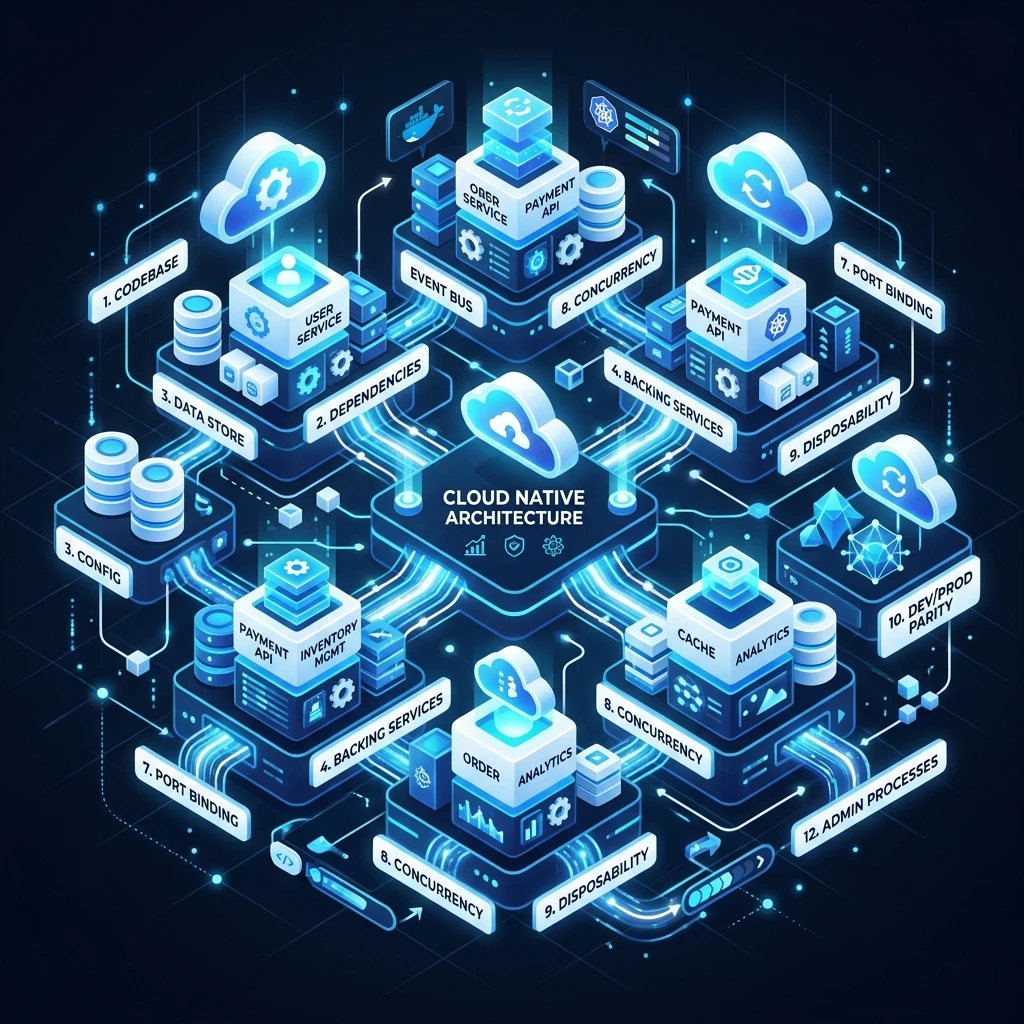
Cloud Native: The 12-Factor App and Scalability
Cloud native is not just a deployment target - it is a design philosophy. An application built on cloud native principles scales horizontally without effort, deploys to any cloud without rewriting, and recovers from failures automatically.
The foundation of this philosophy is the 12-Factor App methodology, first published by Heroku engineers in 2011 and still the definitive guide for building modern software-as-a-service applications. This guide walks through each factor with concrete examples, explains why it matters, and shows what violating it looks like in practice.
What Does "Cloud Native" Actually Mean?
A cloud native application has four characteristics:
- Containerized: Packaged as a Docker image, runs identically everywhere
- Dynamically orchestrated: Kubernetes (or similar) decides where and how many instances to run
- Microservices-oriented: Composed of small, independently deployable services
- 12-Factor compliant: Follows the methodology below
The 12-Factor App provides the rules that make containerization and orchestration actually work in production.
The 12 Factors Explained
Factor 1: Codebase - One Repo, Many Deploys
The rule: One codebase tracked in version control. Many deployments from the same code.
A single codebase deploys to development, staging, and production. The code is identical across all three - what differs is configuration (see Factor 3).
Violation: Multiple repos for the same app, or separate codebases for "the prod version" and "the dev version."
Correct approach with Git:
# Same code, different environments controlled by config
git checkout main
APP_ENV=production npm start   # deploys to production
APP_ENV=staging npm start      # deploys to staging
APP_ENV=development npm start  # runs locally
Factor 2: Dependencies - Explicitly Declare and Isolate
The rule: Never rely on system-wide packages. Declare all dependencies in a manifest.
Every dependency your app needs must be declared in a package file (package.json, requirements.txt, go.mod, Cargo.toml) and installed in an isolated environment.
Violation: Calling curl or imagemagick from your application assuming it exists on the server.
Node.js example:
{
  "dependencies": {
    "express": "^4.18.0",
    "pg": "^8.11.0",
    "redis": "^4.6.0"
  },
  "engines": {
    "node": ">=20.0.0"
  }
}
In Docker this becomes a locked, reproducible build:
FROM node:20-alpine
WORKDIR /app
COPY package*.json ./
RUN npm ci --only=production
COPY . .
CMD ["node", "server.js"]
Factor 3: Config - Store Config in the Environment
The rule: Never hardcode configuration. Everything that changes between environments belongs in environment variables.
Configuration includes:
- Database URLs and credentials
- API keys for third-party services
- Feature flags
- Port numbers
Violation:
// WRONG - hardcoded credentials in source code
const db = new Pool({ connectionString: 'postgresql://user:pass@prod-db:5432/myapp' });Correct:
// RIGHT - read from environment
const db = new Pool({ connectionString: process.env.DATABASE_URL });
In Kubernetes this is managed with Secrets and ConfigMaps:
apiVersion: v1
kind: Secret
metadata:
  name: app-secrets
type: Opaque
stringData:
  DATABASE_URL: postgresql://user:pass@db-service:5432/myapp
  REDIS_URL: redis://redis-service:6379
---
apiVersion: apps/v1
kind: Deployment
spec:
  template:
    spec:
      containers:
        - name: app
          envFrom:
            - secretRef:
                name: app-secrets
Factor 4: Backing Services - Treat as Attached Resources
The rule: Databases, caches, message queues, and SMTP servers are all "backing services." Treat them as interchangeable resources attached via URL.
You should be able to swap a local PostgreSQL for an AWS RDS instance by changing a single environment variable - no code change required.
// Works with local Postgres, RDS, Cloud SQL, PlanetScale - same code
const db = new Pool({ connectionString: process.env.DATABASE_URL });

// Works with local Redis, ElastiCache, Upstash - same code
const cache = createClient({ url: process.env.REDIS_URL });
Factor 5: Build, Release, Run - Strict Separation of Stages
The rule: Separate the build stage (compile the code), release stage (combine with config), and run stage (execute in the environment).
| Stage | What happens | Example |
|---|---|---|
| Build | Compile, bundle, create artifact | docker build -t myapp:v1.2.3 . |
| Release | Combine artifact with environment config | Kubernetes deploys image with env vars |
| Run | Execute the release | Container starts, handles requests |
Why it matters: A release is immutable. If something goes wrong in production, you roll back to a previous release - not a previous codebase. Every release should be tagged with a version number and retrievable.
Factor 6: Processes - Execute as One or More Stateless Processes
The rule: Your application is one or more stateless processes. State lives in a backing service, never in process memory.
Violation: Storing a user's session in-memory:
// WRONG - session stored in server memory
const sessions = {};
app.post('/login', (req, res) => {
  sessions[req.body.userId] = { loggedIn: true }; // Dies when process restarts
});Correct: Store sessions in Redis:
// RIGHT - session stored externally, survives process restarts
import session from 'express-session';
import RedisStore from 'connect-redis';
app.use(session({
  store: new RedisStore({ client: redisClient }),
  secret: process.env.SESSION_SECRET,
}));
Stateless processes can be killed and restarted freely. This is what enables autoscaling: when traffic spikes, Kubernetes adds three more instances and load-balances across all of them without any shared state issues.
Factor 7: Port Binding - Export Services via Port Binding
The rule: Your app is self-contained and exposes a service by binding to a port. It does not inject itself into a web server.
// The app is its own web server
import express from 'express';
const app = express();
app.listen(process.env.PORT || 3000);
In a 12-factor app there is no Apache or Nginx inside the container. The container IS the web server. External load balancers and ingress controllers handle routing in front of it.
Factor 8: Concurrency - Scale Out via the Process Model
The rule: Scale by adding more processes, not bigger machines.
Instead of running a single large Node.js process handling everything, break work into process types:
# Procfile (or Kubernetes Deployments)
web:    node server.js        # Handles HTTP requests
worker: node worker.js        # Processes background jobs
clock:  node scheduler.js     # Runs cron jobs
Each process type scales independently. If your web traffic doubles, add more web processes. If your job queue backs up, add more worker processes. The CPU and memory footprint of each process stays small and predictable.
Factor 9: Disposability - Maximize Robustness with Fast Startup and Graceful Shutdown
The rule: Processes start quickly (under 5 seconds) and shut down gracefully.
Fast startup means Kubernetes can add new instances during a traffic spike and they are serving requests before the spike causes failures.
Graceful shutdown means when Kubernetes sends SIGTERM, your app:
- Stops accepting new requests
- Finishes processing in-flight requests
- Closes database connections
- Exits with code 0
process.on('SIGTERM', async () => {
  console.log('SIGTERM received, shutting down gracefully');
  server.close(async () => {
    await db.end();
    await redisClient.quit();
    process.exit(0);
  });
  // Force exit after 30 seconds if graceful shutdown stalls
  setTimeout(() => process.exit(1), 30000);
});
Factor 10: Dev/Prod Parity - Keep Development, Staging, and Production as Similar as Possible
The rule: Minimize the gap between development and production environments.
Three kinds of gaps to close:
| Gap type | Old way | 12-Factor way |
|---|---|---|
| Time gap | Deploy weeks after writing code | Deploy the same day, multiple times |
| Personnel gap | Devs write, ops deploys | Devs are involved in deployment |
| Tools gap | SQLite locally, Postgres in prod | Same database everywhere (use Docker) |
Docker Compose for local dev parity:
version: '3.8'
services:
  app:
    build: .
    environment:
      - DATABASE_URL=postgresql://user:pass@db:5432/myapp
      - REDIS_URL=redis://cache:6379
    depends_on: [db, cache]
  db:
    image: postgres:16-alpine
    environment:
      POSTGRES_PASSWORD: pass
      POSTGRES_DB: myapp
  cache:
    image: redis:7-alpine
Now every developer runs the exact same Postgres version as production. The "it works on my machine" class of bugs disappears.
Factor 11: Logs - Treat Logs as Event Streams
The rule: Your app writes logs to stdout. Never manage log files yourself.
// RIGHT - write to stdout/stderr
console.log(JSON.stringify({ level: 'info', event: 'user_login', userId: 123 }));
console.error(JSON.stringify({ level: 'error', event: 'db_failure', message: err.message }));
The execution environment (Docker, Kubernetes, cloud provider) captures stdout and routes it to your log aggregator (Datadog, CloudWatch, Grafana Loki). Your app has zero log management responsibility.
Factor 12: Admin Processes - Run Admin/Management Tasks as One-Off Processes
The rule: Run database migrations, one-off scripts, and console sessions as isolated, one-off processes against a release - not as part of the app server.
# Run migration as a Kubernetes Job - not as part of the web deployment
kubectl run migration --image=myapp:v1.2.3 --restart=Never -- npm run migrate

# Start a console session
kubectl exec -it deployment/app -- node -e "require('./lib/db').query('SELECT count(*) FROM users')"
Running migrations as one-off jobs ensures they run exactly once, with the same codebase as the deployment, and their output is captured in logs.
The 13th Factor: Observability (2026 Addition)
The original 12 factors predate modern cloud complexity. In 2026, observability is non-negotiable:
- Structured logs: JSON format, always include
requestId,userId,duration - Distributed tracing: OpenTelemetry traces across microservices
- Metrics: Expose a
/metricsendpoint for Prometheus scraping - Health checks:
/healthendpoint for liveness and/readyfor readiness probes
// Health and readiness endpoints
app.get('/health', (req, res) => res.json({ status: 'ok' }));
app.get('/ready', async (req, res) => {
  try {
    await db.query('SELECT 1');
    res.json({ status: 'ready' });
  } catch {
    res.status(503).json({ status: 'not ready', reason: 'database unavailable' });
  }
});
Kubernetes uses these endpoints to decide whether to route traffic to your pod. If /ready returns 503, the pod is temporarily removed from the load balancer until the database recovers.
Common 12-Factor Violations to Audit Now
| Violation | How to find it | Fix |
|---|---|---|
| Hardcoded secrets | grep -r "password|secret|apikey" --include="*.js" . | Move to env vars |
| In-memory session | grep -r "sessions\[" . | Switch to Redis |
Log files in /var/log | grep -r "fs.createWriteStream|winston.*file" . | Write to stdout |
npm install in start script | Check package.json scripts | Pre-install in Docker build |
| SQLite in development | Check DATABASE_URL in .env | Switch to PostgreSQL with Docker |
Frequently Asked Questions
Q: Is the 12-Factor App methodology still relevant in 2026?
The original 12 factors are from 2011 but remain the definitive guide. Modern additions like observability (the 13th factor), GitOps workflows, and service mesh patterns build on top of - not against - the 12-factor principles. If you follow the 12 factors, adopting Kubernetes, Istio, or ArgoCD becomes significantly easier.
Q: Do all 12 factors apply to a monolith?
Yes. The 12 factors are as relevant for a monolith as for microservices. A stateless, config-externalized, log-to-stdout monolith deploys cleanly to containers and scales horizontally on day one.
Q: What's the biggest 12-factor mistake teams make?
Factor 6 (stateless processes) is the most common violation. Teams store sessions, uploaded files, or in-flight job state in the application server's memory or local disk. When Kubernetes restarts or scales the pod, that state is gone. Always audit for in-memory state before moving to containers.
Q: How do 12-factor apps handle file uploads?
Never store uploaded files on the local filesystem (that violates Factor 6). Stream uploads directly to object storage (AWS S3, Google Cloud Storage, Cloudflare R2). Store only the object URL in your database.
Key Takeaway
Cloud native is not about which cloud provider you use - it is about how you design your application. The 12-Factor App methodology provides the rules that make your application portable, scalable, and operationally simple. Master these factors and you graduate from "managing a web server" to "engineering a cloud ecosystem" where your application can run on any cloud, scale to millions of users, and recover from failures without human intervention.
Read next: Infrastructure as Code: Terraform and Automation ->
Part of the Software Architecture Hub - engineering the cloud.