
GitHub CD: Continuous Delivery
Master the deployment. Learn how to use GitHub Actions to automate deployments to AWS, Vercel, and Kubernetes with zero downtime.
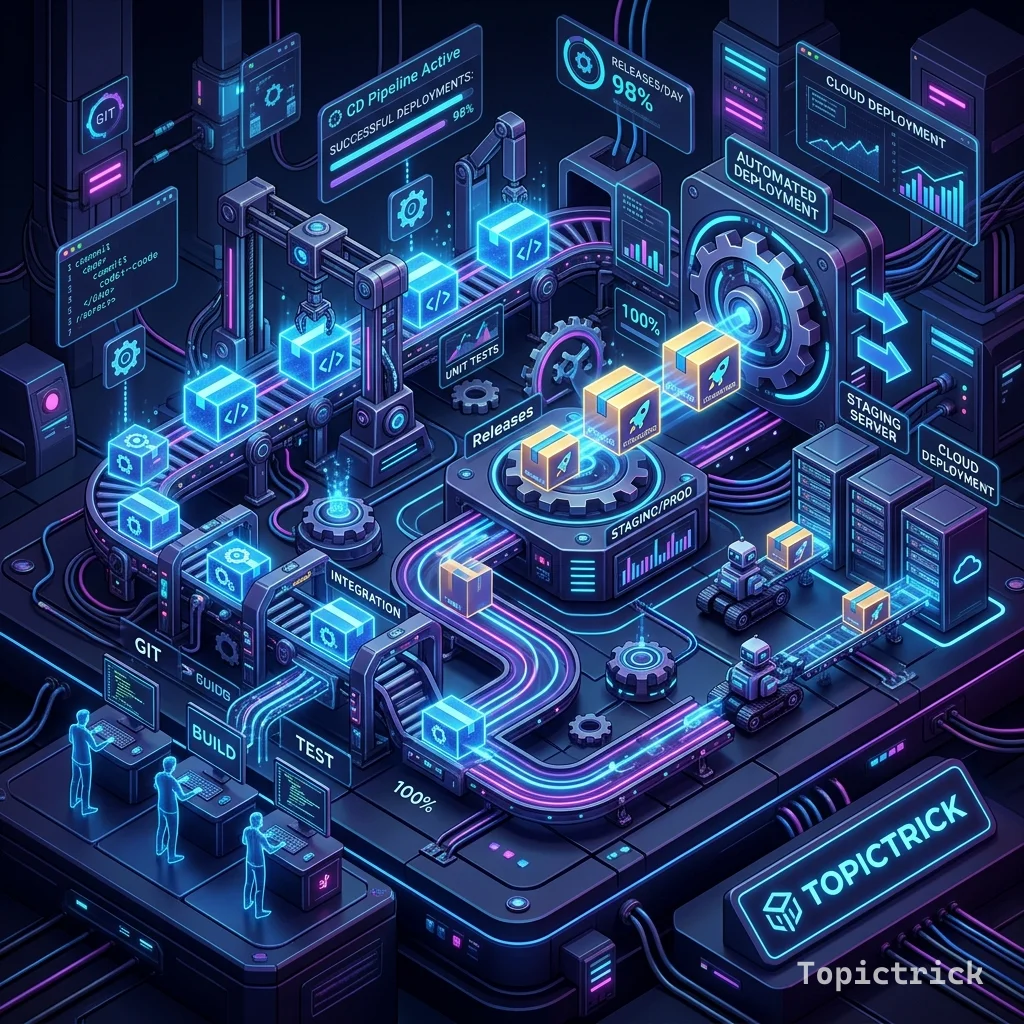
GitHub CD: Continuous Delivery
"CI ensures the code is Good. CD ensures the code is LIVE. The gap between them is where companies succeed or fail."
In the old days, a developer would "FTP" files to a server manually.
- The Problem: You forget a file. You break the site. You spend the whole night fixing it.
- The Solution: Continuous Delivery (CD).
Once your CI pipeline (Module 113) is "Green," the CD pipeline takes over. It automatically logs into your cloud provider, updates the software, and performs a "Health Check" to ensure the site didn't crash. This 1,500+ word guide explores the "Last Mile" of engineering.
1. The Strategy: "Deployment is Boring"
If your team is "Scared" of a deployment, you have failed.
- The Ideal: Deploying to production should happen $10$ times a day. It should be so automated that it is a non-event.
- Use Feature Flags to separate "Deploying code" from "Releasing features to users."
2. Environments and Approvals
In 2026, we don't deploy to Production instantly.
- Staging: The code goes here first. It looks exactly like production.
- Review: A human (PM or Lead) clicks the site and says "This looks great."
- Approve: They hit the "Approve" button inside GitHub.
- Production: ONLY then does the code move to the real world. GitHub Tool: Use "Environments" in your repo settings to create this multi-gate safety system.
3. OIDC: The "No-Key" Deployment
In the past, you had to save an "AWS ACCESS KEY" in GitHub. If someone stole it, they could destroy your company.
- The Pro-Solution: OpenID Connect (OIDC).
- GitHub and AWS "Talk" to each other. AWS trusts GitHub for $30$ seconds.
- There is No Secret Key to steal. It is the most secure deployment method in history.
4. Rollbacks: The "Panic" Button
What if your code has a bug that your tests missed?
- Your CD pipeline should be able to Revert in one click.
- Since you are using Docker (Module 115) and Releases (Module 112), a rollback is just telling the server to run the "Old" image instead of the new one. Speed: A rollback should take less than $30$ seconds.
5. Deployment Strategies: Blue-Green
How do you update a site while users are currently using it?
- Blue-Green: You have two servers. "Blue" is the live one. You deploy the new code to "Green." When "Green" is ready, you flip a switch.
- The Benefit: Zero downtime. Not even a $1$-second flicker.
Summary: The CD Checklist
- Environments: Separate Staging from Production with mandatory approvals.
- OIDC: Never store long-lived Cloud keys; use short-lived identity tokens.
- Automated Smoke Test: After deployment, the pipeline must "Ping" the site. If it gets a 404, Auto-Rollback immediately!
- Zero-Downtime: Use Blue-Green or Canary strategies to protect the user experience.
- Visibility: Send a message to Slack/Discord when the deployment is finished.
CD is the "Delivery" of your value. By mastering the automation of environments and the security of OIDC, you gain the ability to ship software faster and safer than anyone else in your industry. You graduate from "Building a site" to "Architecting a Continuous Reality."
Part of the GitHub Mastery Course - engineering the rollout.