
Container-Based Automation: Building Docker Actions
Master the most flexible way to automate with GitHub Actions. Learn to build custom Docker Actions that can run any language, tool, or environment reliably.
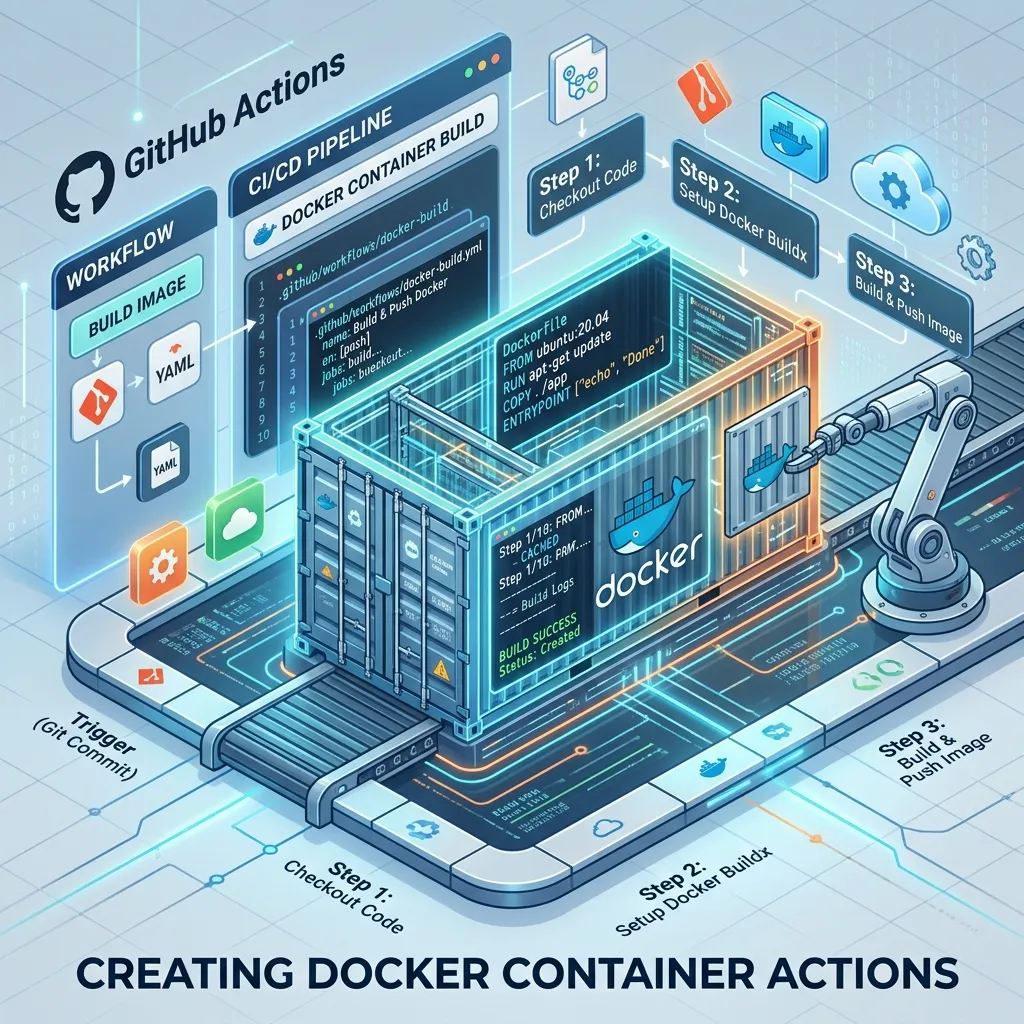
Container-Based Automation: Building Docker Actions
If your custom automation script requires a specific version of a binary that isn't pre-installed on GitHub's hosted runners, a Docker Action is the solution. While JavaScript actions are faster and more lightweight, Docker actions allow you to bundle any language (Python, Ruby, Rust, etc.) into its own self-contained environment, ensuring that your automation runs identically every single time, regardless of the runner's OS.
Table of Contents
- The Power of Isolation
- Docker vs. JavaScript Actions: The Differences
- How a Docker Action Works
- Step 1: Creating your 'Dockerfile'
- Step 2: Defining 'action.yml'
- Step 3: Accessing the GitHub Workspace
- Frequently Asked Questions
- Key Takeaway
The Power of Isolation
If your script depends on a legacy version of Python or specialized binaries like ffmpeg or pandoc, trying to install those manually in every workflow run is slow and error-prone.
With a Docker action, you solve this problem by pre-baking those tools into a Docker Image. When GitHub Actions triggers your job, it simply pulls the container and executes your code inside that exact environment.
Docker vs. JavaScript Actions: The Differences
| Feature | JavaScript Action | Docker Action |
|---|---|---|
| Execution Speed | Fast (Runs directly on VM) | Slow (Must pull/build container) |
| Operating System | Windows, macOS, Linux | Linux Only |
| Language Support | Node.js Only | Any Language (Python, Ruby, C++) |
| Dependencies | Must be bundled with ncc | Baked into the image |
How a Docker Action Works
Every Docker action consists of three mandatory components:
Dockerfile: Defines the environment and installation instructions.action.yml: The metadata that links the inputs to the Docker container.entrypoint.sh: The script that is executed when the container starts.
Step 1: Creating your 'Dockerfile'
Your Dockerfile should be as lightweight as possible (usually based on alpine or debian:slim).
# Use a lightweight base image
FROM alpine:3.18

# Install your necessary tools
RUN apk add --no-cache bash curl

# Copies your code into the container
COPY entrypoint.sh /entrypoint.sh

# The script to run when the container starts
ENTRYPOINT ["/entrypoint.sh"]
Step 2: Defining 'action.yml'
Instead of specifying a node entrypoint, you tell GitHub to use an image.
name: 'Docker Hello World'
description: 'Greet someone using a Docker container'
inputs:
  who-to-greet:
    description: 'Who to greet'
    required: true
runs:
  using: 'docker'
  image: 'Dockerfile' # GitHub will build this automatically
  args:
    - ${{ inputs.who-to-greet }}
Step 3: Accessing the GitHub Workspace
By default, GitHub Actions automatically mounts your repository's code into the Docker container at the path /github/workspace.
This means your script can read and write to your code files as if they were local. If your action generates a report, you simply write it to /github/workspace/report.html, and it will be available to subsequent steps in the same workflow!
Frequently Asked Questions
Can I use an existing image from Docker Hub?
Yes! If you already have a pre-built image on Docker Hub, you can change your action.yml to say image: 'docker://node:20-alpine'. This is significantly faster because GitHub doesn't have to build the image on every single run.
Why does my Docker action fail on macOS runners? Docker actions only work on Linux runners. Since GitHub's macOS and Windows runners do not have Docker natively installed, a Docker action will throw a "Hardware not supported" error. If your repo needs to support macOS builders, you must use a JavaScript action instead.
Key Takeaway
Docker Actions are the ultimate safety net for complex automation. By bundling your specialized tools, legacy binaries, or non-JavaScript logic into a self-contained container, you eliminate "it works on my machine" bugs and guarantee a perfectly consistent execution environment for your most mission-critical CI/CD pipelines.
Read next: Hardening Your Workflows: Security Best Practices ->