
GitHub Actions: Custom JS Actions
Master the logic. Learn how to build your own reusable JavaScript GitHub Actions with Node.js to solve unique automation problems.
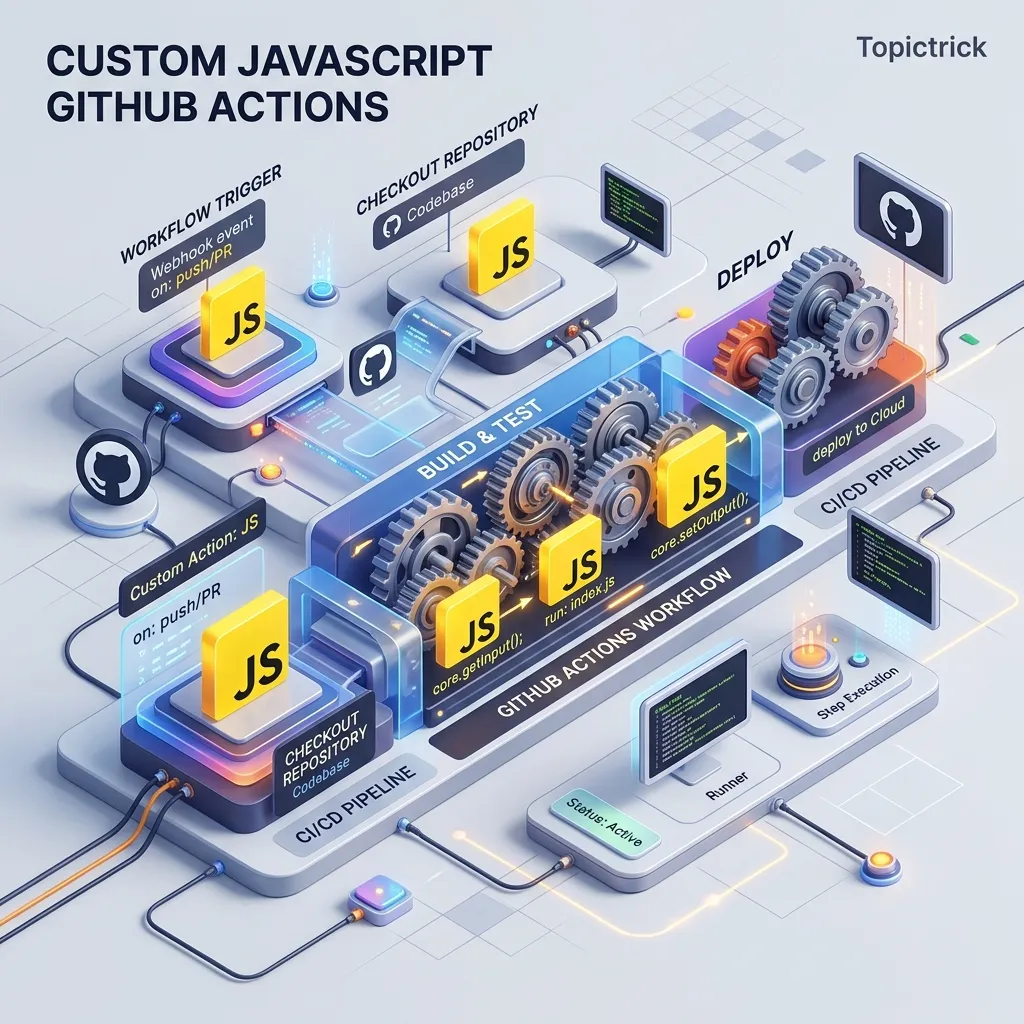
GitHub Actions: Custom JS Actions
"A shell script is a quick fix. A Custom JavaScript Action is a professional tool."
In Module 111, we learned how to use "GitHub Script" inside a YAML file. But what if you have a complex logic (like "Calculating Cost of Cloud Resources") and you want to Reuse it in 50 different repositories? You shouldn't copy-paste 100 lines of JavaScript into every YAML.
You should build a Custom JavaScript Action. This 1,500+ word guide explores the "Toolkit" of action development: action.yml, the @actions/core library, and the Binary Distribution strategy of 2026.
1. The Anatomy: action.yml
This is the "Contract" of your action. It tells GitHub: "My name is TopicTrick Deployer, and I need two inputs: 'token' and 'destination'."
name: 'TopicTrick Smart Deploy'
description: 'Deploys code with automated security checks'
inputs:
  token:
    description: 'GitHub Secret Token'
    required: true
outputs:
  url:
    description: 'The final deployment URL'
runs:
  using: 'node20'
  main: 'dist/index.js'
2. Code: The @actions/core Library
Instead of console.log, you use a professional library provided by GitHub.
const core = require('@actions/core');

try {
  const token = core.getInput('token'); // SAFE reading of inputs
  core.info('Starting deployment...');
  core.setOutput('url', 'https://topictrick.com/live');
} catch (error) {
  core.setFailed(error.message); // This marks the whole Action as "RED"
}
3. The "Dist" Problem: Handling Node_Modules
GitHub runners do NOT run npm install for your custom action. They expect a Single File with all dependencies included.
- The Solution:
@vercel/ncc(The Node Compiler). - You write your code in 10 different files with many libraries.
- You run
ncc build index.js. - It gives you One single
index.jsfile that you commit to your repo.
4. Input-Output Lifecycle
A great action should be "Pure."
- Input: What does the user want? (e.g.,
user_id,message). - Logic: Perform the work.
- Output: Tell the user what happened so the NEXT step in their YAML can use it.
- Example: An "Image Opimizer" action takes a
.png, outputs a.webp, and provides an output namedcompressed_size.
5. Testing: The "Mock" Runner
How do you test your action without pushing code and waiting 5 minutes for a GitHub Runner?
- You use a tool like
act. - It simulates the GitHub environment on your laptop.
- You can run your custom action locally, fix the bugs in 1 second, and only push when it's perfect.
Summary: The Development Checklist
- Metadata: Define clear inputs and outputs in
action.yml. - Core Lib: Use
@actions/corefor input-handling and failure reporting. - NCC Build: Always compile your Node.js code into a single distribution file.
- Version: Use Semantic Versioning (v1, v2) for your action repo.
- Documentation: Write a README that shows exactly how to use the
usessyntax for your action.
Custom Actions are the "Plugins" of the DevOps world. By mastering the development of Node-based automation, you gain the ability to build and sell (or share) professional-grade tools that solve complex problems for thousands of other developers. You graduate from "Running code" to "Architecting the Toolchain."
Part of the GitHub Mastery Course - engineering the tools.