
DB2 CICS Transactions: How COBOL Programs Access DB2 Online
Learn how CICS programs access DB2 databases on z/OS. Covers CICS-DB2 attachment facility, thread management, EXEC SQL in CICS COBOL, pseudo-conversational design, SYNCPOINT, and common CICS-DB2 performance patterns.
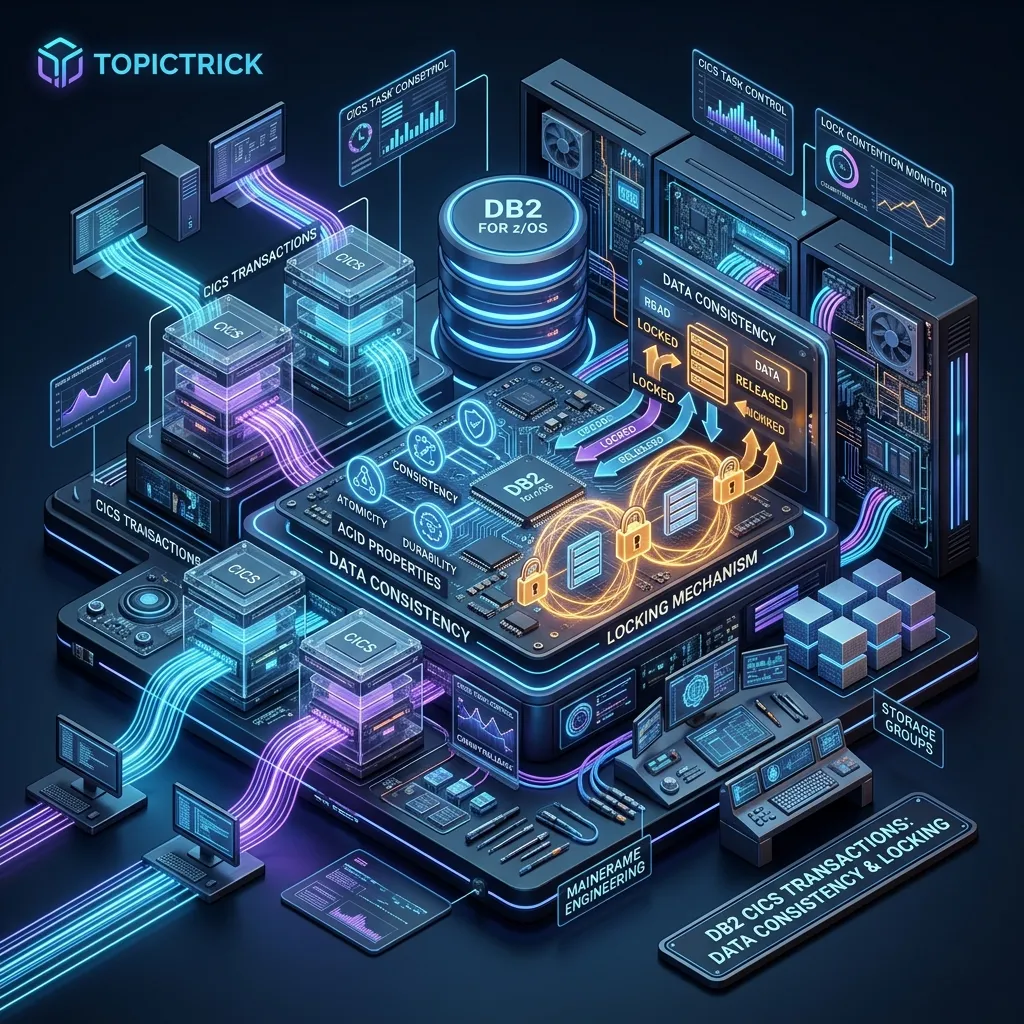
DB2 CICS Transactions: How Online Programs Access DB2
CICS (Customer Information Control System) is the online transaction processing system that runs alongside DB2 on z/OS mainframes. It handles millions of interactive transactions per day — bank teller screens, insurance claim entries, customer account lookups, and countless other business functions. When these CICS programs need to read or update database data, they do so through DB2 using the CICS-DB2 Attachment Facility.
Understanding how CICS and DB2 interact is essential for mainframe developers building or maintaining online transaction programs.
The CICS-DB2 Architecture
User Terminal
     ↓ (CICS transaction ID, e.g., EMPL)
CICS Region
├── CICS Task (COBOL program)
│   ├── EXEC CICS commands  →  CICS kernel
│   └── EXEC SQL commands   →  CICS-DB2 Attachment Facility
│                                      ↓
│                             DB2 Thread Pool
│                                      ↓
└── DB2 Subsystem (DSN1)
    └── SQL execution, locking, logging
The CICS-DB2 Attachment Facility acts as an intermediary. It manages a pool of DB2 threads that CICS tasks borrow when they need to issue SQL, and returns to the pool when the task ends or finishes its SQL activity.
CICS-DB2 Resource Definitions
Three CICS resource definitions control DB2 connectivity:
DB2CONN: Defines the connection between the CICS region and a DB2 subsystem. Specifies the DB2 subsystem name, thread pool sizes, and plan/package naming conventions.
DB2TRAN: Associates specific CICS transaction IDs with DB2 access. Specifies which DB2 entry to use.
DB2ENTRY: Defines a pool of threads available for a specific type of transaction, with attributes for plan name, thread limits, and authid.
These are defined in CICS using CEDA (CICS Elevated Definitions Administration) or CSD batch updates.
Writing a CICS-DB2 COBOL Program
A CICS-DB2 COBOL program uses both EXEC CICS and EXEC SQL statements. Here is a complete example of a customer account lookup transaction:
       IDENTIFICATION DIVISION.
       PROGRAM-ID. ACCTINQ.

       ENVIRONMENT DIVISION.

       DATA DIVISION.
       WORKING-STORAGE SECTION.
       EXEC SQL INCLUDE SQLCA END-EXEC.

       01  WS-ACCOUNT-ID    PIC X(10).
       01  WS-CUST-NAME     PIC X(30).
       01  WS-BALANCE       PIC S9(11)V99 COMP-3.
       01  WS-STATUS        PIC X(1).
       01  WS-BAL-IND       PIC S9(4) COMP.
       01  WS-COMMAREA.
           05 CA-ACCOUNT-ID PIC X(10).
           05 CA-RETURN-MSG PIC X(50).

       EXEC SQL
           DECLARE ACCT-CURSOR CURSOR FOR
           SELECT CUSTOMER_NAME, BALANCE, STATUS
           FROM   ACCOUNTS
           WHERE  ACCOUNT_ID = :WS-ACCOUNT-ID
       END-EXEC.

       PROCEDURE DIVISION.

       0000-MAIN.
           EXEC CICS HANDLE CONDITION
               ERROR(9900-CICS-ERROR)
           END-EXEC.

           IF EIBCALEN > 0
               MOVE DFHCOMMAREA TO WS-COMMAREA
           END-IF.

           MOVE CA-ACCOUNT-ID TO WS-ACCOUNT-ID.

           PERFORM 1000-GET-ACCOUNT.
           PERFORM 2000-SEND-RESPONSE.

           EXEC CICS RETURN END-EXEC.

       1000-GET-ACCOUNT.
           EXEC SQL
               SELECT CUSTOMER_NAME,
                      BALANCE,
                      STATUS
               INTO  :WS-CUST-NAME,
                     :WS-BALANCE :WS-BAL-IND,
                     :WS-STATUS
               FROM   ACCOUNTS
               WHERE  ACCOUNT_ID = :WS-ACCOUNT-ID
           END-EXEC.

           EVALUATE SQLCODE
               WHEN 0
                   CONTINUE
               WHEN +100
                   MOVE 'Account not found' TO CA-RETURN-MSG
               WHEN OTHER
                   PERFORM 9800-SQL-ERROR
           END-EVALUATE.

       2000-SEND-RESPONSE.
           EXEC CICS SEND
               FROM(WS-CUST-NAME)
               LENGTH(30)
           END-EXEC.
Pseudo-Conversational Design
The most important design principle for CICS-DB2 programs is pseudo-conversational processing. In a pseudo-conversational program:
- The CICS task starts when the user presses a key
- The program processes the request and sends a response to the screen
- The task ends with
EXEC CICS RETURN TRANSID(...) COMMAREA(...)— releasing ALL resources including DB2 threads and locks - When the user presses the next key, a new task starts and re-reads any needed data from DB2
This is contrasted with conversational design, where a single CICS task holds a DB2 thread (and potentially row locks) across multiple user interactions. On a busy system, conversational programs holding DB2 threads while users read their screens can exhaust the thread pool and cause widespread WAIT-FOR-THREAD delays.
* Pseudo-conversational end — saves state in COMMAREA
* Returns thread and all locks to DB2 immediately
       EXEC CICS RETURN
           TRANSID(EIBTRNID)
           COMMAREA(WS-COMMAREA)
           LENGTH(LENGTH OF WS-COMMAREA)
       END-EXEC.
SYNCPOINT — Two-Phase Commit
In CICS programs, use EXEC CICS SYNCPOINT instead of EXEC SQL COMMIT:
* After successful processing:
       EXEC CICS SYNCPOINT END-EXEC.

* After an error — roll back both DB2 and CICS changes:
       EXEC CICS SYNCPOINT ROLLBACK END-EXEC.
EXEC CICS SYNCPOINT coordinates a two-phase commit across all resource managers involved — DB2, CICS file control, transient data, and any other recoverable resources. This guarantees that either ALL changes commit or NONE do, preventing partial updates.
Using EXEC SQL COMMIT inside a CICS program is strongly discouraged because it commits only the DB2 changes without coordinating with CICS resource managers.
Cursors in CICS Programs
Cursors work in CICS programs exactly as in batch COBOL, with one critical restriction: you cannot hold a cursor open across a pseudo-conversational return. When the task ends, all cursors are automatically closed and the DB2 thread is released.
If you need to paginate through a result set across multiple user interactions, save the position information in the COMMAREA and re-issue the query with appropriate positioning on the next transaction:
* Save the last key seen for next page
       MOVE WS-LAST-EMPNO TO CA-LAST-EMPNO.

* On next transaction startup, re-position:
       EXEC SQL
           DECLARE PAGE-CURSOR CURSOR FOR
           SELECT EMPNO, LASTNAME, SALARY
           FROM   EMPLOYEE
           WHERE  EMPNO > :CA-LAST-EMPNO
           ORDER BY EMPNO
           FETCH FIRST 20 ROWS ONLY
       END-EXEC.
Thread Management and Performance
DB2 threads are a limited, shared resource. Every millisecond a CICS task holds a thread unnecessarily is a millisecond another transaction cannot access DB2.
Minimise SQL in presentation logic: Complete all DB2 processing before sending the screen to the user. Never hold a DB2 thread while waiting for user input.
Use appropriate isolation levels: Default Cursor Stability (CS) is usually correct for CICS. Repeatable Read (RR) holds locks longer and is rarely needed in OLTP.
Avoid long-running cursors: Process all FETCH results in one task invocation. Paginate by re-querying rather than holding a cursor.
Watch for uncommitted reads on inquiry transactions: SELECT ... WITH UR avoids page locks on pure inquiry transactions, improving concurrency at the cost of potentially reading uncommitted data.
EXEC SQL
    SELECT BALANCE INTO :WS-BALANCE
    FROM   ACCOUNTS
    WHERE  ACCOUNT_ID = :WS-ACCOUNT-ID
    WITH UR
END-EXEC.
Diagnosing CICS-DB2 Problems
Common CICS-DB2 problems and where to look:
WAIT-FOR-THREAD: All threads in the pool are in use. Increase the thread pool in DB2ENTRY, or investigate why threads are held so long. CICS statistics show WAIT-FOR-THREAD counts per transaction.
ABEND ADCA / AEY9: DB2 not available. Check that DB2 is started and the CICS-DB2 attachment is active (CEMT INQUIRE DB2CONN).
SQLCODE -904: DB2 resource unavailable — usually a lock timeout. Investigate locking problems in the DB2 accounting and statistics traces.
SQLCODE -911: Deadlock — transaction rolled back. CICS programs must check for -911 and retry the transaction. Deadlocks in CICS-DB2 are often caused by inconsistent lock acquisition order across transactions.
Diagnostic tools:
- CICS Statistics: Thread utilisation, WAIT-FOR-THREAD counts
- DB2 Accounting Trace: Class 1/3 accounting shows per-thread CPU, elapsed time, SQL counts
- DB2 Statistics Trace: Buffer pool hit rates, lock waits, log I/O
Practical Example: Update Transaction with Error Handling
       5000-UPDATE-ACCOUNT.
           EXEC SQL
               UPDATE ACCOUNTS
               SET    BALANCE = BALANCE + :WS-DEPOSIT-AMT,
                      LAST_TRANS_DATE = CURRENT DATE
               WHERE  ACCOUNT_ID = :WS-ACCOUNT-ID
               AND    STATUS     = 'A'
           END-EXEC.

           EVALUATE SQLCODE
               WHEN 0
                   IF SQLERRD(3) = 0
                       MOVE 'Account inactive or not found'
                         TO CA-RETURN-MSG
                       EXEC CICS SYNCPOINT ROLLBACK END-EXEC
                   ELSE
                       PERFORM 5100-LOG-TRANSACTION
                       EXEC CICS SYNCPOINT END-EXEC
                       MOVE 'Update successful' TO CA-RETURN-MSG
                   END-IF
               WHEN -911
                   MOVE 'Deadlock - please retry' TO CA-RETURN-MSG
                   EXEC CICS SYNCPOINT ROLLBACK END-EXEC
               WHEN OTHER
                   PERFORM 9800-SQL-ERROR
                   EXEC CICS SYNCPOINT ROLLBACK END-EXEC
           END-EVALUATE.
Next Steps
CICS-DB2 represents the peak of classic mainframe online transaction programming. To optimise your SQL performance in both CICS and batch environments, see the DB2 EXPLAIN and Optimization guide. For the complete learning path including performance tuning and administration, visit the DB2 Mastery course hub.
Frequently Asked Questions
Q: How does CICS connect to DB2 to execute SQL from a transaction? CICS connects to DB2 through an attachment facility — the CICS DB2 Attachment Facility (CDAF). When a CICS transaction issues SQL, the attachment facility routes the request to the DB2 subsystem using an Internal Interface (RRSAF or the older CAF). Thread pooling within CICS limits the number of concurrent DB2 connections, so CICS transactions share a pool of DB2 threads rather than having a dedicated thread each.
Q: What is a DB2 thread in the context of CICS transactions? A DB2 thread is a unit of work that represents a single connection between a CICS task and DB2. When a CICS task first accesses DB2, it acquires a thread from the pool. The thread holds locks, cursor states, and the unit-of-work context. When the task commits or rolls back, the thread is returned to the pool. Thread pool sizing is critical — too few threads cause CICS tasks to wait; too many exhaust DB2 resources.
Q: How are COMMIT and ROLLBACK handled for CICS transactions using DB2?
In a CICS-DB2 environment, COMMIT is issued with EXEC CICS SYNCPOINT (not COMMIT directly), which synchronises both the CICS and DB2 unit of work through z/OS Resource Recovery Services (RRS). This two-phase commit ensures that CICS file updates and DB2 data changes are committed or rolled back atomically, maintaining consistency across both resource managers.