
DB2 Security and Authorization: GRANT, REVOKE, Roles and Privileges
Complete guide to DB2 security and authorization. Learn DB2 privilege levels, GRANT and REVOKE syntax, roles and groups, row and column access control (RCAC), label-based access control, and security best practices for production DB2 environments.
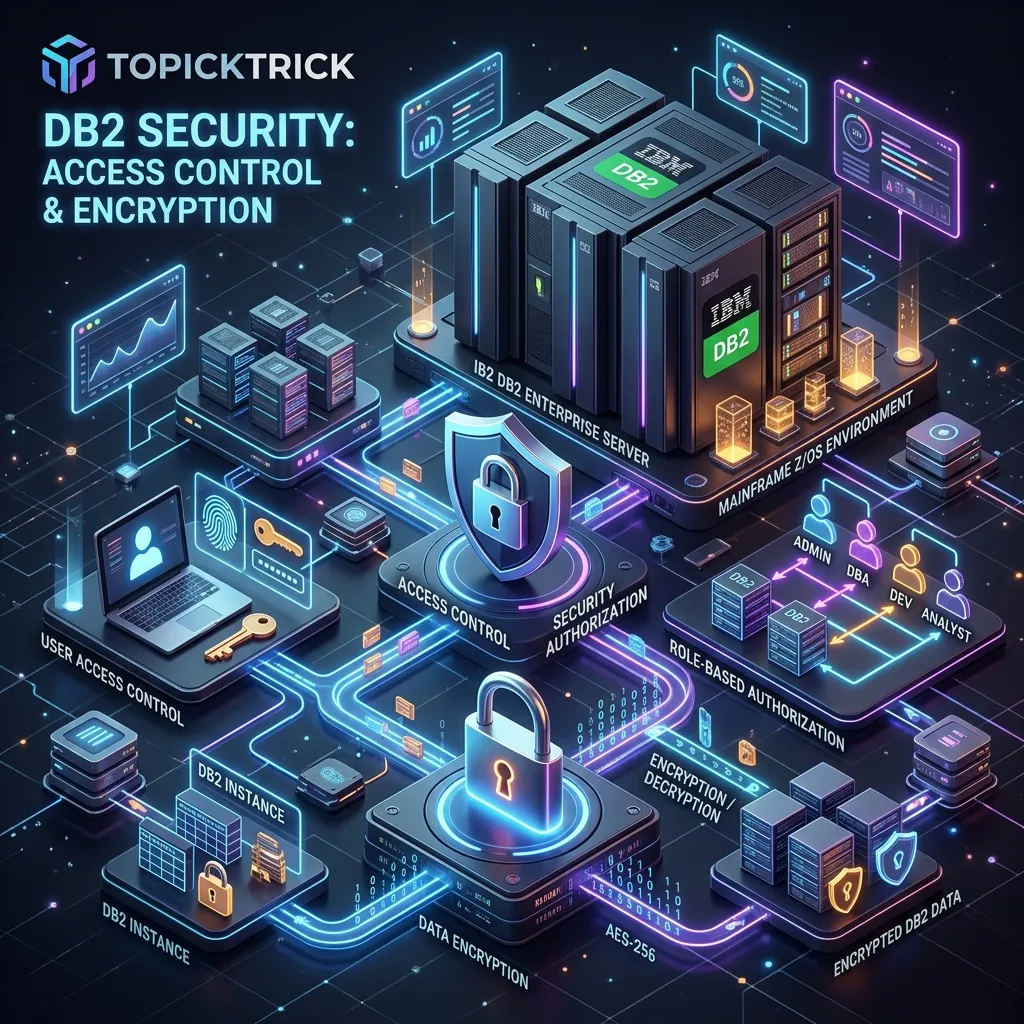
DB2 Security and Authorization: Complete Guide
Security is a first-class concern in any production database environment. DB2 provides a comprehensive, multi-layered security model — from broad administrative authorities down to row-level and column-level access control. Understanding and correctly implementing DB2 security is critical for protecting sensitive data and meeting regulatory compliance requirements in banking, healthcare, and government environments.
DB2 Security Architecture
DB2 security operates at multiple levels:
Instance Level     → SYSADM, SYSCTRL, SYSMAINT, SYSMON authorities
Database Level     → DBADM, SECADM, DATAACCESS, ACCESSCTRL
Object Level       → Table/View/Procedure/Package privileges
Row/Column Level   → RCAC (Row and Column Access Control)
Authentication (verifying who you are) is handled externally — by the OS, LDAP, or Kerberos. Authorization (what you are allowed to do) is handled by DB2.
Administrative Authorities
SYSADM (System Administrator)
The highest authority. Can do anything in the DB2 instance.
Granted via DB2 configuration:
db2 UPDATE DBM CFG USING SYSADM_GROUP db2adminsSYSCTRL (System Control)
Can perform system management operations (backup, restore, monitor) but cannot access user data.
SYSMAINT (System Maintenance)
Can perform maintenance operations (RUNSTATS, REORG, BACKUP) but cannot access user data or modify system configuration.
SYSMON (System Monitor)
Can monitor database system health (db2pd, MON_GET_* functions) but cannot modify anything.
DBADM (Database Administrator)
Full authority over a specific database:
GRANT DBADM ON DATABASE TO USER app_dba;
REVOKE DBADM ON DATABASE FROM USER app_dba;
SECADM (Security Administrator)
Manages roles, trusted contexts, and RCAC policies. SECADM cannot read user data themselves — a separation-of-duties control. This is important in regulated environments where the security administrator should not have access to sensitive business data.
GRANT SECADM ON DATABASE TO USER security_admin;Object-Level Privileges
Table and View Privileges
-- Grant SELECT on a table
GRANT SELECT ON TABLE empschm.employee TO USER analyst1;

-- Grant multiple privileges
GRANT SELECT, INSERT, UPDATE ON TABLE empschm.employee TO USER app_user;

-- Grant DELETE as well
GRANT DELETE ON TABLE empschm.employee TO USER data_admin;

-- Grant all table privileges
GRANT ALL PRIVILEGES ON TABLE empschm.employee TO USER poweruser;

-- Grant to a group (OS group)
GRANT SELECT ON TABLE empschm.employee TO GROUP reporting_team;

-- Grant SELECT and allow the user to further grant it (WITH GRANT OPTION)
GRANT SELECT ON TABLE empschm.employee TO USER senior_analyst WITH GRANT OPTION;

-- Revoke privileges
REVOKE SELECT ON TABLE empschm.employee FROM USER analyst1;
REVOKE ALL PRIVILEGES ON TABLE empschm.employee FROM USER poweruser;
Schema Privileges
-- Allow user to create objects in a schema
GRANT CREATEIN ON SCHEMA empschm TO USER developer1;

-- Allow user to modify objects in a schema
GRANT ALTERIN ON SCHEMA empschm TO USER developer1;

-- Allow user to drop objects in a schema
GRANT DROPIN ON SCHEMA empschm TO USER developer1;
Stored Procedure and Function Privileges
-- Grant execute on a stored procedure
GRANT EXECUTE ON PROCEDURE empschm.process_payroll TO USER payroll_admin;

-- Grant execute on a function
GRANT EXECUTE ON FUNCTION empschm.calc_bonus TO ROLE analyst_role;

-- Grant execute on all procedures in a schema
GRANT EXECUTE ON PACKAGE empschm.* TO USER app_server;
Roles
Roles are named collections of privileges. They simplify security management by letting you grant a set of privileges to a role, then assign the role to multiple users.
Creating and Managing Roles
-- Create roles
CREATE ROLE read_only_analyst;
CREATE ROLE data_entry_operator;
CREATE ROLE hr_administrator;

-- Grant privileges to roles
GRANT SELECT ON TABLE empschm.employee   TO ROLE read_only_analyst;
GRANT SELECT ON TABLE empschm.department TO ROLE read_only_analyst;
GRANT SELECT ON TABLE empschm.project    TO ROLE read_only_analyst;

GRANT SELECT, INSERT, UPDATE ON TABLE empschm.employee TO ROLE data_entry_operator;

GRANT ALL PRIVILEGES ON TABLE empschm.employee   TO ROLE hr_administrator;
GRANT ALL PRIVILEGES ON TABLE empschm.department TO ROLE hr_administrator;
GRANT EXECUTE ON PROCEDURE empschm.process_payroll TO ROLE hr_administrator;

-- Assign roles to users
GRANT ROLE read_only_analyst   TO USER john_smith;
GRANT ROLE data_entry_operator TO USER jane_doe;
GRANT ROLE hr_administrator    TO USER hr_manager;

-- Assign role to a group
GRANT ROLE read_only_analyst TO GROUP reporting_staff;

-- Revoke role
REVOKE ROLE data_entry_operator FROM USER jane_doe;

-- Drop a role (revokes it from all users)
DROP ROLE read_only_analyst;
Row and Column Access Control (RCAC)
RCAC lets you define fine-grained access control that operates below the standard privilege level — controlling which rows and which column values each user can see, independent of their table-level privileges.
Row Permissions
A row permission defines a Boolean condition — users with that permission can only see rows where the condition is TRUE:
-- Enable RCAC on the table
ALTER TABLE empschm.employee ACTIVATE ROW ACCESS CONTROL;

-- Employees can only see their own record
CREATE OR REPLACE PERMISSION EMP_OWN_DATA
ON empschm.employee
FOR ROWS WHERE EMPNO = SESSION_USER
ENFORCED FOR ALL ACCESS
ENABLE;

-- Managers can see all employees in their department
CREATE OR REPLACE PERMISSION MGR_DEPT_ACCESS
ON empschm.employee
FOR ROWS WHERE WORKDEPT IN (
    SELECT WORKDEPT FROM empschm.employee WHERE EMPNO = SESSION_USER
)
ENFORCED FOR ALL ACCESS
ENABLE;
Column Masks
A column mask controls what value is returned for a specific column:
-- Enable column access control
ALTER TABLE empschm.employee ACTIVATE COLUMN ACCESS CONTROL;

-- Mask salary for users without HR role (show approximate range only)
CREATE OR REPLACE MASK SALARY_MASK
ON empschm.employee
FOR COLUMN SALARY
RETURN
    CASE
        WHEN VERIFY_ROLE_FOR_USER(SESSION_USER, 'HR_ADMINISTRATOR') = 1
             THEN SALARY
        ELSE CASE
                 WHEN SALARY >= 80000 THEN DECIMAL(80000)
                 WHEN SALARY >= 60000 THEN DECIMAL(60000)
                 ELSE DECIMAL(40000)
             END
    END
ENABLE;
After this mask is active, users without the HR_ADMINISTRATOR role see rounded salary bands instead of actual values, while HR administrators see exact salaries.
DB2 z/OS Security Specifics
On z/OS, RACF (Resource Access Control Facility) or an equivalent External Security Manager (ESM) handles authentication. DB2 works with RACF through:
RACF DB2 profiles: RACF controls access to DB2 subsystems, databases, and objects through resource profiles in the DSNDBA, DSNR, and MDSNDB classes.
Plan/Package execution: The user's RACF authorization ID must have EXECUTE access to the DB2 plan or package. The package's owner authorization ID must have the appropriate table privileges.
Secondary authorization IDs: Users can have multiple RACF group IDs that DB2 uses for authorization checks.
-- z/OS: Grant EXECUTE on a plan
GRANT EXECUTE ON PLAN EMPPLN TO PUBLIC;
GRANT EXECUTE ON PLAN EMPPLN TO USER EMPUSR01;
Auditing Privilege Changes
Track who has what privileges and when they were granted:
-- DB2 LUW: view all table-level privileges
SELECT GRANTOR, GRANTEE, TABSCHEMA, TABNAME,
       SELECTAUTH, INSERTAUTH, UPDATEAUTH, DELETEAUTH
FROM   SYSCAT.TABAUTH
WHERE  TABSCHEMA = 'EMPSCHM'
ORDER BY TABNAME, GRANTEE;

-- View role memberships
SELECT GRANTEE, GRANTEETYPE, ROLENAME, ADMIN
FROM   SYSCAT.ROLEAUTH
ORDER BY ROLENAME, GRANTEE;

-- DB2 z/OS: check table privileges
SELECT GRANTEE, GRANTEETYPE, SELECTAUTH, INSERTAUTH, UPDATEAUTH, DELETEAUTH
FROM   SYSIBM.SYSTABAUTH
WHERE  TCREATOR = 'EMPSCHM'
AND    TTNAME   = 'EMPLOYEE';
Security Best Practices
Use the principle of least privilege — grant the minimum permissions required for each function. An application that only reads data should have SELECT only, never INSERT or UPDATE.
Prefer roles over direct user grants — roles make it easy to change a set of permissions for many users at once and make auditing clearer.
Never grant SYSADM to application user IDs. Create separate administrative IDs for DBA work and operational IDs for application execution.
Rotate and audit privileged credentials regularly. Database administrator accounts are high-value targets.
Use RCAC for sensitive columns (salary, health data, social security numbers) in regulated environments — even a user with SELECT on the table should not see plaintext sensitive data without specific authorisation.
Next Steps
Security knowledge rounds out the DB2 DBA skill set. For interview preparation covering all topics from SQL to administration, see the DB2 Interview Questions guide. To review the complete course, visit the DB2 Mastery course hub.
Frequently Asked Questions
Q: What are the main privilege levels in DB2 for z/OS security? DB2 z/OS has a hierarchy of authorities: SYSADM (full system access), SYSCTRL (system control without data access), SYSOPR (operator functions), DBADM (all privileges on a specific database), and object-level privileges (SELECT, INSERT, UPDATE, DELETE, EXECUTE on individual tables, views, and packages). Privileges are granted via GRANT statements and can be controlled using RACF (or ACF2/Top Secret) in conjunction with DB2's own catalogue-based access control.
Q: How does DB2 integrate with RACF for mainframe security? DB2 can use z/OS SAF (Security Authorisation Facility) to route authorisation checks to RACF. When SAF integration is enabled, DB2 checks RACF profiles in classes like DSNR (DB2 resource access) and MDSNR (multilevel security) in addition to its own GRANT/REVOKE catalogue. This allows centralised security administration — a security team manages RACF profiles for both z/OS resources and DB2 objects without requiring DB2-specific GRANT commands for every user.
Q: What is secondary authorisation ID and how is it used in DB2? A secondary authorisation ID is an additional identity (typically a group or role) associated with a DB2 session that supplements the primary auth ID. DB2 checks both primary and secondary IDs when evaluating privileges. On z/OS, secondary IDs correspond to RACF groups. This allows role-based access control: users inherit DB2 privileges through RACF group membership rather than individual GRANT statements, simplifying privilege management in large organisations.