
Git Hooks: Automating Your Workflow with Scripts
Protect your repo. Learn how to use Git Hooks to automatically run tests, lint your code, and check for secrets before every commit or push.
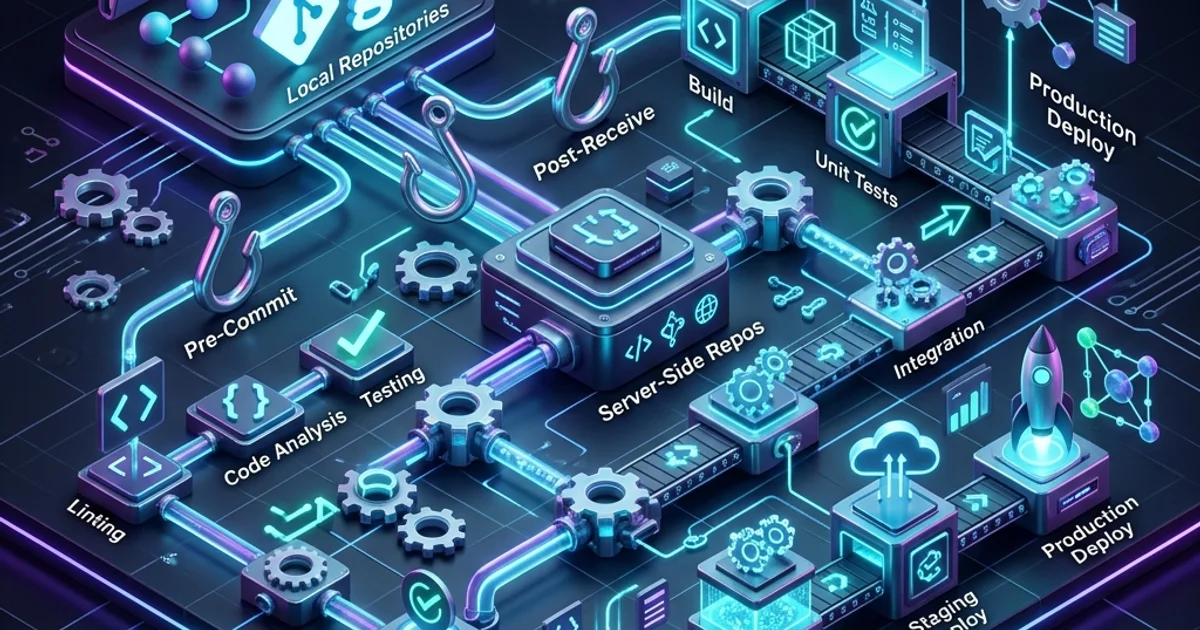
Git Hooks: Automating Your Workflow with Scripts
1. Where do Hooks live?
Every Git repository has a hidden folder at .git/hooks/. Inside, you'll find sample scripts for every event:
pre-commit: Runs BEFORE the commit is created.pre-push: Runs BEFORE code is sent to GitHub.post-merge: Runs AFTER a successful merge.
2. Using pre-commit for Quality Control
The most popular hook is the pre-commit hook.
Imagine you have a rule: "No code can be committed unless it passes the Linter."
Instead of reminding people, you write a shell script:
# .git/hooks/pre-commit
npm run lint
if [ $? -ne 0 ]; then
    echo "Linter failed! Commit stopped."
    exit 1
fi
If the linter finds an error, the git commit command will simply FAIL. The developer is forced to fix the error before they can save their work.
3. Modern Tooling: Husky and Lefthook
Manually managing scripts in the .git/ folder is hard because that folder isn't pushed to GitHub. To share hooks with your team, modern developers use tools like Husky (JavaScript) or Lefthook (Go). These tools store your hooks in a regular file (like package.json) and "Install" them automatically when a team member clones the project.
4. The "Guardian" Strategy
A professional repository uses hooks for:
- Secret Detection: Block commits that contain
API_KEYorPASSWORD. - Linting: Ensure every file follows the team's style guide.
- Tests: Run "Fast" unit tests (takes < 2 seconds) to catch silly logic errors immediately.
Frequently Asked Questions
Can I skip a hook?
Yes. If you have an emergency and need to commit broken code to a private branch, you can run git commit --no-verify. But use this sparingly-hooks are there to protect you.
Can hooks be written in Python or JavaScript?
Yes! As long as the first line of the file contains a "Shebang" (e.g., #!/usr/bin/env node), Git can execute any script language installed on your machine.
Key Takeaway
Git Hooks are the "First Line of Defense" for a codebase. By automating quality checks on the local machine, you reduce the load on your CI/CD server and ensure that only the highest-quality code ever makes it to the "Commit" stage.
Read next: Advanced Git: Reflog and Cherry-Pick ->
Part of the GitHub Mastery Course - masters of automation.