
Open Source Contribution: The Professional Guide
Learn to contribute to open source professionally: finding good first issues, forking and branching strategy, writing quality PRs, code review etiquette, and building maintainer relationships.
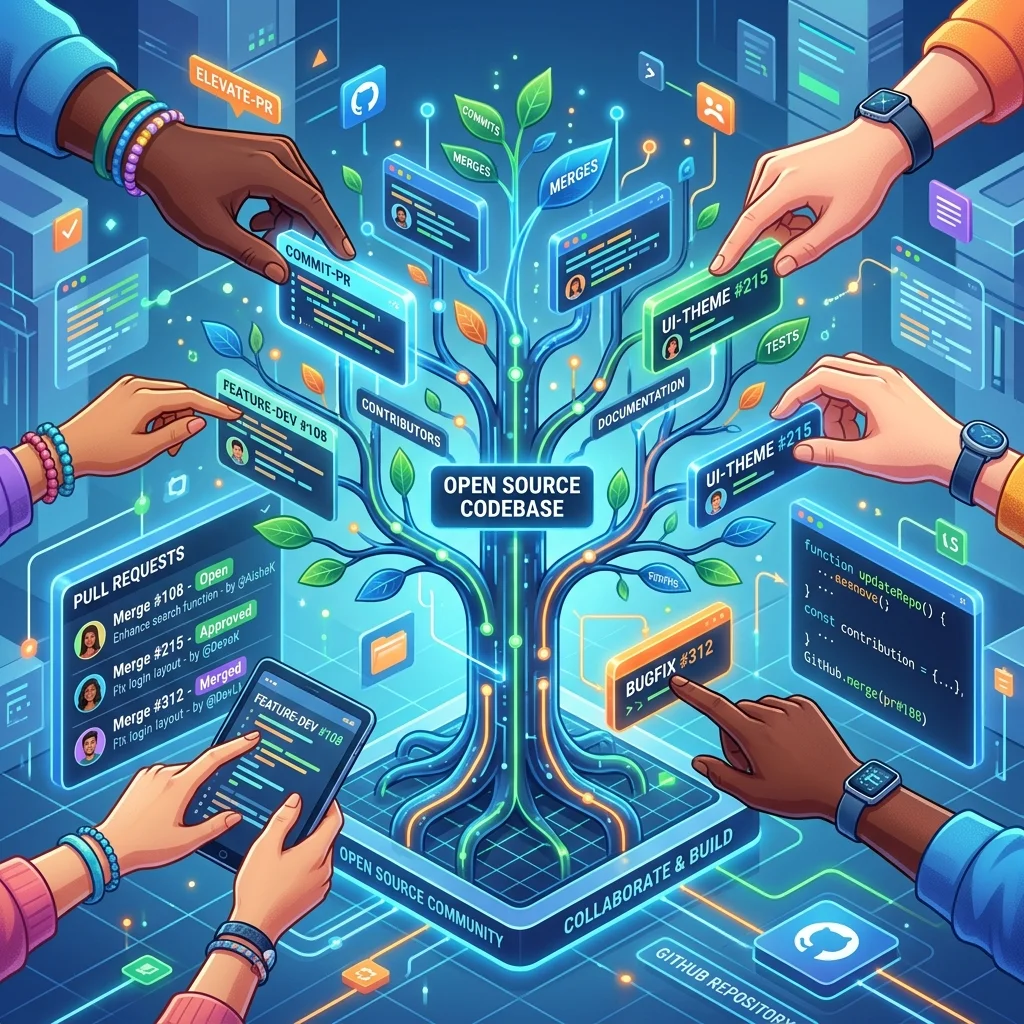
Open Source Contribution: The Professional Guide
Contributing to open source is one of the most effective ways to level up as a developer, build a public portfolio, and collaborate with engineers at top companies. But most newcomers approach it wrong-they pick the largest projects, open ambitious PRs, and wonder why they never get merged. This guide covers the professional approach: starting small, building relationships, and contributing work that maintainers actually want.
Finding the Right Project
Don't start with Linux, React, or TypeScript. These projects have review queues measured in weeks and steep requirements for contributors. Start where your contributions have the most impact and the fastest feedback loop.
Where to Look
Good starting points:
- Tools you already use and understand
- Libraries with < 500 GitHub stars (maintainers are hungry for help)
- Projects with active maintainers (last commit < 30 days ago)
- Projects that have a CONTRIBUTING.md (maintainer has invested in onboarding)
- Projects with "good first issue" or "help wanted" labels

Discovery:
- https://goodfirstissue.dev - curated good-first-issues
- https://github.com/explore - trending by language/topic
- https://up-for-grabs.net - issues specifically for new contributors
- Issues in repos you already star or watch
Evaluating a Project's Health
# Check contribution velocity
gh api repos/{owner}/{repo} --jq '{
  open_issues: .open_issues_count,
  stars: .stargazers_count,
  last_push: .pushed_at,
  license: .license.spdx_id
}'

# Check PR merge rate (are contributions actually accepted?)
gh pr list --repo {owner}/{repo} --state merged --limit 20

# Check how long PRs stay open
gh pr list --repo {owner}/{repo} --state open --limit 20 --json createdAt,title \
  | jq '.[] | {title, days_open: (now - (.createdAt | fromdateiso8601)) / 86400 | floor}'
Red flags: PRs open for months with no maintainer response, issues closed with "won't fix" with no explanation, no CONTRIBUTING.md, license that restricts commercial use (affects your ability to use your learnings at work).
Setting Up Your Fork
# 1. Fork the repository on GitHub (creates your copy at github.com/yourusername/repo)

# 2. Clone YOUR fork (not the original)
git clone git@github.com:yourusername/repo.git
cd repo

# 3. Add the original repo as "upstream"
git remote add upstream git@github.com:originalowner/repo.git

# Verify
git remote -v
# origin    git@github.com:yourusername/repo.git (fetch)
# origin    git@github.com:yourusername/repo.git (push)
# upstream  git@github.com:originalowner/repo.git (fetch)
# upstream  git@github.com:originalowner/repo.git (push)

# 4. Create a branch for your work (never work on main directly)
git checkout -b fix/issue-123-null-pointer
# or
git checkout -b feat/add-retry-logic
Keeping Your Fork Up to Date
# Sync your local main with upstream
git fetch upstream
git checkout main
git merge upstream/main   # or: git rebase upstream/main

# Push the synced main to your fork
git push origin main

# If you have an in-progress branch, rebase it
git checkout fix/issue-123-null-pointer
git rebase upstream/main
# Resolve any conflicts, then:
git push origin fix/issue-123-null-pointer --force-with-lease
The First Contribution: What to Pick
Good First Contributions
| Type | Why It Works | Example |
|---|---|---|
| Documentation fix | No code risk, high value | Clarify a confusing README section |
| Test addition | Shows you understand the code | Add a test for an edge case in an issue |
| Bug fix with existing issue | Scope is defined | "NullPointerException when X is null" |
| Dependency update | Low-risk, often needed | Update a minor dependency version |
| Typo/grammar | Start relationships | Fix multiple typos in one PR |
| Code example | Demonstrates mastery | Add a practical code sample to docs |
Bad First Contributions
- Large refactors: "I rewrote the auth module to use my preferred pattern"
- Feature requests you invented: Solve a problem that isn't tracked as an issue
- Style changes across many files:
prettified the whole codebase - Breaking changes: Anything that changes the public API
Before writing any code:
1. Find an issue that's labeled "good first issue" or "help wanted"
2. Comment: "I'd like to work on this. I'm thinking of [approach]. Does that sound right?"
3. Wait for maintainer confirmation before starting
4. Only then write code
This one step prevents 80% of rejected PRs.
Reading the Codebase
Before contributing, understand the project structure:
# Get an overview
ls -la
cat README.md
cat CONTRIBUTING.md
cat CHANGELOG.md  # understand version cadence

# Understand the test structure
find . -name "*.test.*" | head -20
find . -name "*.spec.*" | head -20

# Run the tests to make sure they pass on main before you start
npm test        # or: yarn test, pytest, go test ./..., cargo test

# Find the code related to your issue
grep -r "functionName" --include="*.ts" src/
Understanding the PR That Will Accompany Your Change
Look at recently merged PRs to understand expectations:
gh pr list --repo {owner}/{repo} --state merged --limit 10
gh pr view {PR_NUMBER} --repo {owner}/{repo}
Notice: How detailed are the descriptions? Do they require tests? Are there screenshots for UI changes? What's the review turnaround time?
Writing a Quality Pull Request
Commit Message Conventions
Most projects follow Conventional Commits or a similar standard:
# Conventional commits format
git commit -m "fix(auth): handle null token in middleware

When the Authorization header is missing entirely (as opposed to
malformed), the middleware was throwing a TypeError instead of
returning a 401 response.

Fixes #123"

# Format: type(scope): subject
# Types: feat, fix, docs, style, refactor, test, chore, ci
# Body: wrap at 72 chars, explain WHY not what
# Footer: reference issue numbers
PR Description Template
## What this PR does

Fixes #123 - `UserService.authenticate()` throws `NullPointerException` when
called with an expired token. The token parser returns `null` for expired tokens
but the caller assumed it always returned a User object.

## Why

The error was reported by two separate users who were logged out mid-session.
The fix adds an explicit null check before accessing token fields.

## How

- Added null guard in `authenticate()` before calling `token.getUserId()`
- Returns `null` (unauthenticated) instead of throwing
- Updated the caller in `AuthMiddleware` to handle the null return

## Testing

- Added unit test `authenticate_returns_null_for_expired_token`
- Manually tested with a token expired 1 hour ago

## Checklist

- [x] Tests added/updated
- [x] Documentation updated (if applicable)
- [x] Follows project code style
- [x] Linked to issue #123
Keeping PRs Small
Single responsibility: one PR, one problem.

Too big:
- "Add retry logic and fix auth bug and update dependencies"

Just right:
- "Fix null pointer in auth middleware (#123)"
- "Add retry logic to HTTP client (#456)"
- "Update lodash to 4.17.21 (#457)"

Small PRs:
- Get reviewed faster (reviewers can do it in 5 minutes)
- Have higher merge rates
- Are easier to revert if something goes wrong
- Build trust incrementally
Navigating Code Review
Responding to Feedback
Reviewer: "This approach won't work because of X edge case"

Wrong response: "I think it's fine because Y"
Right response: "Good catch! I hadn't considered X.
                 I'll update the test to cover it and
                 fix the implementation."

Reviewer: "Can you split this into two functions?"

Wrong response: Ignore it or argue
Right response: Do it, or ask "I can split it, but I
                wanted to keep them together because
                they share state Z. Would a helper
                function be OK instead?"
Making Requested Changes
# Push additional commits (don't force-push during review unless asked)
git add src/auth/middleware.ts
git commit -m "fix: handle edge case from review feedback"
git push origin fix/issue-123-null-pointer

# After all feedback is addressed, you may be asked to squash
git rebase -i upstream/main
# In interactive rebase, mark commits after the first as 'squash'
git push origin fix/issue-123-null-pointer --force-with-lease
When a PR Stalls
After 1 week with no response:
  Comment: "Friendly ping - is there anything else needed from my side?"

After 2 weeks with no response:
  Comment: "I notice this hasn't had activity. Is this still something the
            project is interested in? Happy to close it if priorities have
            shifted."

After 1 month with no response:
  Move on. Close the PR with a note: "Closing due to inactivity.
  Happy to reopen if the project wants to revisit this."
Building Maintainer Relationships
The contributors who have the most impact are the ones who become trusted regulars, not drive-by PR submitters.
Month 1: Fix two small bugs. Leave helpful comments on other issues.
Month 2: Review PRs from other contributors. You don't have to approve-
         ask clarifying questions, share observations.
Month 3: Tackle a medium feature with maintainer buy-in up front.
Month 4+: You'll be tagged in relevant issues. You understand the codebase.
          Some maintainers will add you as a collaborator.
Being a Helpful Community Member
# Reproduce and confirm bugs reported by others
git checkout upstream/main
# Try to reproduce the reported issue
# Comment: "Confirmed on main with Node 20. Steps to reproduce: ..."

# Help triage by asking for missing information
# "Could you share the error message and which version you're using?"

# Link related issues
# "This seems related to #234 which was closed. The difference is..."
Your Profile as Portfolio
GitHub activity is visible to recruiters and hiring managers. A profile with:
- Contributions to well-known projects
- Clear commit messages that explain intent
- PR descriptions that show you can communicate
- Participation in design discussions
- Tests with every non-trivial contribution
...signals engineering maturity far more effectively than certifications.
# Generate a contribution summary for your resume
gh api user/repos --jq '.[].full_name' | while read repo; do
  gh pr list --author @me --repo "$repo" --state merged --limit 100 2>/dev/null
done

# Star projects you've contributed to (shows engagement)
gh api -X PUT user/starred/{owner}/{repo}
Frequently Asked Questions
Q: I submitted a PR and it's been two months with no response. Did I do something wrong?
Probably not. Maintainer bandwidth is the biggest constraint in open source. Many maintainers have full-time jobs and limited time for reviews. Two months with no response is common even in healthy projects. Send a polite ping at the 1-week and 2-week mark. If you still get no response, close the PR with a graceful note. Do not take it personally. Some of the best contributions in open source history sat unmerged for months before landing.
Q: How do I handle a maintainer who is rude or dismissive?
It happens. Before attributing it to bad intent, consider that maintainers often receive dozens of low-quality PRs and can come across as terse when they mean to be efficient. If feedback feels unfair, ask for clarification: "I want to make sure I understand your concern-are you saying the approach is wrong, or just the implementation?" If behavior is genuinely hostile, most major projects have a Code of Conduct. You can reference it or step back. Not every project is worth contributing to.
Q: Should I contribute to increase my GitHub contribution graph (green squares)?
The contribution graph shows commits, PRs, issues, and reviews in public repos. It is a visible signal but not a reliable measure of quality. A profile with 30 thoughtful contributions to real projects is far more impressive to experienced engineers than 365 days of green squares from toy projects. Focus on quality and genuine participation. Reviewers at top companies look at what you contributed, not how many squares are green.
Q: How do I contribute when I don't have much time - only an hour per week?
One hour per week is enough to be a consistent open source contributor. The best use of limited time: review open PRs (15 minutes), triage one new issue (15 minutes), and make one small code change per week (30 minutes). Triaging and reviewing are as valuable as writing code-sometimes more so-and most projects are critically short on reviewers. Within three months, you will have built a reputation in the project from pure consistency.