
Computer Architecture Fundamentals for HLASM Programmers
Understand the z/Architecture hardware model that HLASM runs on — CPU registers, memory hierarchy, the PSW, fetch-decode-execute cycle, and how z/OS manages storage. Essential reading before writing your first assembler program.
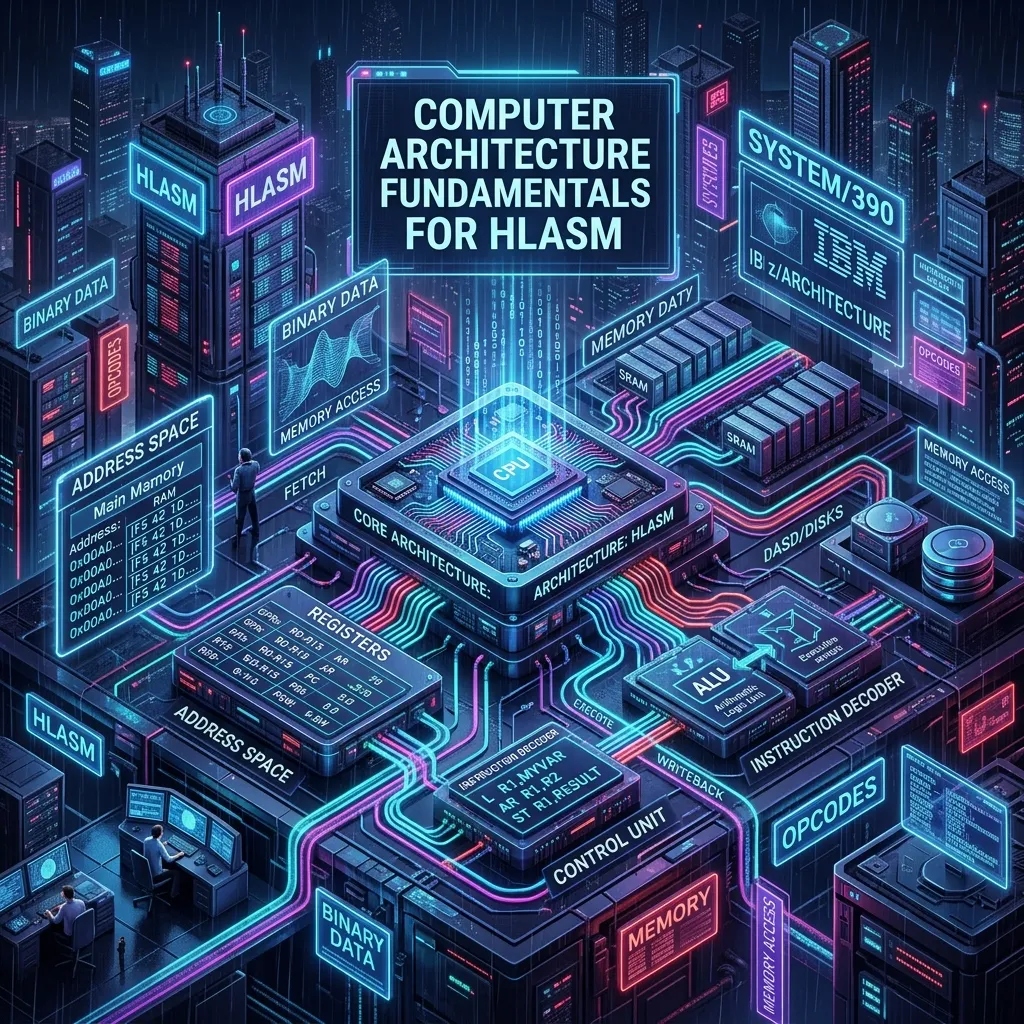
Computer Architecture Fundamentals for HLASM Programmers
Before you write a single HLASM instruction, you need a working mental model of the machine you are programming. Unlike high-level languages that hide hardware details behind abstractions, HLASM exposes the processor directly. Every instruction you write manipulates registers, memory addresses, and CPU state in predictable, documented ways.
This article covers the z/Architecture hardware model that HLASM programs run on — the processor, its registers, the memory model, and the fetch-decode-execute cycle. Understanding these fundamentals makes every subsequent HLASM concept easier to grasp.
The IBM Z Processor: What HLASM Actually Controls
IBM Z mainframes use the z/Architecture instruction set — a 64-bit architecture that is the direct descendant of the original IBM System/360 introduced in 1964. Over sixty years of backward compatibility mean that HLASM code written for System/360 still runs, unchanged, on the latest IBM z16 processor.
The processor executes HLASM instructions one at a time (in logical terms — modern Z processors are superscalar and out-of-order, but from a programmer's perspective the sequential model holds). Each instruction operates on one or more of the following:
- General-purpose registers — the CPU's working scratchpad
- Memory (storage) — the program's data and code
- The Program Status Word — which controls execution state
Understanding these three things is the core of assembly language programming on z/OS.
The Fetch-Decode-Execute Cycle
Every instruction executes through the same basic cycle:
- Fetch — The CPU reads the next instruction from the memory address stored in the instruction address portion of the PSW.
- Decode — The CPU determines what the instruction does by reading its operation code (the first byte or two of the instruction).
- Execute — The CPU performs the operation: an arithmetic calculation, a memory load or store, a branch, or a system call.
- Update PSW — The instruction address advances to the next instruction (unless a branch occurred), and the condition code may be updated.
HLASM gives you direct control over this cycle. When you write BC 8,LOOP (branch to LOOP if the condition code is zero), you are directly manipulating the instruction address in the PSW. There is no runtime, no virtual machine — you are controlling the processor.
Registers: The CPU's Working Memory
z/Architecture provides several classes of registers. HLASM programmers work primarily with the general-purpose registers.
General-Purpose Registers (GR0–GR15)
There are 16 general-purpose registers, numbered 0 through 15. In 64-bit mode each holds 64 bits (8 bytes). In 31-bit mode the high-order bit is ignored for addressing purposes, giving an effective 31-bit address range.
* Register usage conventions (not enforced by hardware, but standard on z/OS)
* GR0   - Scratch / parameter passing (certain macros use R0 as length or type)
* GR1   - Parameter list pointer (CALL convention)
* GR2   - Scratch / first subroutine argument
* GR13  - Save area address (the caller's save area pointer)
* GR14  - Return address (where to branch when the subroutine finishes)
* GR15  - Entry point address of the called routine / return code
The conventions above are not enforced by hardware. The processor does not know or care which register you use for what. They are conventions established by IBM's standard linkage contract, which every z/OS program follows. Breaking them causes your program to crash when it tries to call another routine or return to its caller.
Register 0 and Register 1: Special Cases
Registers 0 and 1 have specific roles in several z/Architecture instructions and in z/OS calling conventions:
- GR0 — When used as a base register in an instruction, it contributes a value of zero rather than its actual contents. This is a hardware rule, not a software convention. If you accidentally use GR0 as a base register, your addressing will be wrong.
- GR1 — By convention, GR1 points to the parameter list when calling a z/OS service or another HLASM/COBOL routine. Many MVS macros (such as WTO and GETMAIN) expect GR1 to be set up before the SVC instruction.
Floating-Point Registers
z/Architecture has 16 floating-point registers (FPR0–FPR15) for IEEE 754 binary floating-point and IBM hexadecimal floating-point arithmetic. Most HLASM business programs never touch them — decimal arithmetic (packed decimal) is far more common for financial work. The floating-point registers are mentioned here for completeness.
The Program Status Word (PSW)
The PSW is a 128-bit register that is the heart of program execution control. Its key fields for HLASM programmers are:
| PSW Field | Width | Meaning |
|---|---|---|
| Instruction Address | 64 bits | Address of the next instruction to fetch |
| Addressing Mode (AMODE) | 2 bits | 24-bit, 31-bit, or 64-bit addressing |
| Condition Code | 2 bits | Result indicator set by arithmetic/compare instructions |
| Program Mask | 4 bits | Controls floating-point exception handling |
| Problem State bit | 1 bit | 0 = supervisor state, 1 = problem (user) state |
The Condition Code
The condition code (CC) is a 2-bit field set to one of four values (0, 1, 2, or 3) by many HLASM instructions. The BC (Branch on Condition) instruction tests specific condition code values to implement conditional branching. For example, after an A (Add) instruction:
- CC = 0 → result is zero
- CC = 1 → result is negative
- CC = 2 → result is positive
- CC = 3 → overflow occurred
The CLC (Compare Logical Characters) instruction sets CC differently:
- CC = 0 → operands are equal
- CC = 1 → first operand is low
- CC = 2 → first operand is high
HLASM's extended mnemonics (BE, BNE, BL, BH, etc.) are assembler shortcuts that generate the correct BC mask for common condition code tests.
Memory (Storage) Architecture
z/OS uses a virtual storage model. Each address space (each job or task) has its own virtual address space, isolated from every other address space. Physical RAM is managed transparently by the z/Architecture Dynamic Address Translation (DAT) facility.
Address Spaces and Virtual Storage Layout
A standard 31-bit z/OS address space is divided into regions:
0x00000000 – 0x00FFFFFF   Low storage (first 16 MB) — nucleus, CVT, common areas
0x01000000 – 0x7FFFFFFF   Private storage — your program's code and data lives here
0x80000000 – 0xFFFFFFFF   Extended private storage (above the 16 MB line)
The 16 MB line (address 0x01000000) is a critical boundary in z/OS. Programs running in AMODE 24 cannot address above it. AMODE 31 programs can use all of the 2 GB virtual address space.
The Communication Vector Table (CVT)
The CVT is a central data structure at a well-known address in low storage that contains pointers to most major z/OS control blocks. HLASM programs frequently navigate the CVT to locate system services. The address of the CVT is stored at offset X'10' from absolute address zero:
         L     R3,X'10'(0,0)    Load CVT pointer from low storage
         USING CVT,R3           Tell assembler R3 maps to CVT DSECT
Data Representation on z/Architecture
z/Architecture stores multi-byte integers in big-endian order — the most significant byte is at the lowest memory address. This is the opposite of x86 (little-endian), which trips up many developers coming from the PC world.
Binary Integer Formats
| Format | Size | HLASM DC Type | Example |
|---|---|---|---|
| Halfword | 2 bytes | H | DC H'100' |
| Fullword | 4 bytes | F | DC F'100000' |
| Doubleword | 8 bytes | D | DC D'0' |
Fullwords must be aligned on 4-byte boundaries; doublewords on 8-byte boundaries. Misaligned data causes a specification exception (abend 0C6) at runtime.
EBCDIC Character Encoding
z/OS uses EBCDIC (Extended Binary Coded Decimal Interchange Code) rather than ASCII. The character 'A' is X'C1' in EBCDIC but X'41' in ASCII. The digit '0' is X'F0' in EBCDIC but X'30' in ASCII.
This matters for HLASM programs that process character data, read files, or interact with terminal output. The TR (Translate) instruction is used to convert between EBCDIC and other encodings.
How HLASM Instructions Map to Machine Code
Each HLASM instruction is one of several formats that determine its length (2, 4, or 6 bytes) and how its operands are encoded:
| Format | Length | Description |
|---|---|---|
| RR | 2 bytes | Register-to-register (e.g., AR R1,R2) |
| RX | 4 bytes | Register and indexed storage (e.g., L R1,FIELD) |
| RS | 4 bytes | Register-and-storage with base/displacement |
| SI | 4 bytes | Storage-immediate (e.g., MVI BYTE,X'FF') |
| SS | 6 bytes | Storage-to-storage (e.g., MVC DEST,SOURCE) |
The RX format is the most commonly used. It encodes a register operand, a base register, an index register, and a 12-bit displacement (0–4095). This means that in 31-bit mode, a single base register can address at most 4096 bytes of storage directly. Programs with more data than this require multiple base registers — which is why HLASM's USING directive is so important.
Putting It Together: From Source to Execution
When you submit an HLASM job on z/OS, the following happens:
- ASMA90 (the HLASM assembler) reads your source, resolves labels, and produces a relocatable object deck.
- The linkage editor (IEWL or BINDER) combines object decks, resolves external references, and builds a load module.
- The z/OS program loader brings the load module into virtual storage, applies relocation fixups, and sets the PSW instruction address to the program's entry point.
- The CPU begins the fetch-decode-execute cycle at that address.
From that moment, your HLASM instructions control the processor directly. There is no interpreter, no virtual machine — just your instructions and the hardware.
Conclusion
z/Architecture is an elegant and powerful processor architecture. Its backward compatibility with decades of code, its big-endian memory model, its 16-register design, and its rich instruction set make it uniquely suited for the high-throughput, high-reliability workloads that mainframes run. Before you can write effective HLASM code, you need this mental model firmly in place.
The next step is setting up your HLASM development environment and writing your first program — covered in HLASM Environment: JCL, ASMA90, and Your First Assembly Program.