
Introduction to GitHub Actions: Automation Redefined
Master the workflow. Learn the anatomy of an Action, how to automate your testing, and the magic of the GitHub Marketplace for pre-built automation blocks.
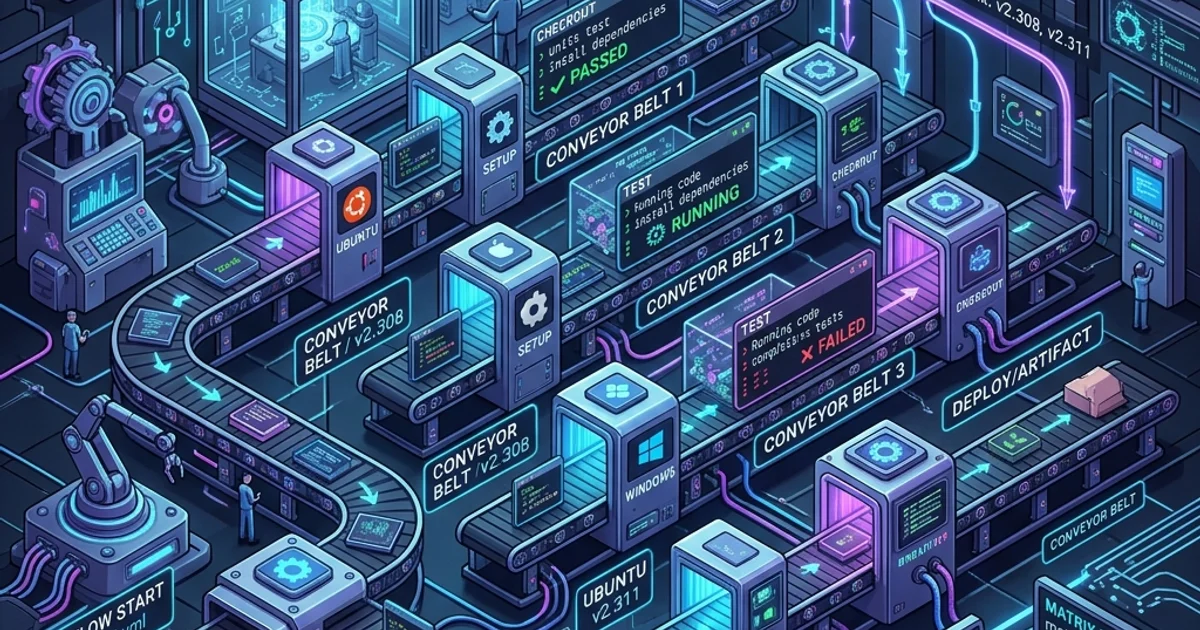
Introduction to GitHub Actions: Automation Redefined
1. The Anatomy of an Action
A "Workflow" is a simple YAML file stored in .github/workflows/.
- Events (The "When"): Trigger the robot (e.g.,
pushorpull_request). - Jobs (The "What"): The tasks to perform (e.g.,
testorbuild). - Steps (The "How"): The individual commands (e.g.,
npm install). - Runners (The "Where"): The computer the robot runs on (usually Ubuntu, Windows, or macOS).
2. A Simple "Test Runner" Workflow
name: Node.js CI
on: [push]
jobs:
  build:
    runs-on: ubuntu-latest
    steps:
      - uses: actions/checkout@v4 # Robot downloads your code
      - name: Use Node.js
        uses: actions/setup-node@v4
        with:
          node-version: '20'
      - run: npm install
      - run: npm test
3. The GitHub Marketplace: Don't Rebuild the Wheel
You don't have to write everything from scratch. There are 10,000+ pre-built actions in the marketplace.
- Need to send a Slack notification? There's an action for that.
- Need to deploy to AWS? There's an action for that.
- Need to scan your code for security bugs? There's an action for that.
You just "Plug and Play" by using the
uses:keyword.
4. Why Actions vs. Jenkins?
- Jenkins (The Old Way): You have to buy your own server, install the software, manage the plugins, and secure it.
- GitHub Actions (The Modern Way): It is "Serverless." GitHub provides the computers, the security, and the storage. It just works.
Frequently Asked Questions
Is it free? Yes, but with limits. Every free account gets 2,000 minutes of automation time per month. For most small/medium teams, this is more than enough. Public repositories get UNLIMITED minutes for free!
What if my tests fail? The Action will show a "Red X." On your Pull Request, the "Merge" button will be disabled, preventing you from adding broken code to the project. This is the Safety Shield of modern software development.
Key Takeaway
GitHub Actions is the "Brain" of your project. By mastering the anatomy of workflows and leveraging the Marketplace, you transform yourself from a "Writer of code" into an "Archtitect of Automation." you save time, reduce bugs, and build systems that can scale to any size.
Read next: YAML Syntax and Event Triggers: Advanced Automation ->
Part of the GitHub Mastery Course - engineering the robot.