
Managing Self-Hosted Runner Security: Best Practices
Protect your internal infrastructure while using self-hosted runners. Learn to isolate your build machines and prevent malicious CI/CD code from accessing your private network.
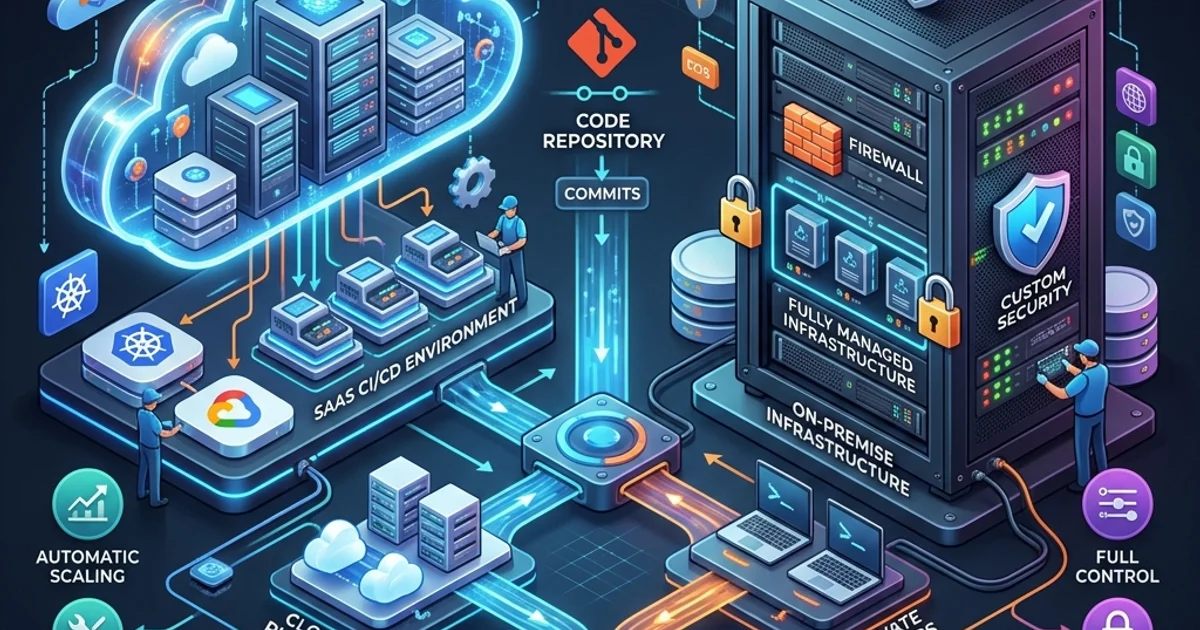
Managing Self-Hosted Runner Security: Best Practices
Using Self-Hosted Runners (covered in Module 14) is a powerful way to access private hardware and networks, but it introduces a massive security risk. Unlike GitHub-hosted runners, which are ephemeral and destroyed after every run, a self-hosted runner is a persistent machine that often has direct access to your internal databases and VPC. If an attacker can get a script to run on your self-hosted machine, they could use it as a "jumping off" point to hack your entire corporate infrastructure.
Table of Contents
- The Core Risk of Persistence
- Public Repositories: The "Hard No" Rule
- Isolation via Virtual Machines and Containers
- The Principle of Least Privilege for Runners
- Security Auditing and Logging
- Frequently Asked Questions
- Key Takeaway
The Core Risk of Persistence
A GitHub-hosted runner is like a rental car you return every day. A self-hosted runner is like your own personal car that you park in your garage.
If a malicious script is executed on a self-hosted runner:
- It can persist: It can install a "backdoor" or a keylogger that survives between different CI/CD jobs.
- It can spread: It can port-scan your internal network to find other vulnerable servers inside your VPC.
- It can steal: It can access local files or metadata services (like AWS EC2 Instance Metadata) to steal broad administrative credentials for your cloud account.
Public Repositories: The "Hard No" Rule
[!CAUTION] Never use self-hosted runners for public repositories. Anyone on the internet can fork your public repo, modify a workflow file, and submit a Pull Request. By default, GitHub might automatically trigger that workflow on your self-hosted machine, essentially giving a literal stranger the ability to run whatever code they want inside your server room.
For public projects, only use GitHub-hosted runners. If you must use your own hardware for a public project, ensure the runner is "blind" to your private network and has zero access to internal resources.
Isolation via Virtual Machines and Containers
To secure a self-hosted runner, you must treat it as untrusted.
- Non-Root User: Never run the GitHub Actions runner application as a
rootorAdministratoruser. Create a dedicated service user with extremely limited local permissions. - Ephemeral Containers: Use tools like the Actions Runner Controller (ARC) for Kubernetes. This allows you to launch a "fresh" Docker container for every single job, effectively mimicking the ephemeral behavior of GitHub-hosted runners on your own hardware.
- One Machine, One Runner: Do not host your database, your website, and your runner all on the same server. If the runner is compromised, your database is compromised. Give the runner its own isolated VM.
The Principle of Least Privilege for Runners
Your runner machine should only have the exact networking and IAM permissions it needs to do its job.
- Networking: Block all outbound traffic from the runner except to
github.comand the specific deployment targets it needs (e.g., your S3 bucket). - Credentials: Do not store "long-term" AWS keys or database passwords on the runner's hard drive. Use OIDC (covered in Module 22) or IAM roles to issue short-lived, temporary session tokens to the runner.
Security Auditing and Logging
If a breach does occur, you need to know what happened.
- Monitor System Logs: Forward your runner's system logs (syslog, event viewer) to a central location like Splunk or ELK. Look for unusual network activity or unauthorized sudo attempts.
- GitHub Audit Logs: GitHub records every time a runner connects, disconnects, or registers. Periodically review this list to ensure no unauthorized machines have been "added" to your runner groups.
Frequently Asked Questions
Should I use 'ephemeral' mode for self-hosted runners?
Yes. In the runner configuration, you can use the --ephemeral flag. This tells the runner to automatically unregister and shut down the moment it finishes a single job. This is the single best way to prevent cross-job contamination.
Can I run self-hosted runners on my own laptop? For temporary testing, yes. For production deployment, absolutely not. Your laptop is not a secure, isolated server environment and should never have long-term access to your production CI/CD pipelines.
Key Takeaway
Self-Hosted runners are a powerful tool for enterprise DevOps, but they must be managed with extreme caution. By enforcing the --ephemeral flag, isolating runners in their own virtual machines, and strictly forbidding their use on public repositories, you can leverage your own high-performance hardware without compromising the security of your internal corporate network.
Read next: Governance & Compliance: Managing Actions at Enterprise Scale ->