
Securing GitHub Actions: Secrets, Variable Masking, and Permissions
Master the security of your CI/CD pipeline. Learn how to securely store sensitive data and prevent secret leakage through logs and environment variables.
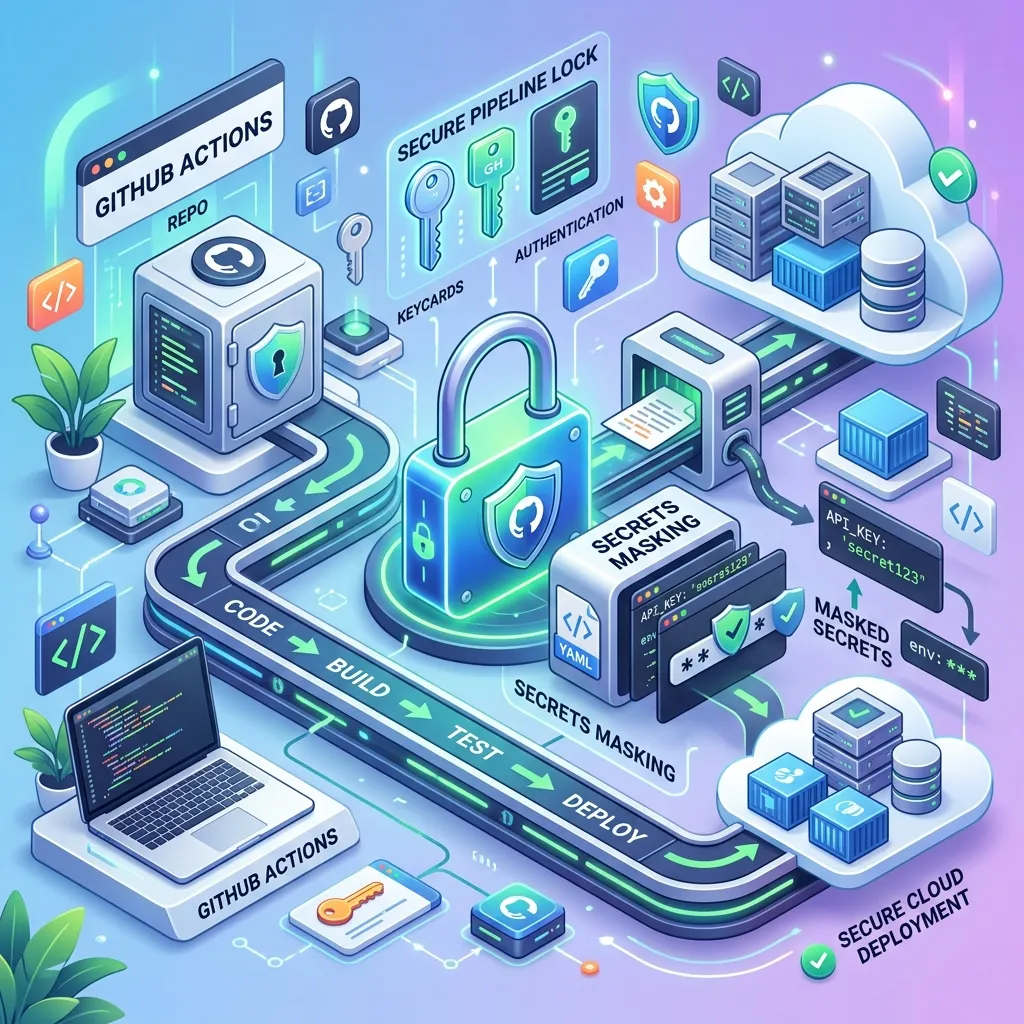
Securing GitHub Actions: Secrets, Variable Masking, and Permissions
A CI/CD pipeline is the ultimate target for hackers. If someone gains access to your GitHub Actions configuration, they can steal your production database passwords, AWS keys, and customer data. GitHub Actions Secrets provide the mandatory security layer: they encrypt your sensitive data at rest and use Secret Masking to ensure that even if you accidentally
echoa password in your logs, GitHub will automatically redact it with***before it is ever shown to a human.
Table of Contents
- The Vulnerability of a Standard Environment
- How Secrets Work
- Storing Secrets at the Repo vs. Org Level
- Secret Masking: The Automated Safety Net
- The Principle of Least Privilege (GitHub Token)
- Best Practices for Secure YAML
- Frequently Asked Questions
- Key Takeaway
The Vulnerability of a Standard Environment
If you have a workflow that says run: ./deploy.sh --password admin123, you have already lost.
Anyone with "Read" access to your repository (including open-source contributors) can see your password. Even if your repo is private, that password will be permanently recorded in your Git history. If an employee leaves the company with a copy of the repo on their laptop, they have your production credentials.
How Secrets Work
GitHub Secrets are encrypted environment variables that you create in the GitHub UI. GitHub uses LibSodium's "Sealed Boxes" to encrypt these secrets before they are ever stored.
Once you enter a secret:
- It is encrypted instantly.
- Even as the owner of the repo, you cannot view the secret again. You can only update its value or delete it.
- The only time the secret is decrypted is when it is requested by an active runner execution.
Storing Secrets at the Repo vs. Org Level
GitHub allows you to define secrets at three levels of granularity:
- Repository Level: Secrets are only available to that specific project (e.g.,
PAYMENT_GATEWAY_KEY). - Environment Level: Secrets are only available when a job is deploying to a specific environment (e.g.,
stagingvsprod). This is the most secure way to manage credentials. - Organization Level: If you have 50 repos that all use the same central SonarCloud token, you can define it once at the Organization level and share it across all 50 projects.
Secret Masking: The Automated Safety Net
GitHub Actions has a built-in "Masker" that monitors the standard output of every job.
If you attempt to run echo "The secret is ${{ secrets.AWS_KEY }}", GitHub will intercept the log and replace the actual key with ***. This prevents "accidental leaks" where a developer might use a verbose debug flag that prints environment variables to the log file.
[!CAUTION] Avoid passing secrets as command-line arguments (e.g.,
./my-script --key ${{ secrets.MY_KEY }}). While GitHub will mask the log, the secret might still be visible in the runner's process list (ps aux). Always pass secrets via Environment Variables instead.
The Principle of Least Privilege (GitHub Token)
Every GitHub Action has a built-in temporary secret called ${{ secrets.GITHUB_TOKEN }}. This token is used to authenticate with GitHub's own API from within a runner.
By default, this token is often too powerful (it can read/write everything). You should always use the permissions: key in your YAML to restrict what the token can do:
permissions:
  contents: read   # Only allow the token to read code
  issues: write    # Allow the token to comment on issues
By explicitly stripping away permissions, you ensure that even if a malicious dependency is running in your CI, it cannot delete your branches or steal your private code.
Best Practices for Secure YAML
- Rotate Your Secrets: Just because they are the secret doesn't mean they last forever. Rotate your AWS and database keys at least once every 90 days.
- Never echo secrets: Don't test the masker. Even if GitHub hides it today, a complex multi-line secret might confuse the masker.
- Audit Your Runner Logs: Periodically check who is accessing secrets and ensure only the strictly necessary jobs have the
secretsenvironment variable mapped.
Frequently Asked Questions
Are secrets available in Pull Requests from forks? No. To prevent someone from opening a malicious PR to steal your keys, GitHub disables secrets on workflow runs triggered by forks of your repository.
Can I see the history of who changed a secret? Yes. GitHub provides a "Secret Audit Log" that records exactly who created, updated, or deleted a secret, although it obviously doesn't show the secret's value.
Key Takeaway
CI/CD security is built on layers. By leveraging GitHub Secrets for encryption, Environment Secrets for granularity, and Variable Masking for log protection, you build a "defense-in-depth" architecture that ensures your most sensitive corporate assets remain secure throughout the entire delivery pipeline.
Read next: Extending the Platform: Building Custom JavaScript Actions ->