
Securing GitHub: Secrets and Environment Management
Protect your project. Learn how to use GitHub Secrets and Environments to manage API keys, database passwords, and production configurations safely.
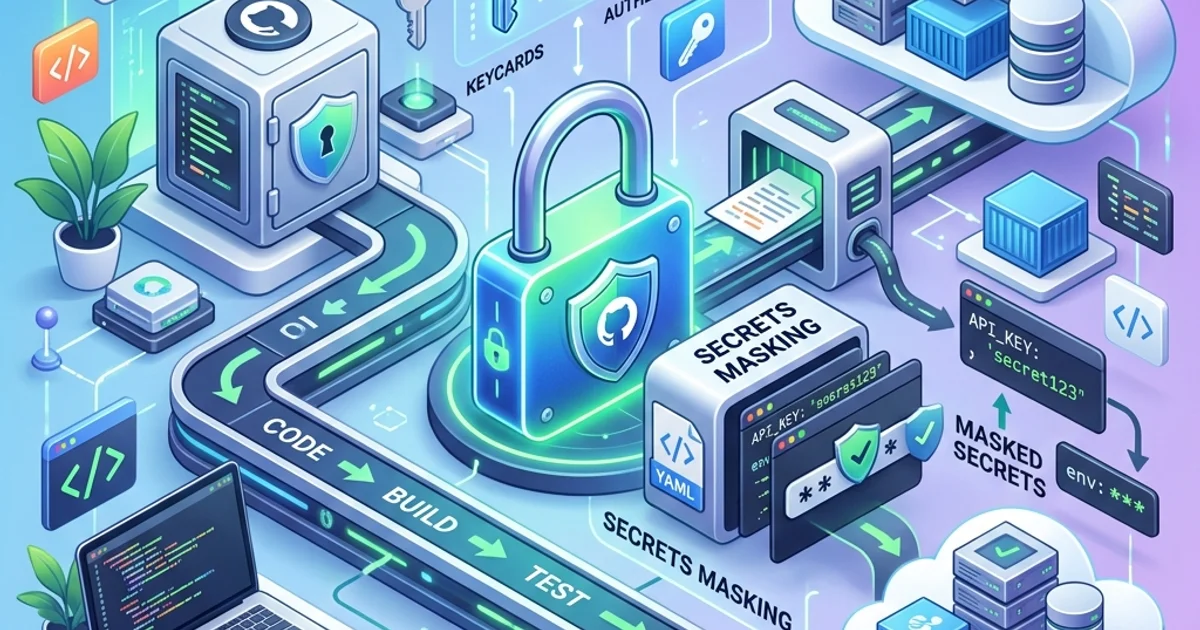
Securing GitHub: Secrets and Environment Management
1. What are GitHub Secrets?
A "Secret" is a piece of data (like an AWS_ACCESS_KEY) that you save in your repository settings.
- Encryption: Secrets are encrypted the moment you save them. Not even you can see the value again once it's saved.
- Masking: When an Action uses a secret, GitHub automatically detects it in the logs and replaces it with
***so it's never leaked to the world.
2. Using Secrets in Your Actions
In your YAML file, you access secrets using the secrets. context.
steps:
  - name: Deploy to AWS
    env:
      AWS_KEY: ${{ secrets.AWS_ACCESS_KEY }}
    run: aws s3 sync . s3://my-bucket
3. Environment Management: Staging vs. Production
Professional teams don't just have "Secrets"; they have Different Secrets for different stages of the app.
- Staging Environment: Uses the test database.
- Production Environment: Uses the real database.
Environment Protection Rules:
GitHub allows you to "Lock" an environment. For example, you can say: "Nobody can deploy to the Production Environment unless two senior engineers manually click 'Approve' in GitHub." This prevents accidental deployments that could break the entire business.
4. The "Secret Scanning" Feature
GitHub has a built-in "Security Robot" that scans every commit you make. If it detects something that looks like an API key (e.g., from Stripe or AWS), it will:
- Notify you immediately.
- Notify the Provider (like Stripe). Stripe will then automatically "Revoke" (disable) that key so a hacker can't use it.
Frequently Asked Questions
Are Repository Secrets and Organization Secrets different? Yes. If you have 50 repositories, you don't want to type your AWS key 50 times. You can set an Organization Secret once, and it will be available to every repository in your company.
Can a collaborator steal my secrets? No. Collaborators can create Actions that use the secrets, but they cannot read the values. However, you should still only give "Secret" access to people you trust.
Key Takeaway
Secret management is the "Professional Border" between a hobby project and a real business. By mastering GitHub Secrets and Environments, you build a fortress around your code, ensuring that your production data stays safe, even if your repository is public.
Read next: GitHub Copilot: AI-Powered Productivity for Engineers ->
Part of the GitHub Mastery Course - masters of security.