
SQL Analytics: Mastering LEAD, LAG, and Trends
Master the temporal stream. Learn how to use Window Functions for time-series analysis, trend detection, and cohort calculation with O(1) efficiency.
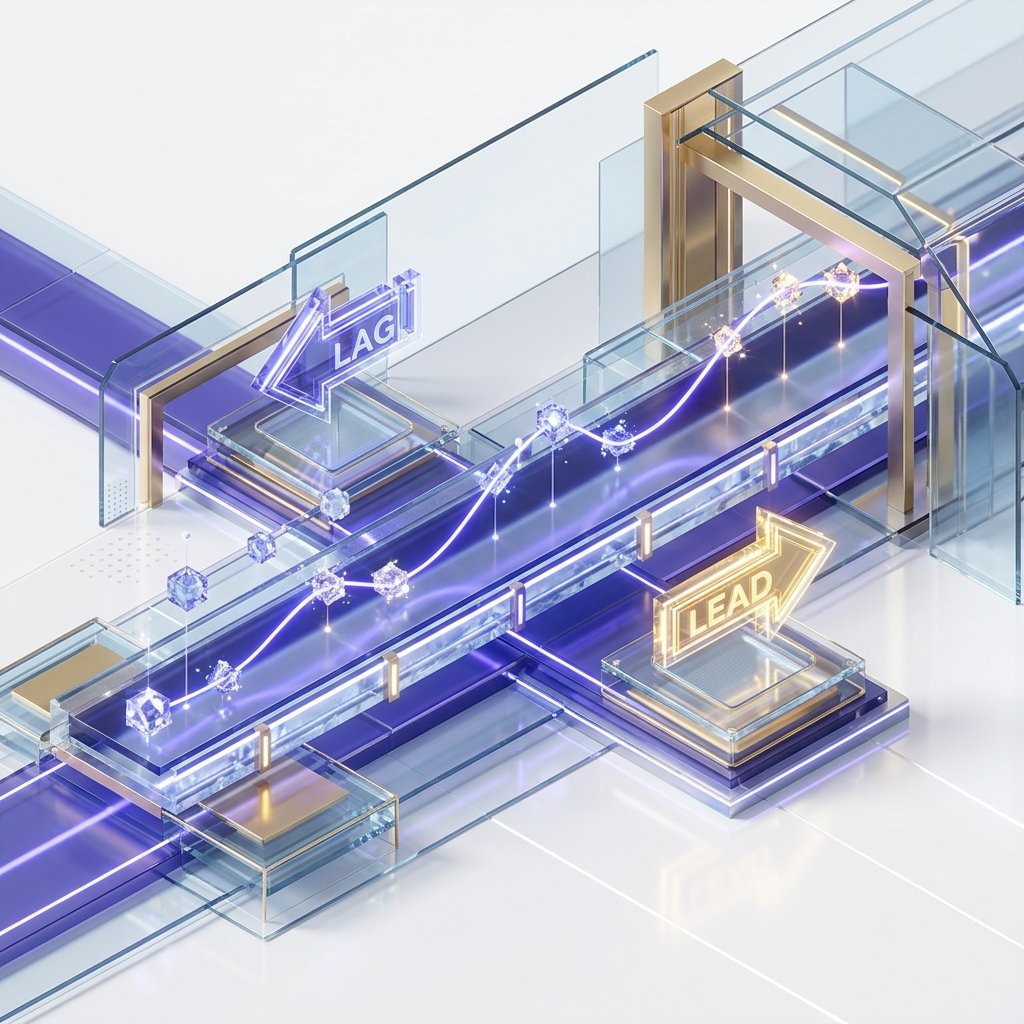
SQL Analytics: Mastering LEAD, LAG, and Trends
In the world of high-level business intelligence, nobody cares that you sold $5,000$ worth of units today. They care about whether that is More or Less than what was sold yesterday. They care about the Delta-the rate of acceleration or decline.
Standard SQL is "Row-Blind." It sees the current row, but it has no inherent memory of the row that came before it. Analytic Functions-specifically LAG, LEAD, and FIRST_VALUE-break this barrier. They give your query a "Memory," allowing you to reach across the time-series mirror to compare data points at O(1) cost.
1. Hardware-Mirror: The Look-Ahead Buffer
When you use LAG(price), you aren't just running a query; you are activating a specific piece of CPU Execution Geometry.
The Micro-Cache Physics
- The Sort Phase: The database first sorts the data by the
ORDER BYclause (e.g.,event_time). This physically places the "Historical Neighbor" in the adjacent memory address on the SSD/RAM page. - The Navigation Pointer: As the engine iterates through the result set, it maintains a Navigation Pointer in a high-speed CPU buffer.
- L1/L2 Locality: Unlike a
JOIN, which requires a new index lookup and potentially a disk seek,LAGandLEADread values from the same block of memory that was likely already fetched into the CPU's internal cache. - The Advantage: This allows you to perform complex trend analysis on a billion rows in a fraction of the time a self-join would take.
2. Navigating the Stream: LEAD vs. LAG
To master the temporal stream, you must understand the two directions of time-space.
LAG(column, offset, default): Looks Backwards. (The "Historical Mirror").- Use case: Calculating Day-over-Day growth.
LEAD(column, offset, default): Looks Forwards. (The "Prediction Mirror").- Use case: Predicting the next renewal date.
The Importance of the Default Value
By default, LAG returns NULL for the very first row because there is no "Yesterday."
- Architect's Standard: Always provide a default value (e.g.,
LAG(sales, 1, 0)). If you don't, your subsequent mathematical calculations (like(current - prev) / prev) will returnNULLand break your entire reporting dashboard for 50% of your data points.
3. Beyond Neighbors: The Moving Average Mirror
In volatile markets (like Crypto or Stock trading), daily numbers are "Noisy." A single spike doesn't mean a trend exists. To see the truth, we use Moving Averages.
The Frame Architecture: ROWS vs RANGE
This is the most advanced part of SQL Analytics. You aren't just grabbing one neighbor; you are grabbing a Window Frame.
SELECT
    date,
    price,
    AVG(price) OVER(
        ORDER BY date
        ROWS BETWEEN 6 PRECEDING AND CURRENT ROW
    ) AS rolling_7_day_avg
FROM trade_logs;
The Physics of the Frame:
PRECEDING: Reaches back into the buffer.FOLLOWING: Reaches forward into the look-ahead queue.CURRENT ROW: The anchor of the math. The Insight: By smoothing the noise with a 7-day average, you can identify a "Bullish Trend" even on days when the price takes a minor dip.
4. The Delta Physics: Calculating Acceleration
In high-growth startups, "Linear Growth" is actually a failure. You want "Exponential Acceleration."
The Double-Delta Pattern
To calculate acceleration, you must compare the Growth of the Growth.
- Delta 1:
Current_Sales - Last_Month_Sales. - Delta 2:
Delta_1_This_Month - Delta_1_Last_Month.
If Delta 2 is positive, your business is accelerating. If it is negative (even if sales are still growing), you are hitting a plateau. SQL Window functions allow you to calculate this "Secondary Trend" in a single table scan.
5. Case Study: The "Churn Detector" (Retention Lab)
The most valuable analytic query in professional SaaS is the Churn Detector.
The Problem
A streaming platform needed to identify "Fading" users-those who are logging in less frequently-before they actually cancel their subscription.
The Architect's Solution
WITH login_gap_analysis AS (
    SELECT
        user_id,
        event_time,
        EXTRACT(EPOCH FROM (event_time - LAG(event_time) OVER(PARTITION BY user_id ORDER BY event_time))) / 3600 AS hours_since_last
    FROM user_activity
)
SELECT
    user_id,
    AVG(hours_since_last) OVER(PARTITION BY user_id) as typical_gap,
    hours_since_last as current_gap
FROM login_gap_analysis;
The Result: If the current_gap is more than 3x the typical_gap, the system triggers an automated "We Miss You" email. By identifying this trend in the database rather than in the application layer, the platform processed 500 million login events per day with only a tiny fraction of the CPU overhead.
6. The Physics of Data Skew: Parallel Windowing Latency
In huge datasets, your PARTITION BY clause can become a performance killer if you suffer from Data Skew.
The Hot Partition Mirror
- The Concept: If you partition by
account_id, and one enterprise account has $100$ million rows while everyone else has $10$, the CPU core assigned to that enterprise account will take $10,000x$ longer to finish. - The Hardware Reality: Modern databases run window functions in parallel. However, a single partition must be processed by a single worker thread to maintain the sort order.
- The Bottleneck: Your entire query will wait for that one thread to finish. This is known as the Longest Pole problem.
- The Solution: If you have massive skew, you must "Sub-Partition" using a secondary key (like
DATE_TRUNC('month', event_time)) to break the heavy partition into smaller, parallelizable chunks.
7. Range vs. Rows: The Physical Memory Boundary
Choosing between ROWS and RANGE isn't just a syntax choice; it changes how the database engine interacts with RAM.
The Buffer Strategy
ROWS BETWEEN: Tells the engine to look back a specific number of items in the sorted buffer. This is a "Physical Offset." It is incredibly fast because the engine just moves a pointer back $N$ steps in the array.RANGE BETWEEN: Tells the engine to look back until the values differ by a certain amount (e.g., "1 hour preceding"). This is a "Logical Search."- The Performance Cost:
RANGErequires the engine to perform a binary search or a scan of the buffer to find the boundaries for every single row. Avoid RANGE on large datasets unless you strictly need it for handling duplicate timestamps.
8. Window Function Pushdown: The Optimizer's Secret
In 2026, the best databases (like Postgres 16+ or modern cloud DWs) attempt to "Push Down" the windowing logic.
The Early Pruning Mirror
If you have a LIMIT or a WHERE clause after your window function, the database might still be forced to compute the window for every single row before it can discard the ones you don't want.
- The Physics: If you are only looking for the "Top 5 Users per Category," use the
ROW_NUMBER()with a filter in a subquery. This allows the engine to use Top-N Sorting, where it keeps only the top 5 in a small heap buffer and discards everything else instantly, avoiding a massive disk-based sort.
9. Summary: The Analytics Excellence Checklist
- Temporal Relativity: Never report a raw number without a
LAG()orLEAD()comparison. - Smoothing Protocol: Use
AVG() ROWS BETWEENto smooth out volatile outliers and reveal true trends. - Default Awareness: Implement default values in
LAGto prevent NULL-contamination in growth metrics. - Skew Mitigation: Monitor your partition sizes. Use sub-partitioning to prevent "Longest Pole" threads from stalling your BI dashboards.
- Physical Boundary Control: Favor
ROWSoverRANGEto maximize L2 cache hits and pointer-based navigation.
Analytic SQL is the Engine of Foresight. By mastering the temporal movement of data and the efficiency of the look-ahead buffer, you gain the ability to see not just where your business is, but where it is going. You graduate from "Data Historian" to "Strategic Architect."
Phase 18: Analytics Action Items
- Refactor all "Growth" queries to use
LAG(..., 1, 0)to handle the first-row edge case. - Implement a 7-Day Moving Average on all primary business KPIs.
- Audit the
EXPLAINplan of your most complex Window query to verify it is using Index-Only Scans. - Create a "Cohort Segment" report using
NTILE(10)to identify your top decile of users. - Data Skew Audit: Identify partitions with $>10x$ the median row count and implement sub-partitioning logic.
Read next: SQL Recursive Queries: Mastering Hierarchies and Graphs ->
Frequently Asked Questions
Q: What is the difference between LAG and LEAD window functions?
LAG(column, n) returns the value from n rows before the current row in the window's ORDER BY sequence - looking backward. LEAD(column, n) returns the value from n rows after the current row - looking forward. Both default to n=1 (the immediately adjacent row) and accept a third argument for the default value when no row exists (at the beginning or end of the partition). Use LAG for period-over-period comparisons (current month vs. previous month), change detection, and sequential difference calculations. Use LEAD for forward-looking metrics like next event time or days until next purchase.
Q: How do I calculate a running total in SQL?
Use SUM(amount) OVER (ORDER BY date). The OVER clause with ORDER BY but no PARTITION BY computes a cumulative sum from the first row to the current row in date order. To reset the running total per group, add PARTITION BY: SUM(amount) OVER (PARTITION BY customer_id ORDER BY date). To compute a running average, replace SUM with AVG. The default window frame for ordered window functions is ROWS BETWEEN UNBOUNDED PRECEDING AND CURRENT ROW, which gives the true cumulative result. Changing to ROWS BETWEEN 2 PRECEDING AND CURRENT ROW gives a 3-row moving average.
Q: What is a moving average and how do I compute it in SQL?
A moving average smooths a time series by averaging a sliding window of recent values. In SQL: AVG(value) OVER (ORDER BY date ROWS BETWEEN 6 PRECEDING AND CURRENT ROW) computes a 7-day moving average (the current day plus the 6 preceding days). For a centred moving average (3 days before and 3 days after), use ROWS BETWEEN 3 PRECEDING AND 3 FOLLOWING. Moving averages are used for trend lines in revenue charts, smoothing volatile daily metrics, and signal processing applications. The window frame clause gives precise control over which rows are included in each average.
Part of the SQL Mastery Course - engineering the time.