
SQL Migrations: Safe Database Evolution
Master the change. Learn how to use Migration tools (Flyway, Liquibase, Atlas) to evolve your database schema without losing data or crashing production.
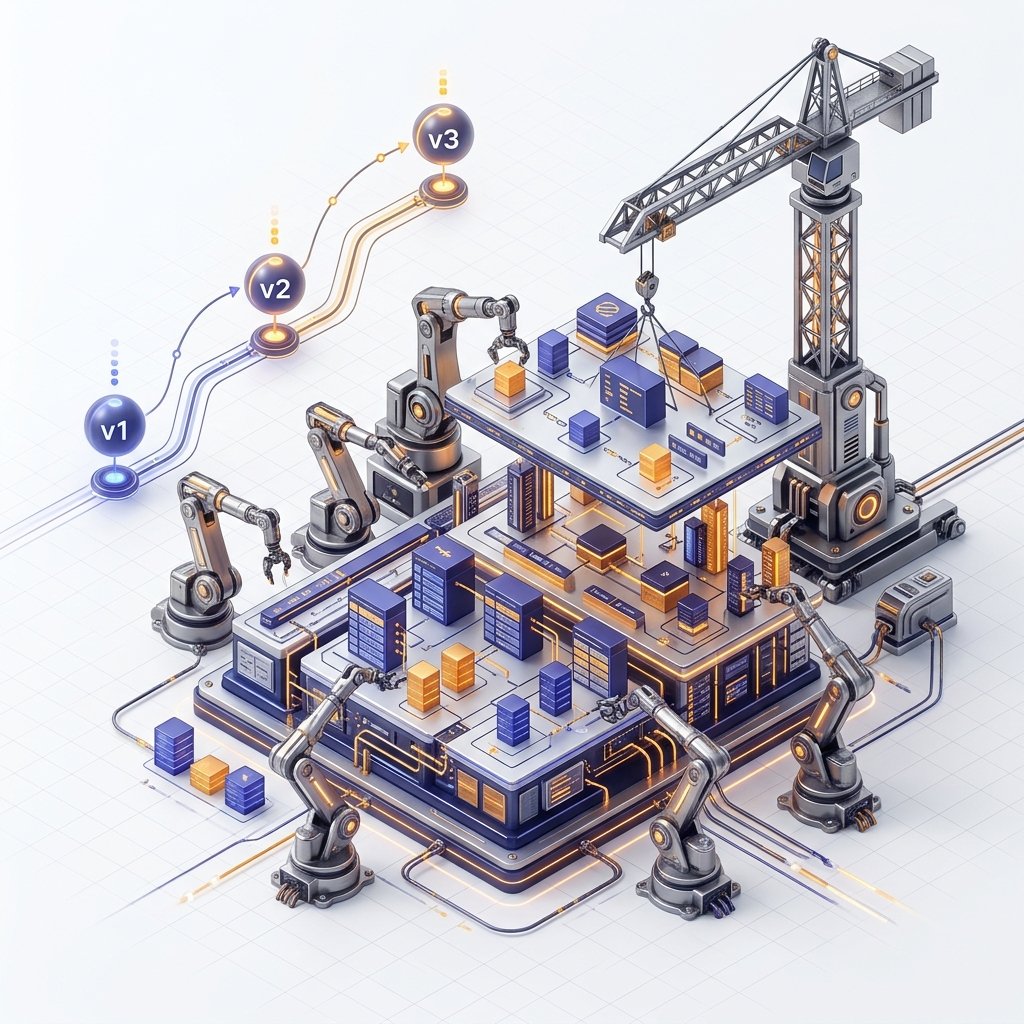
1. Hardware-Mirror: The Lock Hammer Physics
The greatest danger in database evolution isn't a syntax error-it is the Access Exclusive Lock.
The Physics of the Alter
When you run ALTER TABLE users ADD column..., the database engine must freeze the table's "Blueprint" (Schema) to update the System Catalogs (pg_class).
- The Wait Queue: If a long-running report query is already reading the
userstable, yourALTERcommand must wait for it to finish. - The Blockade: While your
ALTERcommand is waiting in line, EVERY OTHER QUERY (even simpleSELECTs) from your web application will get stuck behind yourALTERcommand. - The Result: A simple 1-second column addition can physically freeze your entire website for 5 minutes if a single "Zombie Query" is holding the table. This is known as a "Lock Queue Disaster."
Senior Standard: Always set a lock_timeout.
-- "If I can't get the lock in 2 seconds, fail instead of blocking the site."
SET lock_timeout = '2s';
ALTER TABLE users ADD COLUMN bio TEXT;
2. Metadata Mirror: Monitoring the Migration Lock
A silent migration is a dangerous migration. In 2026, professional architects monitor the internal state of the database while the schema update is running.
The pg_locks Mirror
Before the migration hits production, you should inspect the current lock state of your target table.
SELECT pid, locktype, mode, granted, query
FROM pg_locks l
JOIN pg_stat_activity a ON l.pid = a.pid
WHERE a.query LIKE 'ALTER TABLE%';- The Physics: If
grantedisfalse, your migration is waiting in line. - The Risk: While it waits, it blocks every other query behind it. This is how a "5-minute migration" turns into a "Zero-availability outage" before it even starts.
- The Senior Fix: Use
SET lock_timeout = '5s';. If the migration cannot acquire the lock within 5 seconds, it will fail and rollback, sparing your production traffic from a queue-up.
2. Transactional DDL: The Atomic Shield
In most databases (like MySQL), running a command like CREATE TABLE cannot be rolled back. If you run a migration script with 10 commands and the 9th one fails, the first 8 stay there, leaving your database in a "Half-Baked" state.
The Postgres Atomic Mirror
PostgreSQL is unique because DDL (Data Definition Language) is Transactional.
- The Implementation: You wrap your entire migration in a
BEGIN;andCOMMIT;block. - The Guarantee: If the engine fails to create an index on line 15, it will "Un-create" the tables from lines 1-14. Your database remains at its previous known-good version. This allows for Atomic Deployments where either the whole schema evolves, or nothing changes at all.
3. The Expand-Contract Pattern: Zero-Downtime Renames
How do you rename a column user_id to customer_id on a table with 100 million rows without taking the site down? If you just rename it, your existing application code will crash because it's still looking for user_id.
The 3-Phase Deployment Geometry
This is the Gold Standard for enterprise migrations.
- Phase 1: Expand:
- Add the NEW column
customer_id. - Install a Trigger in the database that copies every write from
user_idtocustomer_id(synchronization). - Backfill: Run a background process to copy old data from the old column to the new one in small batches (e.g., 5,000 rows at a time) to avoid disk I/O saturated.
- Add the NEW column
- Phase 2: Transition:
- Update your application code to read and write to the new
customer_id. - Deploy the new code. At this point, the old column is still there as a "Safety Net."
- Update your application code to read and write to the new
- Phase 3: Contract:
- Once you are confident the new code works, delete the database trigger.
- DROP the old
user_idcolumn.
By splitting a "Rename" into these three safe steps, you perform a major architectural change with Zero Users ever seeing a 500 error.
4. Index Physics: The Concurrent Solution
Building an index on 1 billion rows can take 2 hours. A standard CREATE INDEX will block all writes to the table for those 2 hours.
The CONCURRENTLY Mirror
CREATE INDEX CONCURRENTLY idx_users_email ON users(email);
- The Physics: Instead of one pass, the engine makes two scans of the table.
- The Lock Escape: During these scans, it does NOT take an exclusive lock. Users can still buy products, sign up, and update their profiles while the index is being built in the background.
- The Tradeoff: It takes twice as long to build and uses more CPU, but your business continues to function.
5. Post-Migration Physics: Index Bloat and VACUUM
Schema changes often involve rewriting data or dropping/recreating indexes. This creates "Bloat."
The Table Fragmentation Mirror
When you perform a massive update or delete during a migration, PostgreSQL doesn't physically delete the data; it marks the bytes as "Old."
- The Physics: Your table file grows on the SSD, but it is filled with "Dead Space."
- REINDEX CONCURRENTLY: After a large migration, the standard is to run
REINDEX TABLE CONCURRENTLY. This builds a fresh, compact version of your indexes in the background, reclaiming the SSD pages and restoring your B-Tree performance. - Vacuum Physics: Ensure you run
VACUUM ANALYZEafter any large data-backfill phase. This updates the database's internal statistics, ensuring the query planner doesn't start choosing "Stupid" plans because it thinks the table is 100x larger than it actually is.
5. Case Study: The "Default Value" Disaster
A developer on a high-traffic e-commerce site wanted to add a status column to an orders table with 500 million rows.
ALTER TABLE orders ADD COLUMN status TEXT DEFAULT 'active';
- The Disaster: In older database versions, this command physically rewrote every single 500 million rows on the disk to add the word 'active'. The migration took 45 minutes, during which the website was down.
- The Modern Fix:
- Add the column as
NULL(Instant metadata change). - Set the
DEFAULT' for future rows (ALTER TABLE orders ALTER COLUMN status SET DEFAULT 'active'`). - Update the existing 500 million rows using a Background Job that processes 1,000 rows at a time, avoiding any long-held locks.
- Add the column as
6. Migration Tools: Declarative vs. Imperative
In 2026, we have two philosophies of management:
- Imperative (Versioned Scripts): Tools like Flyway and Liquibase. You write
V1.sql,V2.sql. The tool runs them in order. Best for complex logic and data backfills. - Declarative (State-Based): Tools like Atlas and Prisma. You describe what the table should look like, and the tool calculates the "Diff" and applies it. Best for rapid iteration and "Drift" detection.
7. CI/CD Integration: The "Pre-Flight" Mirror
In modern engineering teams, migrations aren't run by developers; they are run by the Deployment Pipeline.
The Migration Linter
Before your SQL code is allowed to reach production, it should be passed through a Linter (like squawk or atlas lint).
- The Rule-Set: The linter will automatically reject any PR that includes a "Destructive Action" (like
DROP TABLE) or a "Non-Concurrent Index." - The Shadow Deployment: High-fidelity CI/CD pipelines mirror the production schema into a temporary "Shadow Database" (ephemeral Docker container), apply the migration, and verify that the resulting schema matches the intended architecture.
7. Summary: The Evolution Checklist
- Never Use "Admin" for Migrations: Use a dedicated
migration_userthat has permission toALTERbut notDROP DATABASE. - Idempotency: Use
CREATE TABLE IF NOT EXISTS. If a migration runs twice, it should not fail. - Lock Safety: Always use
SET lock_timeout. - No Schema-Change during Peak Hours: Even "safe" migrations generate background I/O. Run your schema evolutions during low-traffic periods.
- Dry Runs: Always run your migration against a Staging Database that is a physical clone of production to ensure your "1-minute migration" doesn't turn into a "1-hour rewrite."
Database migrations transform the chaos of "Changing data" into a Predictable Science. By mastering the "Expand-Contract" pattern and the physics of table locks, you gain the power to evolve billion-row systems with the confidence of an elite architect. You graduate from "Fixing schema bugs" to "Architecting Infrastructure Evolution."
Phase 27: Migration Mastery Action Items
- Set up a migration tool (Atlas or Flyway) for your local development.
- Perform a "Zero-Downtime Column Rename" using the Expand-Contract pattern.
- Build a giant index using
CREATE INDEX CONCURRENTLYand monitor the system performance during the build. - Write a "Down" script for every "Up" script in your current project and verify you can roll back 100% of your changes.
Read next: SQL Triggers and Automation: The Active Database Mirror ->
Frequently Asked Questions
Q: What is a database migration and why are migration tools necessary?
A database migration is a versioned, incremental change to a database schema - adding a column, creating an index, renaming a table. Migration tools (Flyway, Liquibase, Alembic, Rails migrations) track which migrations have been applied to each environment and apply only the unapplied ones in order. Without a migration tool, keeping development, staging, and production databases in sync requires manual coordination that inevitably leads to schema drift - environments diverge silently and bugs appear only in production. Migrations make schema changes reproducible, reviewable in version control, and deployable safely.
Q: How do I add a NOT NULL column to a large production table without downtime?
Adding a NOT NULL column with a DEFAULT acquires a full table lock in older PostgreSQL versions, blocking reads and writes for minutes on large tables. The safe pattern is: (1) add the column as nullable with ALTER TABLE ... ADD COLUMN col TYPE DEFAULT val, which in PostgreSQL 11+ stores the default in the catalog and adds the column in milliseconds without rewriting the table; (2) backfill existing rows in batches using UPDATE WHERE col IS NULL LIMIT 10000; (3) add the NOT NULL constraint once all rows have values. In PostgreSQL 11+, step 1 handles most cases; in older versions, the batched backfill approach is essential.
Q: What is a zero-downtime deployment strategy for database schema changes?
The expand-contract (or parallel change) pattern: first deploy a backward-compatible schema change (add a new column without dropping the old one), then deploy the application code that uses the new schema, then deploy a migration that removes the old column after the new code is fully rolled out. This ensures the old code and new code can both work with the database simultaneously, allowing rolling deployments. Never drop or rename a column in the same deployment that changes the application code that references it - the old code still running on some instances will fail if the column disappears.
Part of the SQL Mastery Course - engineering the evolution.