
Zig Project: High-Performance CLI Tool
Phase 1 Project. Build a professional command-line utility from scratch using Zig. Master argument parsing, file IO, and memory-efficient streaming.
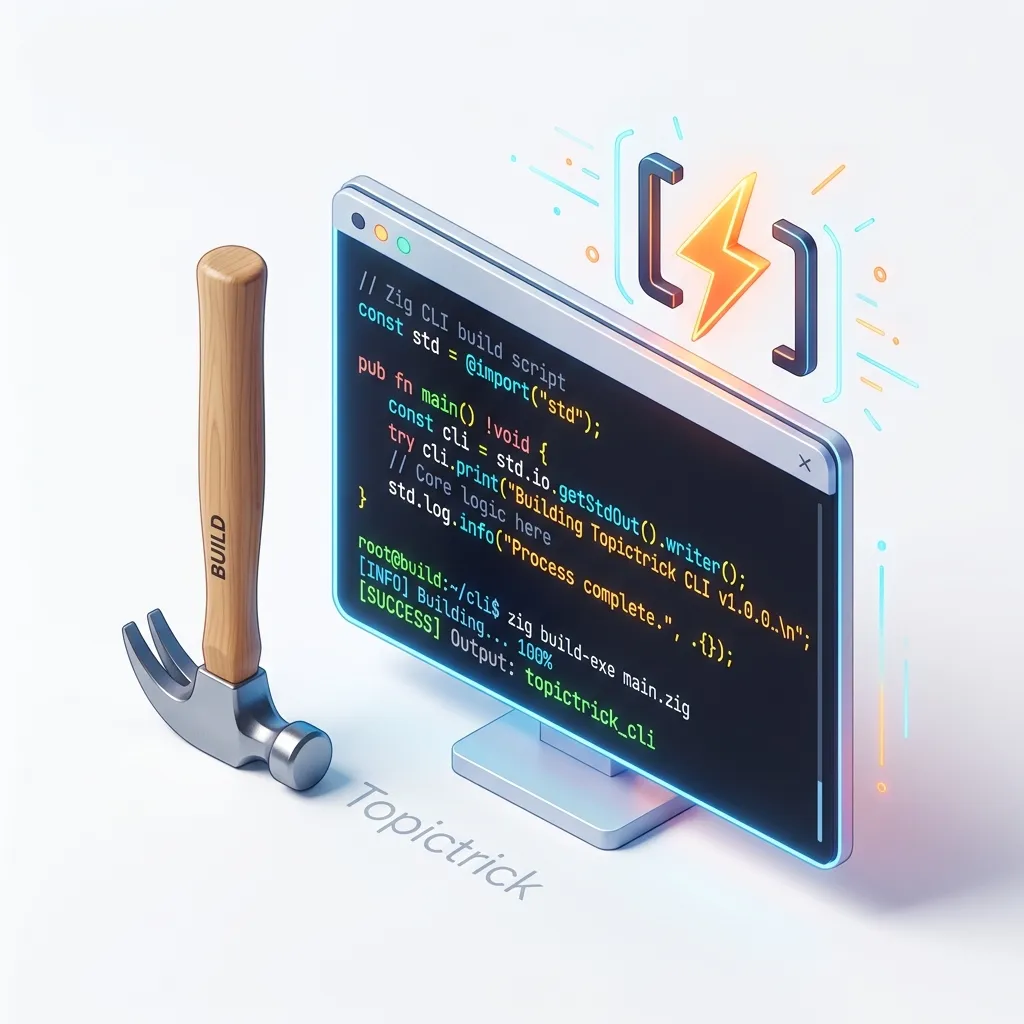
Zig Project: High-Performance CLI Tool
1. The Physics of the Disk: Mechanical Latency vs. SSD Throughput
To build a fast scanner, you must understand the hardware sitting at the other end of the SATA/NVMe cable.
The Disk Mirror
- Mechanical HDD: A physical arm must move to a sector. This is Seek Latency (~10ms). If you jump randomly around the disk, your speed drops to zero.
- NVMe SSD: There are no moving parts, but there is still Controller Latency. However, SSDs have massive Parallelism.
- The Zig Strategy: To maximize speed, we use Sequential I/O (via Buffered Readers) and Multi-threaded Dispatch. By asking for 8 folders simultaneously, we keep the SSD's flash controller fully saturated, achieving GB/s throughput.
2. The Strategy: Streaming (Buffering)
A 10GB file cannot be read into memory.
- If you use
std.fs.File.readAll, your computer will crash. - The Solution:
std.io.BufferedReader. - You read the file in tiny 4KB chunks. You process a chunk, throw it away, and read the next. This allows your app to handle "Infinite" data on a tiny laptop.
3. Argument Parsing: The User Experience
A professional tool needs flags: --file, --search, --json.
- You will use
std.process.argsAllocto get the inputs from the user. - You must write a "Parser" that turns those strings into a Zig Struct.
- Remember to use the
Arena Allocator(Module 150) for your arguments, as they only need to live until the app exits!
4. Multi-threaded Crawling: The Thread-Pool Mirror
If you scan one folder at a time, you are wasting 90% of your CPU and 80% of your disk's potential throughput.
The Concurrency Mirror
- The Concept: We use a Thread Pool to distribute the "Stat" calls across multiple CPU cores.
- The Physics: While Thread A is waiting for the SSD to return the metadata for
/system32, Thread B is already processing/users. - The Implementation: We use a Work-Stealing Queue. When a thread finds a new subdirectory, it pushes a task to the queue, and an idle worker immediately picks it up. This keeps the entire hardware pipeline full at all times.
5. High-Speed Counting: Hash-Maps
How do you count how many times each "Error Code" appears in the 10GB log?
- Use
std.AutoHashMap(u32, u32). - As you stream the file, you "Increment" the count in the map.
- Because Zig's Hash-Map is highly optimized, this will work at the speed of your hard drive's hardware.
6. Polishing: Terminal Formatting
Don't just print raw numbers!
- Use
std.fmt.formatto create a beautiful report with aligned columns and a loading bar. - This project teaches you that a "Technical tool" is only good if it is Usable and Fast.
Frequently Asked Questions
Is Zig good for CLI tools? YES. It is arguably the best language for it. Because it creates a "Single Static Binary," your users can download your tool and run it instantly. They don't need to install a "Runtime" or a "Virtual Machine." It is the ultimate "No-Fuss" experience.
What is the 'Release-Small' build?
When you finish your project, run zig build -Doptimize=ReleaseSmall. This tells Zig: "Optimize for file size, not just speed." This can turn a 1MB tool into a 200KB tool, which is amazing for sharing on GitHub.
Key Takeaway
Building a CLI tool is the "Basics of Systems Engineering." By mastering the art of streamed I/O and memory-efficient counting, you gain the ability to process data at "Hardware speeds." You graduate from "Thinking in code" to "Thinking in Throughput."
Phase 21: CLI Project Mastery Checklist
- Audit your I/O: Implement
std.io.BufferedReaderfor every file read to minimize expensive syscalls. - Implement a Work-Stealing Thread Pool: Use
std.Thread.Poolto parallelize your directory traversal. - Use
std.fs.IterableDir: Avoid loading the entire directory into memory; iterate through entries to keep a low RAM ceiling. - Setup Atomic Progress Tracking: Use an
std.atomic.Valueto track the total scanned bytes across all threads safely. - Support JSON Output Parsing: Use
std.json.stringifyto provide structured output for professional workflow integration.
Read next: Zig Final Assessment: The Systems Master Graduation →
Part of the Zig Mastery Course — engineering the tool.