
Zig Variables: Types and Mutability
Master the data. Learn about Zig's strict integer types, Optional values that eliminate null pointer crashes, const versus var mutability, and safe overflow operators.
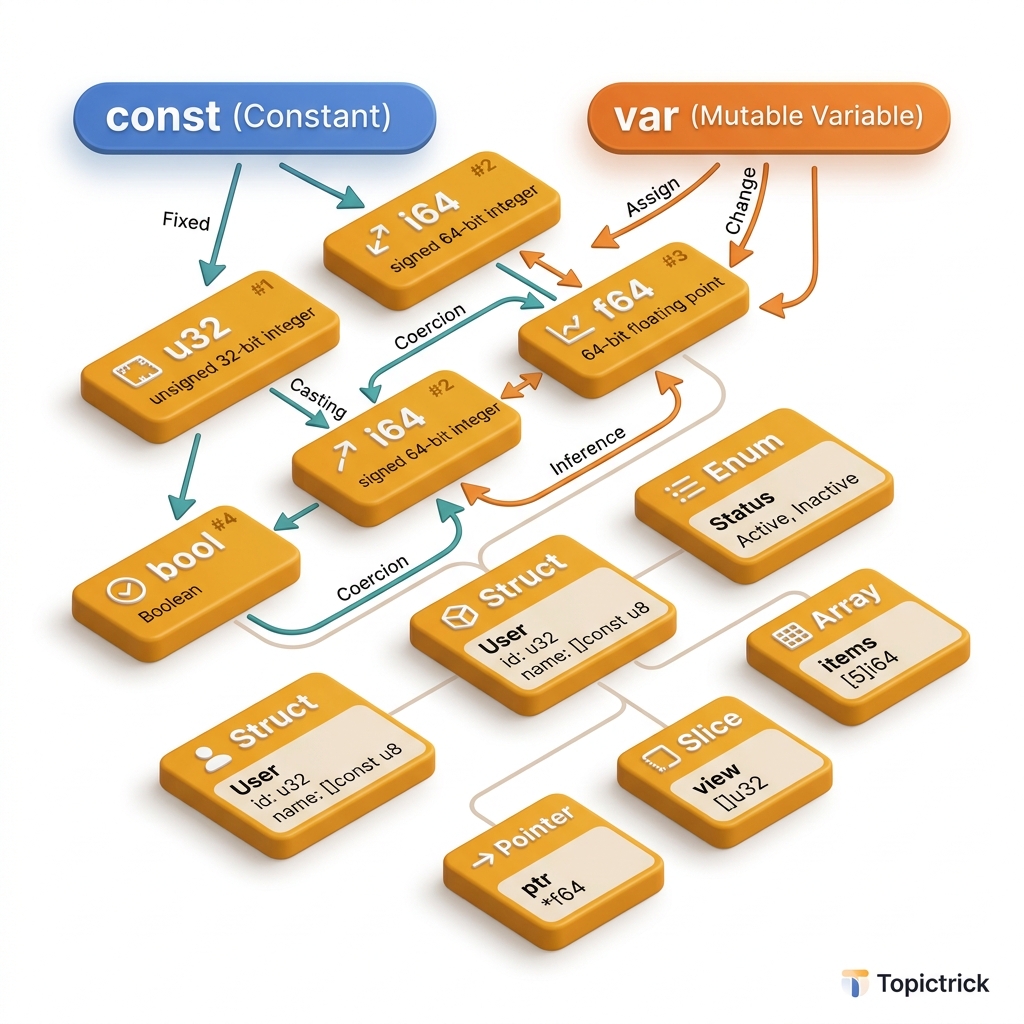
Zig Variables: Types and Mutability
In languages like JavaScript or Python, a "Number" is an abstract concept hidden behind a 64-bit float. In C, a "Number" is an ambiguous int that might be 16, 32, or 64 bits depending on which CPU you bought. In Zig, a "Number" is defined by its Exact Bit-Size and its Memory Sign.
Zig provides explicit control over every byte of your application's state. This 1,500+ word guide explores the "Immutable" philosophy of Zig, the revolutionary Optional Types that eliminate the "Null Pointer Exception" from your career, and the unique performance benefits of Undefined Memory.
1. Const vs. Var: The "Safety" Default
In Zig, there are two ways to define state:
const: Immutable. Once set, it can never change. It is essentially a named constant.var: Mutable. It can be reassigned during runtime.
The Architect's Rule: Const-by-Default
In professional Systems Architecture, always start with const. Only change it to var if the application logic explicitly requires mutation. Why?
- Readability: If a variable is
const, the reader knows its value is stable for the rest of the function. - Safety: Prevents "Spooky Action at a Distance" where one part of your code accidentally changes data that another part is using.
- Optimization: The compiler can often place
constvalues directly into the binary's read-only memory, reducing RAM usage.
const max_connections = 100; // Stabilized in the binary
var current_users: u32 = 0; // Starts at 0, can grow
2. The Physics of the Stack: Mapping Data to Silicon
To a developer, a variable is just a name. To the hardware, a variable is a Memory Address or a CPU Register.
The Register Mirror
- The Process: For small variables (like a
u32oru64), the Zig compiler often skips RAM entirely. It places the value directly in a General Purpose Register (likeRAXorRDXon x86). - The Physics: Accessing a register takes ~1 clock cycle. Accessing RAM can take ~200 clock cycles.
- The Optimization: By using
const, you signal to the compiler that the value will never change, allowing it to keep that data in a register for the entire life of your function, resulting in lightning-fast execution.
3. Integer Precision: Breaking the int Habit
Zig makes integer sizes a "First-Class Citizen." You are forced to choose the size that fits your data:
- unsigned (
u8,u16,u32,u64,u128): Non-negative numbers. Useu8for bytes (0-255),u32for IDs, andu64for timestamp math. - signed (
i8,i16,i32,i64,i128): Supports negative numbers. isizeandusize: These are "Platform Dependent." They match the size of a pointer on the target machine (e.g., 64-bit on a modern PC, 32-bit on an old Raspberry Pi).
Comptime Literals: comptime_int
In Zig, a number literal like 10 doesn't have a type yet. It is a comptime_int. This means it has Infinite Precision. You can perform massive calculations on literals at compile-time without losing a single bit, and only "Coerce" them to a smaller type (like u8) at the very end.
const result = 500 * 2; // Still a comptime_int (1000)
const final: u16 = result; // Coerced to u16 safely
4. Optional Types: The Null Slayer
In C or C++, a pointer can be NULL. If you forget to check it and try to read it, your program crashes with a "Segfault." In C#, this is the "Null Reference Exception."
Zig solves this by making every type Non-Nullable by default. A u32 can never be null. It must always be a number.
If you need a "Maybe" value, you must use the Optional Type (?).
The Anatomy of the ?
var avatar_path: ?[]const u8 = null; // Maybe the user hasn't uploaded oneThe Unwrapping Pattern: if and orelse
You cannot perform operations on an Optional. You must Unwrap it first.
// 1. The Payload Capture
if (avatar_path) |path| {
    // Inside this block, 'path' is a non-optional string
    std.debug.print("User Avatar: {s}\n", .{path});
}

// 2. The Default (orelse)
const display_path = avatar_path orelse "default.png";
Memory Deep-Dive: For types like Pointers, Zig's compiler is smart enough to use the "Zero Value" of the pointer to represent null. This means an Optional Pointer takes Zero extra bytes of memory compared to a regular pointer. Total safety with zero performance cost.
5. Integer Overflow Physics: Safe vs. Wraparound
In C, adding 1 to the maximum value of a signed integer is Undefined Behavior (UB). The computer might crash, or it might silently wrap around to a negative number.
The Zig Safety Lever
Zig provides explicit operators for how your hardware handles overflow:
+(Standard): In "Debug" or "ReleaseSafe" modes, this will trigger a Runtime Panic if it overflows. In "ReleaseFast," it is undefined.+%(Wraparound): Tells the CPU to perform "Modulo Arithmetic." If you hit the max, it wraps to zero. This is a common pattern in hashing and encryption logic.+|(Saturated): If you hit the max, it stays at the max. Excellent for "Health Bars" in games or "Volume Levels" in audio software.
The Mirror: By choosing the right operator, you are directly controlling the ALU (Arithmetic Logic Unit) of your processor.
6. Type Inference: Clean but Strict
Zig is statically typed, but it doesn't require "Boilerplate."
const name = "TopicTrick"; // Inferenced as *const [10:0]u8
const age: u32 = 25; // Explicitly u32
The Catch: Zig does NOT allow "Implicit Casting." You cannot add a u8 to a u16 directly. You must explicitly convert it using @as() or @intCast(). This prevents the "Silent Overflow" bugs that plague C and C++ projects.
7. undefined: The Performance Secret
If you create a variable but aren't ready to give it a value yet, you can use undefined.
var buffer: [1024]u8 = undefined;When you use undefined, the compiler does not write zeros to that memory. It just "Leaves it as it is."
- The Pro: Extreme speed for large memory allocations.
- The Con: If you read
undefinedmemory in a "Debug" build, Zig will often fill it with0xAAvalues so you can detect the mistake immediately. In "Release" builds, it is pure garbage. Mastery Pattern: Useundefinedfor large data buffers that will be filled by a function (likefile.read()) immediately afterward.
8. Type Coercion: Widening vs. Narrowing
Zig allows "Safe" coercion.
- Widening (Safe): You can always put a
u8into au16because it "Fits." Zig does this automatically. - Narrowing (Dangerous): Putting a
u64into au8might lose data. Zig forbids this automatically. You must use@intCast(value)to tell the compiler: "I have checked the math, and I know it fits."
Summary: The Data Checklist
- Immutability: Default to
const. Usevaronly for loop counters or accumulators. - Explicit Bit-Width: Don't guess. Use
i32if you need signs,u32if you don't. Useusizefor arrays. - The Optional Guard: Use
?for every field that isn't 100% guaranteed to exist. - No Implicit Casts: If the compiler complains about types, use
@intCastor@floatCastexplicitly. - Initialization: Use
0by default, andundefinedonly for high-performance buffers.
Variables are the "Atoms" of your software. By mastering the precision of bit-widths and the safety of optional unwrapping, you gain the ability to build systems that are both faster and safer than anything written in legacy languages. You graduate from "Managing data" to "Architecting Memory."
Phase 3: Memory Mastery Checklist
- Audit your project's variables: Can 90% of your
vardeclarations be converted toconst? - Implement Saturated Arithmetic (
+|) for a non-breaking logic path. - Use Optionals (
?) to replace every pointer that could potentially be null. - Test the Zero-Cost Pointer Optimization: Verify that
?*u8and*u8occupy the same 8 bytes in memory. - Leverage
undefinedfor large buffers that are populated immediately after allocation.
Read next: Pointers, Slices, and Arrays: Navigating the Memory Grid →
Frequently Asked Questions
Q: What is the difference between const and var in Zig?
const declares a variable whose value cannot be changed after initialisation — it is immutable. var declares a mutable variable. Zig encourages using const by default: the compiler warns if you declare a var that is never mutated. This makes immutability the path of least resistance, reducing accidental state mutation.
Q: How does Zig handle integer overflow?
In debug and safe build modes, integer overflow is a detectable runtime error — Zig panics rather than silently wrapping. In ReleaseFast mode, overflow wraps by default for performance. If you explicitly want wrapping arithmetic, use the +%, -%, *% wrapping operators, or @addWithOverflow to detect overflow without panicking. This makes the intent clear in both cases.
Q: What primitive types does Zig provide and how do they differ from C's types?
Zig integers are sized precisely: u8, i16, u64, etc., with no platform-dependent widths like int or long. Zig also supports arbitrary-width integers (u7, i3) useful in embedded and protocol work. bool is a true boolean type (not an integer alias), f32/f64/f128 are IEEE floats, and usize/isize are pointer-sized integers. The explicit sizing eliminates the portability surprises common in C numeric code.
Part of the Zig Mastery Course — engineering the atoms.