
AI Agents Refresher: Key Concepts, Patterns, and Pitfalls
Rapid-fire refresher on AI agent fundamentals. Covers the agent loop, tool design, orchestration patterns, MCP, and prompt injection defences.
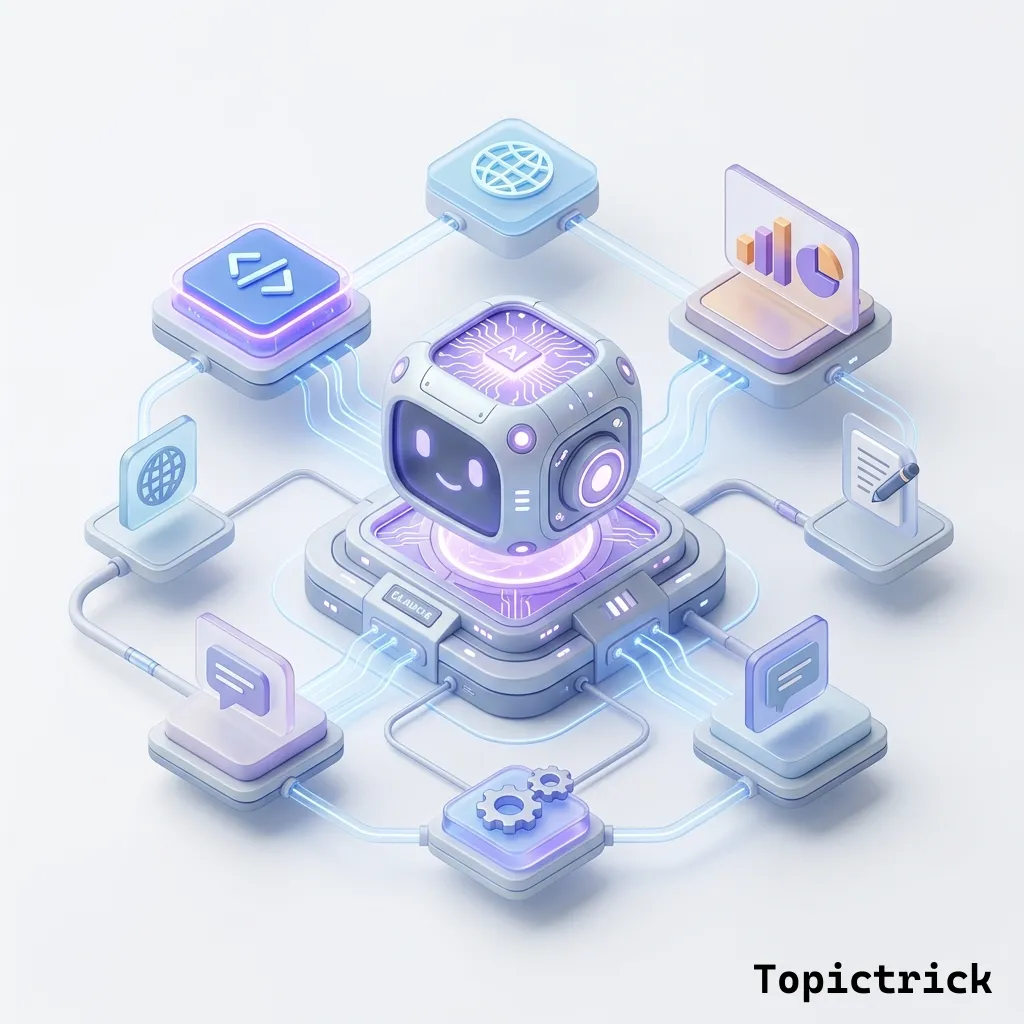
You have completed Module 5 - the AI agents module. Before launching into six real-world projects, this refresher consolidates what you have learned into a fast, bookmarkable reference. If you get stuck building a project and something is not behaving as expected, come back here first.
This is not a recap of theory - it is a practical quick-reference for the decisions you will make repeatedly when building agents with Claude.
What This AI Agents Refresher Covers
This guide distils the core agent patterns from Module 5 into a single bookmarkable reference: the five non-negotiables of every agent loop, tool design rules, when to use orchestrator versus sub-agent architectures, MCP setup, prompt caching, and the seven failure modes that catch most developers off guard. If a concept is unfamiliar, follow the deep-dive links to the relevant full post before continuing.
The Agent Loop - The Non-Negotiables
Every reliable agent loop must have all five of these:
- A clear goal in the system prompt: The agent needs to know what "done" looks like, not just what to do
- Well-described tools: The tool description determines when Claude uses the tool and how accurately it calls it - this is more important than the tool's implementation
- A stop_reason check: Check for end_turn to know when Claude is done. Check for tool_use to know when Claude wants to take action
- A maximum iteration limit: Always. No exceptions. Agents without limits cause runaway costs and infinite loops
- Error handling that returns errors as tool results: Never raise exceptions from tool execution - return the error message as a tool_result content string so Claude can respond to it intelligently
Tool Design Quick Reference
- Tool name: Use snake_case, verb-first: get_customer, search_database, send_email, create_ticket
- Tool description: Start with the trigger condition - "Use this when the user asks..." or "Call this to retrieve..."
- Parameter descriptions: Be specific about format, constraints, and examples - "City name in English, e.g. 'London' or 'New York'"
- Required vs optional: Only mark genuinely mandatory parameters as required. Optional parameters with good defaults reduce the chance of Claude over-specifying arguments
- Return format: Tell Claude what data comes back - it affects how Claude uses the result in its reasoning
When to Use Which tool_choice Setting
- auto: Use this for conversational agents where Claude should decide whether tools are needed. The default and most common choice
- any: Use this when you need Claude to always take an action - for example, structured output extraction where you have defined an output schema as a tool
- tool (named): Use this when you need to guarantee Claude calls one specific tool - forced routing to a particular action
- none: Use this in the final response turn if you want Claude to synthesise tool results into a text answer without calling more tools
Orchestrator vs Sub-Agent - Decision Guide
Use a single flat agent when:
- The task has fewer than 3-4 distinct phases
- You can describe the entire workflow in a clear system prompt
- All tools belong to the same domain (all search tools, or all database tools)
Use orchestrator + sub-agents when:
- The task has genuinely distinct phases with different tool sets (research phase, analysis phase, writing phase)
- Different phases need different Claude models - cheap Haiku for extraction, powerful Opus for synthesis
- You want to run phases in parallel to reduce wall-clock time
- Individual sub-tasks are complex enough to benefit from their own focused system prompt
Start Simple, Add Complexity Only When Needed
The most common mistake in agent design is building a complex orchestrator/sub-agent system before verifying that a simpler flat agent cannot do the job. A well-crafted system prompt often handles tasks that seem to require complex orchestration. Build the flat agent first. If it consistently fails on a specific phase of the task, extract that phase into a dedicated sub-agent.
MCP Quick Reference
- Use Claude Desktop for personal MCP tool use - config file at ~/Library/Application Support/Claude/claude_desktop_config.json (macOS)
- Use the Python MCP SDK for programmatic applications - install with pip install mcp
- Check existing servers first - github.com/modelcontextprotocol/servers has production-ready servers for GitHub, PostgreSQL, Slack, file systems, and many more
- MCP servers expose three things: tools (callable actions), resources (readable data), prompts (template system prompts)
- Custom MCP servers are the right choice when your system has a unique API that no existing server covers
Prompt Caching Quick Reference
- Add
cache_control: {"type": "ephemeral"}to the content block you want to cache - Minimum size to cache: 1,024 tokens for Sonnet/Haiku, 2,048 tokens for Opus
- Cache lives for 5 minutes - resets every time the cache is accessed
- Maximum of 4 cache breakpoints per request
- Cache must match exactly - any change in the cached prefix causes a cache miss
- Check cache_read_input_tokens in response.usage to verify caching is working
- Cache write costs 25% more. Cache read costs 90% less. Breaks even at approximately the 8th request
The Seven Most Common Agent Failures
- No iteration limit: Agent gets stuck in a loop and runs up massive API costs
- Exceptions from tool errors: Crashing the loop instead of returning errors as tool results, losing all previous context
- Vague tool descriptions: Claude calls the wrong tool or misuses the right one because descriptions are ambiguous
- No explicit stopping condition: Agent keeps searching or acting even after the task is logically complete
- Context window overflow: Long agents accumulate too much history and hit the context limit - implement compression before this happens
- No human oversight hooks: Destructive or irreversible actions (deleting files, sending emails, posting messages) run without a confirmation step
- Running agents with production credentials: Computer use or file-system agents need sandboxed environments - never give them access to real production systems without explicit controls
Irreversible Actions Need Human Confirmation
Before any action that cannot be undone - sending an email, deleting a record, posting publicly, spending money - your agent must pause and request explicit human confirmation. Add this as a hard requirement in your system prompt and implement it as a special tool that always returns to the user for approval. The small friction cost is worth eliminating the risk of an agent making an irreversible mistake.
Agent System Prompt Template
Copy and adapt this template for any new agent you build:
ROLE: [What this agent is and what it is expert in]

GOAL: [The specific objective the agent should accomplish]

PROCESS:
1. [First step - what the agent does first]
2. [Second step - what follows]
3. [Continue as needed, or describe adaptive decision-making]

TOOLS AVAILABLE:
- [tool_name]: [When to use it and what it returns]
- [tool_name]: [When to use it and what it returns]

OUTPUT FORMAT: [Exactly what the final response should contain and in what format]

STOPPING CONDITIONS:
- Stop when [completion condition is met]
- Stop and ask the user when [ambiguity arises]
- Stop and report an error when [error condition is encountered]

CONSTRAINTS:
- [Hard limit 1 on scope or behaviour]
- [Hard limit 2]
- Never [thing the agent must not do]
What is Coming Next: Real-World Projects
With the full foundation in place - Anthropic's ecosystem, the Claude API, prompt engineering, tools and capabilities, and agent patterns - you are ready to build real applications. The next six posts are hands-on projects:
- Post 26: Build a Smart CV / Resume Analyser with Claude
- Post 27: Build a Customer Support Chatbot with Claude API
- Post 28: Build an Automated Meeting Notes Summariser
- Post 29: Build a Code Review Assistant for GitHub PRs
- Post 30: Build a Multi-Language Translator App
Start building: Project: Build a Smart CV / Resume Analyser with Claude.
Quick-Reference: Deep-Dive Links
Use these links when you need more detail on a specific concept:
- Agent loop mechanics - Claude Agentic Loop Explained
- Tool use schema and best practices - Claude Tool Use Explained
- MCP setup and server catalogue - Claude Model Context Protocol (MCP)
- Prompt caching implementation - Claude Prompt Caching Guide
- AI agent concepts refresher - What are AI Coding Agents?
For the official reference, Anthropic's agents and tools documentation is the authoritative source on tool schemas, tool_choice settings, and the agent loop lifecycle. The MCP servers repository on GitHub lists all community-maintained and official MCP servers you can drop into your agent setup without writing a custom server.
This post is part of the Anthropic AI Tutorial Series. Previous post: Prompt Caching with Claude: Cut API Costs by Up to 90%.
External references:
Frequently Asked Questions
Q: What are the core components every Claude agent needs? Every agent needs: a system prompt defining the agent's role and behaviour, a set of tool definitions (JSON schema describing what each tool does and its parameters), a loop that processes Claude's responses and executes tool calls, and a mechanism to pass tool results back to Claude. Optionally: memory (conversation history or a vector store), guardrails (input/output validation), and logging for observability.
Q: How does memory work in Claude agents and what are the options? Claude's context window serves as short-term memory - the full conversation history is included in each API call. For longer-term memory across sessions, common approaches are: storing summaries in a database and injecting them into the system prompt, using a vector store for semantic retrieval of past interactions, or maintaining structured state (a JSON object) that the agent reads and updates via tool calls. Each approach trades off cost, latency, and retrieval accuracy.
Q: What is the difference between a single-agent and multi-agent system with Claude? A single-agent system has one Claude instance handling all reasoning and tool use. A multi-agent system has multiple Claude instances (or Claude instances alongside other models) where an orchestrator agent delegates subtasks to specialised sub-agents. Multi-agent architectures are useful when tasks can be parallelised, when different agents need different tool sets, or when specialisation improves accuracy - but they add coordination complexity and latency.
Part of the Claude AI Masterclass.