
Container & Kubernetes Security: Hardening the Cloud-Native Stack
Isolation is not a guarantee. Learn how to harden Docker images, secure the Kubernetes control plane, and discover why the shared kernel is the ultimate hardware bottleneck for container security.
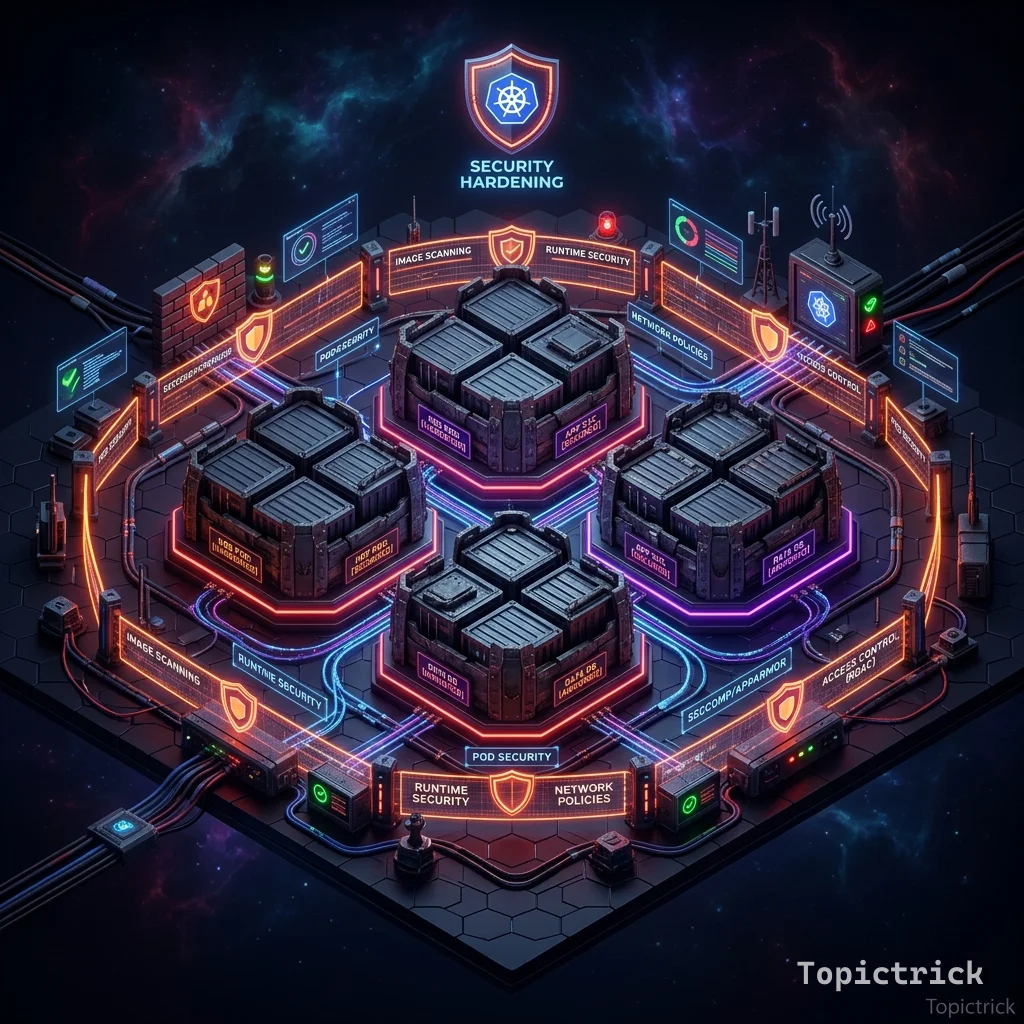
Container & Kubernetes Security: Hardening the Cloud-Native Stack
Cloud-native architectures have revolutionized deployment, but they have also introduced a massive new attack surface. A compromise of a single container can lead to a "Cluster Breakout," giving the attacker control over every microservice and every database in your organization.
This 1,500+ word guide is your blueprints for hardening the Docker runtime and the Kubernetes orchestrator.
1. Hardware-Mirror: The Shared Kernel Reality
To a developer, a container is a "Box." To the hardware, a container is just a Tag on a Process.
Namespaces vs. Cgroups
The Linux kernel provides two physical mechanisms for containerization:
- Namespaces (The View): These partition the kernel's view of resources (Process IDs, Mount points, Network interfaces). It tells the process: "You are the only process on this machine."
- Cgroups (The Budget): These partition the physical hardware usage. They tell the CPU: "This process is only allowed to use 500ms of every second."
- The Risk: Because there is only One Physical Kernel, a bug in that kernel (like a "Race Condition" in the filesystem driver) allows a malicious process to jump from its "Namespace" into the "Host" memory.
Architecture Rule: Always implement Pod Security Standards (Restricted). This physically forbids containers from using "Privileged" modes that could bypass these kernel partitions.
1. The Container Myth: Isolation vs. Virtualization
The most dangerous assumption an architect can make is that a container is a "Virtual Machine."
- VMs: Use a Hypervisor to create separate physical hardware instances with their own kernels. (High isolation, high overhead).
- Containers: Use Linux Namespaces and Cgroups to create logical isolation on a Shared Kernel. (Low isolation, low overhead).
Hardware-Mirror Rule: Because containers share the kernel, an exploit in the kernel (like Dirty COW) allows a process inside a container to "break out" and take control of the physical motherboard.
2. Hardening the Docker Image
Security starts with the Dockerfile.
- Use Distroless Images: Don't include a shell (
bin/sh) or a package manager (apt) in your production image. If an attacker gets in, they have no tools to download further exploits. - Never Run as Root: By default, Docker runs as root. If the container is compromised, the attacker has root on your host. Always add
USER nodeorUSER 1000to your Dockerfile. - Scan for Vulnerabilities: Use tools like Trivy or Snyk to scan your base images for known CVEs before they ever reach production.
3. Securing the Kubernetes Control Plane
Kubernetes is a complex distributed system with three critical "Keys to the Kingdom":
A. The API Server
The "Brain" of the cluster.
- The Shield: Always use RBAC (Role-Based Access Control) to limit who can call the API. Never leave the
insecure-portopen.
B. Etcd
The "Memory" of the cluster.
- The Shield: Etcd contains all your secrets. It must be encrypted at rest and accessible only via mTLS from the API server.
C. The Kubelet
The "Worker" on each node.
- The Shield: Disable anonymous authentication and implement Node Authorization to ensure one worker node can't spy on another.
4. Kubernetes Network Policies
By default, every pod in a cluster can talk to every other pod. This is a disaster for Zero Trust.
- The Strategy: Implement Network Policies (the Kubernetes version of a firewall).
- Policy:
PaymentPodis only allowed to receive traffic fromCheckoutPod. All other egress and ingress traffic is dropped.
5. Admission Controllers: The Border Guard
An Admission Controller intercepts requests to the Kubernetes API before they are persisted.
- Policy as Code: Use Kyverno or Gatekeeper (OPA).
- The Rule: "Reject any pod that tries to run as root" or "Reject any container that doesn't have a resource limit."
6. Runtime Security: The eBPF Guard
Static scanning (checking the image before it runs) is not enough. You need to know what your containers are doing at the Silicon level in real-time.
How Falco uses eBPF
eBPF is a technology that allows you to run small, safe programs inside the Linux Kernel itself.
- The Logic: Tools like Falco or Tetragon use eBPF to watch every "System Call" (e.g.,
open(),execve(),connect()). - The Defense: If a web-app container suddenly tries to run
bash, the eBPF program catches it in the kernel before it even executes. - The Benefit: It provides "Hardware-grade" monitoring with negligible performance overhead, because the monitoring happens in the same memory space as the kernel itself.
7. Case Study: The 2019 RunC Vulnerability (CVE-2019-5736)
The RunC vulnerability was the definitive lesson in Host-Container Contamination.
- The Attack: A malicious image was crafted that, when executed, overwrote the Host's physical
runcbinary. - The Physics: Because
runcwas used to create the container, a process inside the container could "reach back" and modify the tool outside. - The Result: The attacker gained Full Root Access on the physical host machine.
- The Lesson: Never run your container engine as root. Use Rootless Docker or Podman to create a physical separation between the container manager and the hardware's root privileges.
Summary: Designing the Layered Fortress
Cloud-native security is a game of Layered Defense.
- The Image is hardened.
- The Runtime is limited (least privilege).
- The Orchestrator is restricted (RBAC).
- The Network is segmented (NetPol).
You are no longer just an architect of apps; you are a Governor of the Cloud. By understanding the physical reality of the shared kernel and the logical complexity of the API server, you build systems that are as resilient as they are scalable.
Phase 13: Container Hardening Actions
- Migrate your production images to Distroless or Alpine bases to reduce the physical attack surface.
- Enable Kubernetes Network Policies for every namespace (default to
deny-all). - Implement an Admission Controller (Kyverno/OPA) to physically block non-compliant pod deployments.
- Audit your cluster for Privileged Containers and replace them with specific "Capabilities" (using
securityContext).