
Disaster Recovery (DR) and Hardware Redundancy
Prepare for the worst-case scenario. Learn the difference between High Availability and Disaster Recovery, how to define RTO and RPO, and why 'Infrastructure as Code' is your most vital tool for reconstructing a digital empire from nothing.
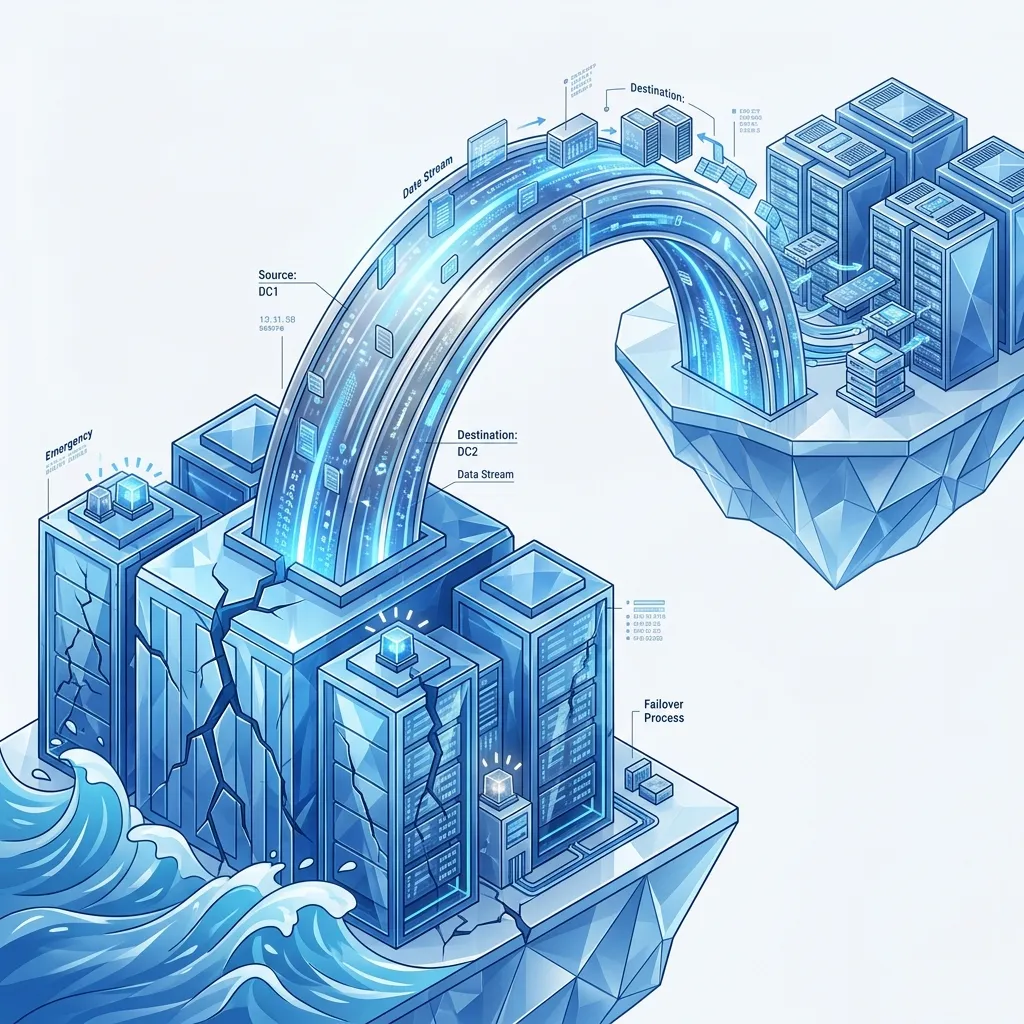
Disaster Recovery (DR) and Hardware Redundancy
Most architects focus on "Uptime"-keeping the site running during peak traffic or minor service failures. But what happens when a natural disaster, a massive cyber-attack, or a major cloud provider failure wipes out an entire geographic territory?
This 1,500+ word deep dive investigation focuses on Architecting for the Void. We move beyond simple "Backups" and explore how to build a Stateless Empire-a system that can be totally destroyed in one location and re-hydrated from silicon ashes in another with 100% integrity.
1. Hardware-Mirror: The Physics of "Hydration"
When a disaster strikes, your biggest enemy is not the "Code"-it is the Throughput of the Fiber.
The "Hydration" Bottleneck
If your primary region is gone, you must move your data (e.g., $100$TB of database snapshots) to a new region.
- The Physics: A $10$Gbps dedicated link can move roughly $100$TB in $22$ hours, assuming perfect conditions. In a true regional disaster, everyone is trying to download their backups simultaneously, and the "Shared" backbone of the cloud provider will likely be throttled.
- The Hardware Reality: Read speeds from Cold Storage (S3 Glacier) are capped by the physical robotic arms moving tapes or high-latency disk spin-up times. If your RTO is 4 hours, and your hydration time is 22 hours, you have a Physical Architecture Gap.
The Multi-Region "Live-Sync" Solution
You cannot rely on "Restoring" during a crisis. High-performance architects use Cross-Region Replication (CRR). Data is physically replicated at the storage layer as it is written. The "Hydration" is constant; when the disaster hits, you aren't "Loading" data-you are simply "Promoting" a replica that is already warmed and ready.
2. Hardware Redundancy: The Physical Mirror
Before you leave the data center for the cloud, you must understand the physical layers of redundancy that protect a single server rack.
RAID (Redundant Array of Independent Disks)
Software sees a "Disk," but the hardware sees a RAID controller.
- RAID 1 (Mirroring): Full redundancy, but you pay for 2x the storage.
- RAID 10 (Striping + Mirroring): The standard for high-performance databases. It offers the speed of striping and the safety of mirroring.
- The Architect's Logic: In the cloud, this is abstracted into "EBS IOPS" or "Storage Tiers," but the underlying physics remain. A "Degraded" RAID array at your cloud provider will manifest as Unpredictable I/O Latency Spikes.
UPS & Dual-Homed Networking
A data center isn't just a building; it's a machine.
- The UPS (Uninterruptible Power Supply): High-availability servers are physically connected to two separate power grids via two separate power supplies.
- Dual-Homing: Every server should have two NICs (Network Interface Cards) connected to two different "Top-of-Rack" switches. If one switch fails, the Linux Kernel Bond automatically fails over in milliseconds.
3. Defining the Metrics of Survival (RTO and RPO)
Every Disaster Recovery plan is a trade-off between Cost and Time.
RTO (Recovery Time Objective): The "Down" Clock
"How many minutes can we be offline before the company starts to fail?"
- The Financial Impact: Calculate the Cost of Downtime (CoD). If your company makes $$1,000,000$ per hour, a 4-hour RTO costs you $$4M$ in lost revenue alone, not including brand damage.
- Tier 1 (Critical): RTO $< 30$ seconds.
- Tier 3 (Archive): RTO $< 48$ hours.
RPO (Recovery Point Objective): The "Data" Clock
"How much data can we afford to lose?"
- The Hard Reality: If your RPO is 1 hour, and you lose your region at 1:59, you have physically lost 59 minutes of customer transactions.
- Architecture Fix: Use Sync-Committed Transaction Logs. Every write to the database is only considered "Done" once the Log has been physically flushed to a persistent volume (EBS) and replicated to a "Warm Standby."
3. Four Strategic Patterns: From "Cold" to "Hot"
| Strategy | Hardware State | Cost | RTO |
|---|---|---|---|
| Backup & Restore | Cold. No servers. Just data on disk. | $ | $24+$ Hours |
| Pilot Light | Warm. Database is live, but apps are off. | $$ | $2$ Hours |
| Warm Standby | Hot. A "Mini-Cluster" is always running. | $$$ | $< 30$ Mins |
| Multi-Region A/A | Scorching. Both sites are 100% live. | $$$$ | Zero |
4. The "Ransomware" Vault: Immutable Backups
In 2026, the #1 cause of "Disaster" is not a hurricane; it is Ransomware.
- The Problem: A hacker gains admin access and deletes your primary database AND your backups simultaneously.
- The Hardware Solution: Air-Gapped Immutable Storage.
- Use S3 Object Lock in "Compliance Mode."
- This creates a physical lock on the bits at the disk level. Not even the AWS Account Admin can delete those bits until the retention period (e.g., 30 days) expires.
- This is your "Last Line of Defense" against total digital extinction.
5. Case Study: The "Phoenix" Infrastructure
A global SaaS provider suffered a "Management Console" hack. All production servers were deleted by the attacker.
- The Save: The architect had built a "Phoenix Pipeline."
- The Core: 100% of infrastructure was defined in Terraform.
- The Hydration: Because they utilized Pilot Light DR, their database survived in a separate, "ReadOnly" account.
- The Result: They re-deployed the entire 4,000-server environment to a new AWS region in $58$ minutes. The attacker had deleted the "Instances," but they couldn't delete the "Blueprint."
6. Summary: The DR Architect's Checklist
- Test the Restore, Not the Backup: A backup you haven't successfully "Restored" is just a collection of random noise. Run monthly "Recovery Drills."
- Infrastructure as Code (IaC): If you manually configured even one server, you cannot recover from a disaster. Every VPC, Route, and IAM Role must be in Git.
- Cross-Account Isolation: Store your backups in a Separate AWS/Cloud Account with different credentials. If your main account is hijacked, your backups remain invisible to the attacker.
- Automatic DNS Failover: Use a Health Check (Review Module 73) to automatically point your domain to the backup region. Manual intervention is too slow during a crisis.
- Human Logistics: Who has the "Keys" to the DR account? If that person is offline or unreachable, does the system fail? Document the "Human Failover" process.
Disaster Recovery is a specialized form of architecture that requires you to Think like a Survivor. By defining your RTO/RPO and utilizing Infrastructure as Code for automated reconstruction, you ensure that your company's value isn't tied to the physical survival of a single building or rack. You graduate from "Managing tech" to "Architecting the Insurance of the Digital Future."
Phase 75: Recovery Actions
- Calculate your "Minimum RTO": Divide your DB size by your regional interconnect bandwidth.
- Turn on S3 Object Lock for your most critical backup bucket.
- Perform a "Scream Test": Manually shut down a staging server and see how long it takes to re-create it perfectly from code.
- Review your RAID Configuration: Ensure your production databases are running on "IO2/IO1" volumes (or equivalent) for physical I/O integrity.
Read next: Thundering Herd & Backpressure: Managing Extreme Spikes ->
Part of the Software Architecture Hub - surviving the unthinkable.