
Performance Budgeting for Architects: Metrics, Thresholds and Optimisation
Stop guessing and start measuring. Learn how to set enforceable performance budgets for latency, payload size, and resource consumption. Discover how to build 'Performance Gates' into your CI/CD and why millisecond budgeting is an architectural requirement.
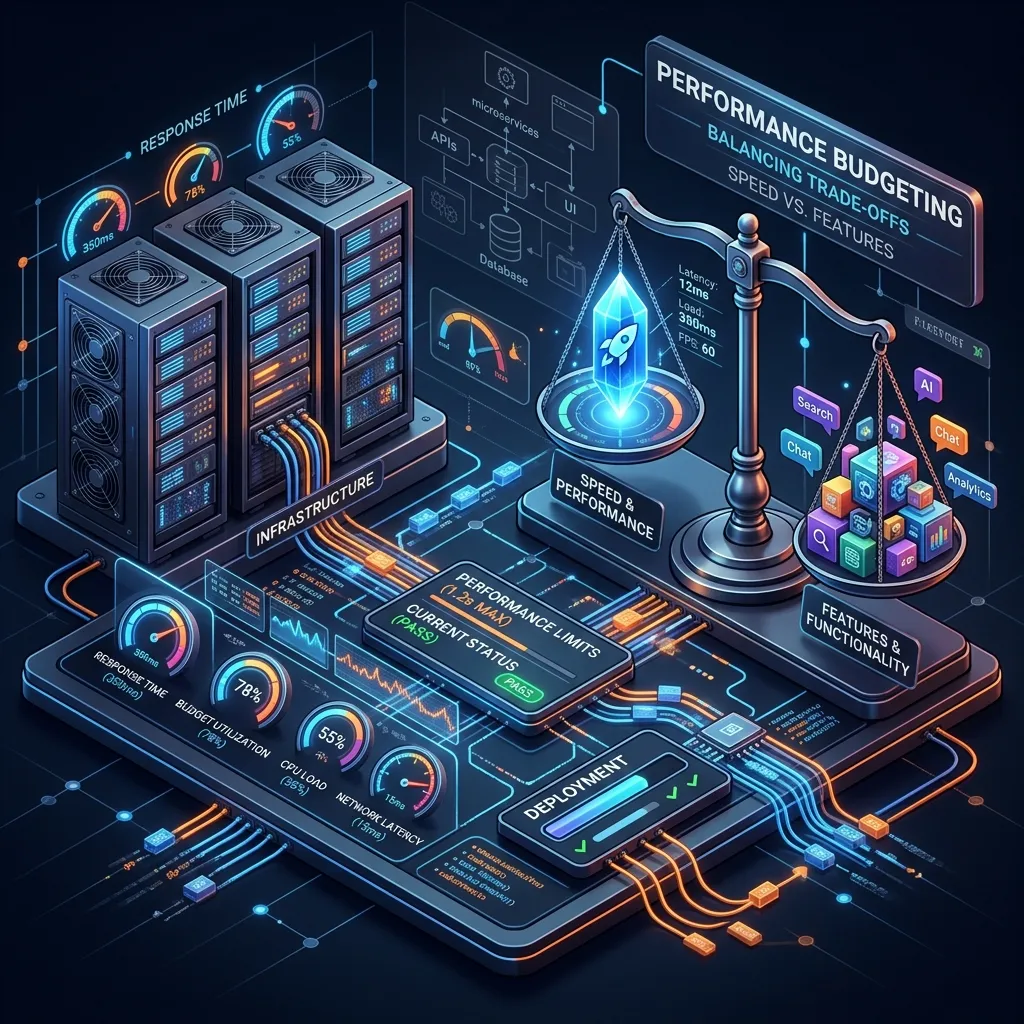
Performance Budgeting for Architects
"If you don't set a budget for performance, you have already decided that performance doesn't matter. Like a financial budget, a performance budget is a constraint that forces creativity and discipline."
Every architect wants a "Fast" system. But what does "Fast" mean? To a developer, 500ms might feel fast. To a high-frequency trader, 500ms is an eternity. Without a formal Performance Budget, performance is just a "Wish," and as the feature set grows, that wish will inevitably be sacrificed.
This 1,500+ word guide explores the art and science of Performance Budgeting-setting hard, enforceable limits on latency, data size, and resource usage.
1. Hardware-Mirror: The "CPU Cycle" Budget
Most developers think in milliseconds, but milliseconds are a coarse abstraction. The CPU thinks in Cycles.
The physics of the Instruction Count
- The Concept: Every microservice request consumes a finite number of CPU instructions.
- The Hardware Reality: A 2.5GHz CPU can process roughly 2.5 billion cycles per second per core. If your "JSON Parsing" takes 200 million cycles, you have physically consumed 8% of that core's capacity for one second.
- The Architect's Lever: Set a "Cycle Budget" for critical paths. If a simple GET request consumes more than 10 million cycles, it indicates inefficient algorithm design or excessive "Object Allocation" that will eventually trigger the Garbage Collector (GC) tax.
Threading & Concurrency Budgets
Concurrency is not free.
- The Physics: Switching between threads (Context Switching) has a physical cost in the CPU's L1/L2 Cache. Every switch flushes the cache, forcing the CPU to fetch data from the much slower RAM.
- The Budget: Limits should be set not just on the number of threads, but on the "Context Switch Rate" per request.
2. Breaking Down the Latency Budget
If your total budget for a web page is 2 seconds (LCP), you must divide that budget among your components.
The "Millisecond Tax" breakdown:
- DNS Lookup / TCP Handshake: 50ms (Fixed by physics)
- SSL Termination: 20ms
- API Gateway / Auth: 30ms
- Microservice Logic: 100ms
- Database Query: 50ms
- Client Rendering: 250ms
Architectural Decision: If you want to add a new "Security Scanning" service that takes 50ms, you must find 50ms of savings somewhere else in the stack. You cannot simply "add" to the total.
3. The Payload Budget: The Mobile Thermal Tax
Data is not just a bandwidth problem; it is a Power and Heat problem.
Thermal Throttling Physics
When a phone's CPU works too hard (e.g., parsing a 2MB JavaScript bundle), it generates heat.
- The Hardware Safety: To prevent the battery from exploding or the screen from melting, the phone's OS will physically down-clock the CPU (Thermal Throttling).
- The Architectural Result: Your "Fast" app suddenly becomes 3x slower because the user's hardware is protecting itself from your code.
- The Budget: Limit your "Main Thread Blocking Time" to under 50ms. Anything more triggers the "Jank" that users feel as physical frustration.
The Battery Drain Metric
Every radio request (4G/5G) wakes the phone's modem, which is one of the most power-intensive components.
- Budgeting Connects: Limit the number of distinct API calls per page load to under 5. Aggregate requests into a single GraphQL query or a batched REST call to minimize "Modem Wake-up" cycles.
4. The Stability Budget: Enforcing Performance Gates
A budget is a theory; a Performance Gate is the law.
CI/CD Integration
Performance checks must be as automated as unit tests.
- Static Analysis: Calculate the "Weight" of every dependency during the
npm installphase. - Synthetic Testing: Use Lighthouse CI or k6 to run your code against a "Throttled CPU" profile (simulating a 2018 Motorola G).
- The Hard Stop: If the LCP (Largest Contentful Paint) exceeds 2.5 seconds, the Merge Button is physically disabled.
Production Observability
Budgets don't stop after deployment.
- The "Burn Rate": If your P99 latency starts creeping up (e.g., from 200ms to 240ms), it is a "Performance Debt" alert. You must treat this as a production bug, even if no one is complaining yet.
4. The Resource Budget: CPU and Memory
Engineers often think of "Cost" as a financial problem. Architects think of "Cost" as a Resource Problem.
- CPU Cycles per Request: If a request takes 1,000,000 cycles, and you have a 1GHz CPU, you can only handle 1,000 requests per second.
- Memory Allocation: Does your request allocate 10MB of objects in the JVM heap? If so, garbage collection will eventually stall your system.
Architectural Tool: Use Flame Graphs and Profiling during the CI build. Measure the "Instruction Count" of your critical paths.
5. Enforcing the Budget: Performance Gates
A budget is only real if there are consequences for breaking it.
- The Lint Stage: Check for expensive library imports (e.g., importing all of Moment.js).
- The Build Stage: Measure the binary/asset sizes.
- The Test Stage: Run automated Lighthouse or k6 tests. If the P99 latency exceeds the budget, the PR is automatically blocked.
6. The "Human Performance" Budget
Performance isn't just for machines.
- Build Times: How long does it take for a developer to run a local build? If it's > 5 minutes, your "Human Architecture" is failing.
- Deployment Time: How long from
git pushto "Live in Production"?
Strategy: Set a "10-minute build" budget. If it hits 11 minutes, the next sprint must be dedicated entirely to build optimization.
Summary: Governance Through Metrics
Performance Budgeting transforms performance from a "Quality" into a Product Requirement. By setting hard limits on what your code is allowed to consume, you ensure that your system remains lean, fast, and profitable as it scales.
You are no longer "Hoping for speed"; you are Engineering for Certainty. An architect who manages their performance budget as strictly as a CFO manages the company's cash is an architect whose systems will lead the market in 2026.
Phase 81: Performance Actions
- Calculate your "Instruction Cost": Use a profiler like
perforpprofileto see how many CPU cycles your core API loop consumes. - Set a "JS Weight Gate": Add a GitHub Action that fails if any PR increases the production bundle by >5%.
- Measure "Thermal Impact": Test your app on a low-end device for 10 minutes and monitor for CPU frequency drops.
Read next: Zero Trust Architecture: Identity-Based Security ->