
System Design: Scalability and Performance
Master the scale. Learn the principles of Horizontal vs Vertical scaling, and how to design systems that handle millions of users.
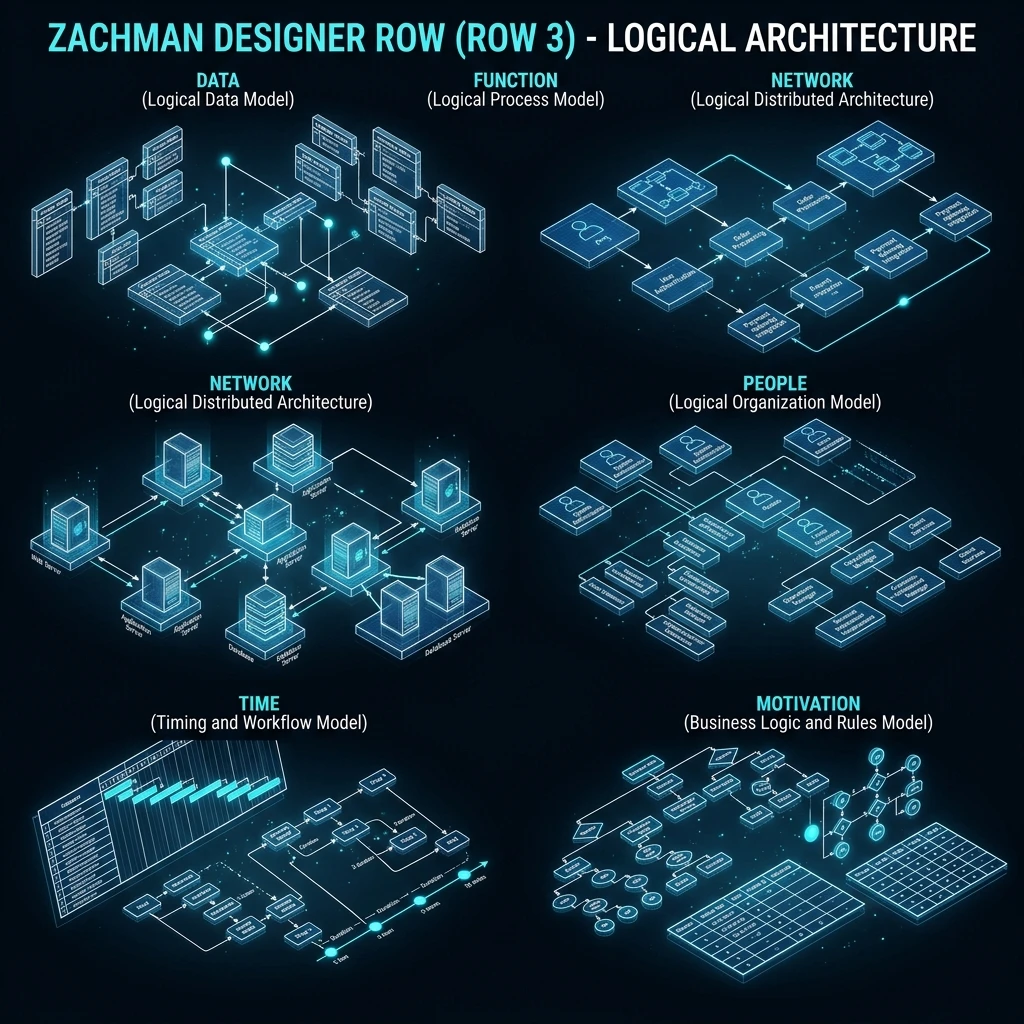
System Design: Scalability and Performance
Scalability is the ability of a system to handle growing load by adding resources. Performance is how efficiently a system serves existing load. These are related but distinct: a system can be performant at low scale and break under high load, or be mediocre in performance but scale cleanly.
This guide covers the core scalability patterns: horizontal vs vertical scaling, stateless design, caching hierarchies, database scaling, the mathematics of availability, and the latency vs throughput trade-off - with the concrete design choices each concept leads to.
Horizontal vs. Vertical Scaling
Vertical scaling (scale up)
Add more CPU, RAM, or storage to an existing server.
Before: 1 x 4 vCPU, 16GB RAM -> After: 1 x 32 vCPU, 128GB RAMAdvantages: No application changes, no distributed systems complexity. Limitations: Hard ceiling - there is a maximum server size. Expensive. Single point of failure.
AWS EC2 largest instance: 192 vCPU, 1.5TB RAM. When you hit that limit, vertical scaling is over.
Horizontal scaling (scale out)
Add more identical server instances behind a load balancer.
Before:
Client -> 1 server (2 vCPU, 8GB)

After:
Client -> Load Balancer -> Server 1 (2 vCPU, 8GB)
                      -> Server 2 (2 vCPU, 8GB)
                      -> Server 3 (2 vCPU, 8GB)
-> ... N serversAdvantages: Theoretically unlimited scale. High availability - losing one instance degrades capacity but does not cause total failure. Pay incrementally for capacity. Requirement: Application must be stateless (see below).
Most production systems use both: vertically scale each instance to a cost-efficient size, then horizontally scale by adding more instances.
Stateless Design: Prerequisite for Horizontal Scaling
A stateless server does not store user state in local memory. Every request carries all necessary context, or state is stored in a shared external system.
Stateful (cannot scale horizontally):
  User logged in -> Session stored in Server 1's RAM
  User's next request -> Must go to Server 1 (sticky session)
  If Server 1 dies -> User's session is lost

Stateless (can scale horizontally):
  User logged in -> JWT issued, stored in browser
  User's next request -> JWT in Authorization header
  Server 2 validates JWT -> handles request
  Server 1 dies -> no impact, Server 2 handles all requests
External state storage options:
Session/auth data: Redis (in-memory, millisecond latency)
Persistent data: PostgreSQL, MySQL
User uploads: S3, GCS, Azure Blob Storage
Computed results: Redis cache with TTL
Stateless Node.js application
// ❌ Stateful: stores sessions in local memory
const sessions = new Map<string, UserSession>();  // Dies when instance restarts

// ✓ Stateless: sessions in Redis
import { createClient } from 'redis';
const redis = createClient({ url: process.env.REDIS_URL });

app.post('/login', async (req, res) => {
  const user = await validateCredentials(req.body);
  const token = jwt.sign({ userId: user.id }, process.env.JWT_SECRET!, { expiresIn: '15m' });
  // JWT is stored in the browser, not on the server
  res.json({ token });
});

app.get('/profile', authenticateJWT, async (req, res) => {
  // req.user is populated from the JWT - no server-side session lookup
  const profile = await db.users.findById(req.user.id);
  res.json(profile);
});
The Scalability Bottlenecks: What Breaks First
As traffic grows, components hit their limits in a predictable order:
Traffic: 100 req/sec -> 1,000 -> 10,000 -> 100,000 -> 1,000,000

What breaks at each stage:
100 -> 1,000:    Single server CPU/memory. Fix: scale out the application tier.
1,000 -> 10,000: Database connection limits. Fix: connection pooling (PgBouncer).
10,000 -> 100,000: Database read throughput. Fix: read replicas + caching.
100,000 -> 1M:   Database write throughput. Fix: sharding, CQRS write/read split.
Database connection pooling
Each database connection consumes memory (~5MB per PostgreSQL connection). A server handling 1,000 concurrent requests cannot open 1,000 simultaneous DB connections.
Application tier (50 instances x 20 connections each) = 1,000 raw connections to DB
With PgBouncer connection pooler:
  Application -> PgBouncer -> 50 actual connections to PostgreSQL
PgBouncer multiplexes 1,000 application connections onto 50 real DB connections# PgBouncer configuration
[databases]
mydb = host=postgres port=5432 dbname=production
[pgbouncer]
pool_mode = transaction # Most efficient: connection released after each transaction
max_client_conn = 1000 # Application-facing connections
default_pool_size = 50 # Actual DB connectionsRead replicas
PostgreSQL primary can handle ~1,000 write transactions/second. Read queries can be offloaded to replicas:
// Route reads to replicas, writes to primary
import { Pool } from 'pg';

const primary = new Pool({ connectionString: process.env.DB_PRIMARY_URL });
const replica = new Pool({ connectionString: process.env.DB_REPLICA_URL });

async function getUser(id: string) {
  // Reads from replica - reduces primary load
  const result = await replica.query('SELECT * FROM users WHERE id = $1', [id]);
  return result.rows[0];
}

async function updateUser(id: string, data: Partial<User>) {
  // Writes always go to primary
  await primary.query('UPDATE users SET name = $1 WHERE id = $2', [data.name, id]);
}
Caching: The Biggest Performance Multiplier
Caching eliminates redundant computation by storing and reusing results. A well-placed cache can reduce database load by 90%.
Without cache:
  Request -> Application -> Database (10ms)
  1,000 requests/sec -> 1,000 DB queries/sec

With cache (90% hit rate):
  Request -> Application -> Cache (0.1ms) -> Return cached result
                                        -> Cache miss -> Database (10ms)
  1,000 requests/sec -> 100 DB queries/sec (10x reduction)
Cache placement hierarchy
Browser cache     (0ms - fastest, user-specific)
CDN cache         (10-50ms - edge, static assets and public pages)
API response cache (1ms - Redis, computed results)
Database query cache (1ms - Redis, expensive queries)
Application cache  (0.1ms - in-process memory, frequently accessed small data)
Cache-aside pattern (most common)
async function getProductById(productId: string): Promise<Product> {
  const cacheKey = `product:${productId}`;

  // Check cache first
  const cached = await redis.get(cacheKey);
  if (cached) {
    return JSON.parse(cached);
  }

  // Cache miss: fetch from database
  const product = await db.query('SELECT * FROM products WHERE id = $1', [productId]);
  if (!product) throw new NotFoundError(productId);

  // Store in cache with TTL
  await redis.setEx(cacheKey, 3600, JSON.stringify(product));  // 1 hour TTL

  return product;
}

// Invalidate cache when data changes
async function updateProduct(productId: string, data: Partial<Product>) {
  await db.query('UPDATE products SET ...', [...]);
  await redis.del(`product:${productId}`);  // Remove stale cache entry
}
Availability: The Mathematics
Availability is measured as the percentage of time a system is operational:
Availability  Annual downtime
99%           3 days 15 hours
99.9%         8 hours 46 minutes
99.99%        52 minutes
99.999%       5 minutes ("five nines")
Achieving high availability through redundancy
If a single component has 99.9% availability, the system's availability equals that of the component. With N redundant components, all must fail simultaneously for the system to fail:
Single server:  99.9% availability
Two servers (either can handle traffic):
  P(both fail) = (1 - 0.999)² = 0.000001
  System availability = 99.9999% (six nines)

Three availability zones:
  P(all fail) = (1 - 0.999)³ ≈ 0.000000001
  System availability effectively 100% (ignoring correlated failures)
In practice, correlated failures (power outage affecting a whole data centre, software bug affecting all instances simultaneously) mean real-world availability is lower than the theoretical calculation. Multi-region deployment is required for true five-nines availability.
Latency vs. Throughput
Latency: how long a single request takes (measured in ms, p50/p95/p99). Throughput: how many requests the system processes per second.
These are often in tension:
Batching improves throughput but increases latency:
  Without batching: each DB write completes in 5ms (low latency, low throughput)
  With batching: collect 100 writes, execute in 50ms (higher latency, 20x throughput)

Async processing improves throughput but increases latency:
  Synchronous email send: add 300ms to every registration request
  Async email send: respond to user immediately, email sent in background
  -> Latency: request returns in 50ms
  -> Throughput: 50x more registrations per second
  -> Trade-off: email delivery is delayed by a few seconds
Measuring latency correctly
// Measure p95 and p99, not just average
// Average hides outliers - p99 shows the worst 1% of requests

// Prometheus histogram - measures request duration in buckets
import { Histogram } from 'prom-client';

const httpDuration = new Histogram({
  name: 'http_request_duration_ms',
  help: 'HTTP request duration in ms',
  labelNames: ['method', 'route', 'status'],
  buckets: [5, 10, 25, 50, 100, 250, 500, 1000, 2500, 5000]
});

app.use((req, res, next) => {
  const start = Date.now();
  res.on('finish', () => {
    httpDuration.labels(req.method, req.route?.path, String(res.statusCode))
                .observe(Date.now() - start);
  });
  next();
});

// Query p99 in Prometheus:
// histogram_quantile(0.99, sum(rate(http_request_duration_ms_bucket[5m])) by (le))
Capacity Planning
Before reaching the limit, plan for growth:
Current metrics:
  - 10,000 daily active users
  - 50 req/sec peak
  - 200ms p99 latency
  - DB: 30% CPU, 4GB RAM

Target (1 year):
  - 100,000 DAU (10x growth)
  - 500 req/sec peak
  - Same or better latency

Required scaling:
  - Application tier: add 5 more instances (currently 2 x 4 vCPU)
  - Add Redis read caching for top 20% of expensive queries (estimates reduce DB CPU by 60%)
  - Add one PostgreSQL read replica for reporting queries
  - Upgrade DB instance: 8 vCPU, 32GB RAM
System Design Interview Framework
For system design interviews (common at FAANG and senior engineering roles):
1. Clarify requirements (5 minutes)
   - Functional: what does the system do?
   - Non-functional: scale, latency, availability

2. Estimate scale (3 minutes)
   - Daily active users -> requests per second
   - Data size -> storage requirements
   - Read/write ratio

3. High-level design (10 minutes)
   - Components: clients, API gateway, application servers, databases, cache, CDN
   - Draw the architecture

4. Deep dive on the hard parts (15 minutes)
   - Which component is the bottleneck?
   - How does caching work?
   - How does the database scale?

5. Trade-offs (5 minutes)
   - What did you sacrifice for what benefit?
   - What would you change with 10x more traffic?
Frequently Asked Questions
Q: How many requests per second can a single Node.js server handle?
A well-written Node.js server can handle 5,000-10,000 simple API requests per second on a 4-vCPU machine. The bottleneck is usually database queries, not the application code. Profiling with clinic.js or 0x identifies whether the bottleneck is CPU (blocking code), I/O (waiting on DB), or network. In practice, most services hit their database limit before their application server limit.
Q: What is the difference between scalability and performance?
Performance is how fast the system is now at current load. Scalability is whether the system can maintain acceptable performance as load grows. A system can have excellent performance at 100 users but terrible scalability - it might collapse at 1,000 users because it stores state in memory or makes O(n) database queries. Scalability is an architectural property; performance is an implementation property.
Q: When should I add a cache vs. optimise the database query?
Optimise the database query first - indexes, query rewriting, EXPLAIN analysis. Caching is a multiplier of whatever performance the underlying query has. If the query is inefficient, the cache only hides the problem and creates complexity. If the query is already fast but simply runs too often for the database to handle, caching is the right tool.
Q: What is the CAP theorem and how does it affect database selection?
CAP states that a distributed data system can provide at most two of three guarantees: Consistency (all nodes see the same data), Availability (every request gets a response), and Partition tolerance (system works despite network failures). Network partitions are unavoidable in distributed systems, so the real choice is CP (consistent but may be unavailable during partition - PostgreSQL, HBase) vs AP (available but may return stale data - Cassandra, DynamoDB). Choose CP for financial data, AP for social feeds and analytics.
Key Takeaway
Scalability requires stateless application servers (store state in Redis and databases, not in-process memory), horizontal scaling behind a load balancer, and database scaling through connection pooling, read replicas, and caching. The database is almost always the first bottleneck - address it before it becomes a crisis. Cache aggressively at the right level (Redis for computed results, CDN for static assets), but always measure cache effectiveness. Target five-nines availability through multi-zone redundancy, not by making individual components more reliable. Measure latency at the p99 level, not average - outliers reveal the real user experience.
Read next: Load Balancing Strategies: Managing the Traffic ->
Part of the Software Architecture Hub - engineering the scale.