
Zachman Framework Artifacts and Deliverables: Complete Documentation Checklist
Master Zachman artifacts - detailed breakdown of deliverables for each cell, documentation requirements, templates, and compliance checkpoints.
Zachman Framework Artifacts and Deliverables: Complete Documentation Checklist
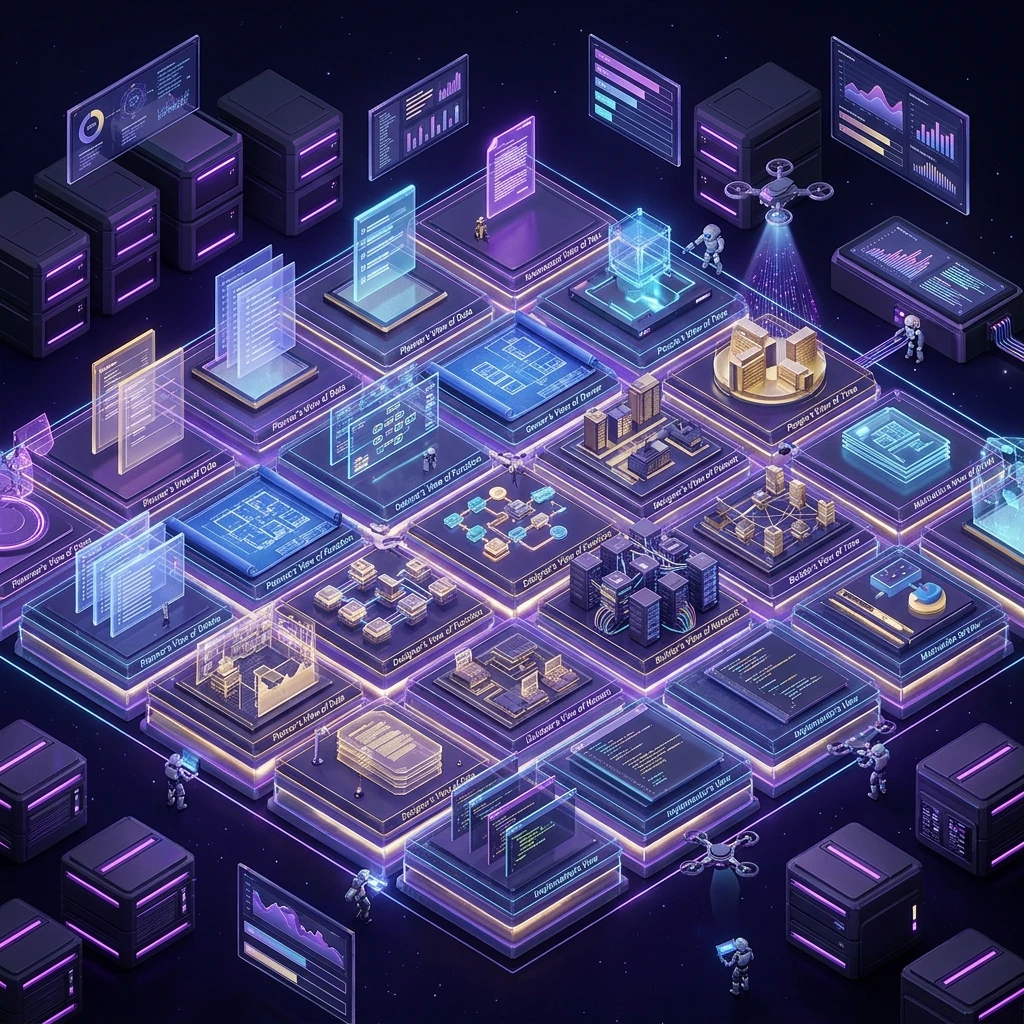
Many enterprises struggle with Zachman because they don't know what artifacts to create. Is it just descriptions? Diagrams? Code? This post provides a complete checklist of deliverables for each of the 36 cells.
What Are Zachman Artifacts?
Artifacts are the documentation and models produced at each cell of the Zachman matrix. They represent what that particular row/column perspective produces.
For example:
- Planner/What cell might produce: Business entity list (what are we trying to track?)
- Owner/What cell might produce: Current data inventory (what data do we actually have?)
- Designer/What cell might produce: Logical data model (ER diagram)
- Builder/What cell might produce: Database schema (DDL scripts)
Complete Zachman Artifacts Checklist
Row 1: Planner (Strategic Scope)
| Column | Artifact | Description | Pages | Format |
|---|---|---|---|---|
| What | Business Entity List | Entities in scope (customer, product, order, etc.) | 2-5 | Table/List |
| How | Business Process Model | High-level business processes, value chain | 3-8 | Diagram (BPMN) |
| Where | Geographic Scope | Countries, regions, data residency requirements | 1-3 | Map/Table |
| Who | Stakeholder Analysis | Executives, business units, key roles | 2-4 | Matrix |
| When | Strategic Timeline | Multi-year roadmap, milestones | 2-5 | Gantt chart |
| Why | Business Strategy | Mission, vision, strategic objectives, ROI | 5-10 | Narrative |
Row 2: Owner (Current State)
| Column | Artifact | Description | Pages | Format |
|---|---|---|---|---|
| What | Data Inventory | Databases, tables, record counts, quality metrics | 5-15 | Spreadsheet |
| How | Process As-Is | Current workflows, manual steps, pain points | 10-20 | Process maps |
| Where | Infrastructure As-Is | Current datacenters, servers, networks | 3-8 | Diagram |
| Who | Organizational Structure | Reporting hierarchy, roles, responsibilities | 2-5 | Org chart |
| When | Current SLAs | Uptime, batch schedules, response times | 2-4 | Table |
| Why | Business Impact | Revenue by product, churn, customer satisfaction | 3-5 | Dashboard |
Row 3: Designer (Target Architecture)
| Column | Artifact | Description | Pages | Format |
|---|---|---|---|---|
| What | Logical Data Model | ER diagram (normalized), entities, relationships | 5-15 | Diagram |
| How | Target Business Architecture | Future workflows, process automation, integration | 10-20 | BPMN diagram |
| Where | Target System Architecture | Cloud/on-prem, regions, zones, DR strategy | 5-10 | Architecture diagram |
| Who | Target Organizational Model | Future roles, responsibilities, training needs | 3-8 | Org chart + matrix |
| When | Target Timeline & SLAs | Desired batch schedules, response times, uptime | 2-4 | Table |
| Why | Requirements & Constraints | Functional requirements, non-functional (performance, security) | 15-30 | Requirements doc |
Row 4: Builder (Implementation Design)
| Column | Artifact | Description | Pages | Format |
|---|---|---|---|---|
| What | Physical Database Schema | DDL for target RDBMS/NoSQL, indexes, partitions | 10-20 | SQL/YAML |
| How | API Specifications | REST/GraphQL endpoints, request/response, error codes | 20-40 | OpenAPI/Swagger |
| Where | Infrastructure Specifications | Cloud services (EC2, RDS, etc.), sizing, regions | 10-20 | Terraform/CloudFormation |
| Who | Access Control Design | RBAC, service accounts, security groups | 5-10 | IAM policies |
| When | Job Schedule Design | Cron jobs, event handlers, batch job specifications | 5-10 | Job definitions |
| Why | Configuration Design | Environment variables, feature flags, policies | 5-15 | YAML/JSON configs |
Row 5: Sub-Contractor (Implementation)
| Column | Artifact | Description | Pages | Format |
|---|---|---|---|---|
| What | Database Scripts | Runnable DDL, seed data, migration scripts | 50-200+ | SQL/Python |
| How | Application Code | Source code, tests, documentation | 1000+ lines | GitHub repo |
| Where | Deployment Automation | Terraform, Kubernetes manifests, Docker | 100-500 lines | Infrastructure-as-code |
| Who | Provisioning Scripts | User creation, access provisioning automation | 50-200 lines | Python/Bash |
| When | Job Implementations | Scheduled jobs, event handlers, message consumers | 100-500 lines | Python/Java/Node.js |
| Why | Policy & Config Code | Feature flags, compliance rules, security policies | 50-200 lines | Python/YAML |
Row 6: Enterprise (Live System)
| Column | Artifact | Description | Format | Update Frequency |
|---|---|---|---|---|
| What | Live Data Metrics | Record counts, growth, quality, storage usage | Dashboard | Daily |
| How | Operational Metrics | Throughput, latency, success rates, errors | Dashboard | Real-time |
| Where | Infrastructure Status | Uptime, CPU/memory utilization, geographic distribution | Dashboard | Real-time |
| Who | User Activity Report | Active users, access patterns, provisioning queue | Report | Daily |
| When | Job Execution Report | Scheduled job status, SLA compliance, latency | Report | Daily |
| Why | Business Metrics | Revenue, churn, NPS, cost, efficiency | Dashboard | Monthly |
Documentation Standards
Standard Template for Each Artifact
Title: Clear, descriptive title (e.g., "Customer Entity Definition")
Purpose: Why does this artifact exist? Who uses it?
Scope: What's included/excluded? What assumptions are made?
Content: The actual artifact (diagram, table, code, etc.)
Assumptions: What is assumed to be true?
Dependencies: What other artifacts does this depend on?
Owner: Who maintains this artifact?
Version: Version number, last updated date
Review Status: Draft / Under Review / Approved / Archived
Validation Checklist: Have You Completed Zachman?
Row 1 (Planner)
- Business entity list defined
- Business processes mapped
- Geographic scope documented
- Key stakeholders identified
- Strategic timeline (roadmap)
- ROI and business case documented
Row 2 (Owner)
- Current data inventory completed
- As-is process maps documented
- Current infrastructure documented
- Organizational structure clear
- Current SLAs identified
- Business metrics/KPIs baseline measured
Row 3 (Designer)
- Logical data model created
- Target processes designed
- System architecture designed
- Target org structure defined
- Target SLAs/requirements specified
- Functional & non-functional requirements detailed
Row 4 (Builder)
- Database schema designed for specific tech
- APIs specified (OpenAPI format)
- Infrastructure designed (cloud services selected)
- Access control designed (RBAC)
- Job schedules designed
- Configurations designed
Row 5 (Sub-Contractor)
- Database scripts created and tested
- Application source code written
- Deployment automation created
- Provisioning scripts written
- Job implementations coded
- Policies encoded (as code)
Row 6 (Enterprise)
- Live metrics dashboard operational
- Monitoring alerts configured
- Operational reports automated
- SLA tracking live
- Business metrics tracked
Common Mistakes in Zachman Artifacts
-
Too much detail too early: Don't specify exact database column names in Row 1. That belongs in Row 4.
-
Mixing rows: Designer row should not contain Java code (that's Sub-Contractor). Keep rows distinct.
-
No version control: Artifacts should be in git (or doc system with version history).
-
Outdated artifacts: Artifacts become stale. Update them when reality changes.
-
No review process: Artifacts should be reviewed by stakeholders before approval.
Artifact Ownership & Lifecycle
| Artifact | Owner | Review Cycles | Archival |
|---|---|---|---|
| Strategy | CTO/CISO | Annual | Keep forever |
| Current state | Operations | Quarterly | Update when things change |
| Target architecture | Architects | Annual | Keep for historical reference |
| Technical specs | Tech leads | Per sprint/quarter | Keep for implementation reference |
| Code | Developers | Continuous (git) | Keep in git indefinitely |
| Operational metrics | Operations | Daily/weekly | Keep 1-2 years for trending |
Artifact Approval Flow
Draft (created)
   ↓
Under Review (shared with stakeholders)
   ↓
Comments/feedback collected
   ↓
Revisions made
   ↓
Approved (signed off by owner)
   ↓
Published (shared with teams)
   ↓
Implementation (teams use artifact)
   ↓
Reality (actual system deployed)
   ↓
Archive (when superseded by new artifact)
Key Takeaways
-
Each Zachman cell produces artifacts: Tangible documentation/models.
-
Artifacts evolve by row: Different level of detail at each row.
-
Artifacts must be maintained: Version control, review cycles, ownership.
-
Validation: Checkl that all 36 cells have artifacts (or explicitly excluded).
-
Artifacts communicate: They're not for architects alone; they guide implementation teams.
Next Steps
- Create artifact inventory for your enterprise (which ones do you have? which are missing?)
- Define governance (who owns which artifacts? update cycles?)
- Implement version control (git or document management system)
Complete Zachman artifacts ensure nothing is overlooked and everyone understands the architecture.
Meta Keywords: Zachman artifacts, deliverables, documentation, architecture governance, templates.